Bloom MCP & API
The brand layer,
callable from anywhere.
Bloom turns your brand into a working system that Claude, Cursor, ChatGPT, and any other tool can call via MCP or API.




Setup
Connect in three steps.







- ConnectorsAdd custom connectorWebNot connected
https://www.trybloom.ai/api/mcp
Add the Bloom URL.
Paste the connector URL. Most clients sign you in automatically.

Connect Bloom to Claude
Approve & connectSign in with Bloom.
Authorize once in your browser. Bloom is live and ready to generate on-brand.
Prefer the API?
Plug the brand layer into your stack.
Features
The power of Bloom, in your agent.
Turn your brand sources into one working system.
Give Bloom a website, Instagram account, supporting files, or a combination. Bloom turns them into one Brand that every connected agent can call.
Calledbloom_onboard_brand

Verso Coffee
verso.cafe
Single-origin. Roasted to order.
Tone
Palette
Create anything your brand needs, in seconds.
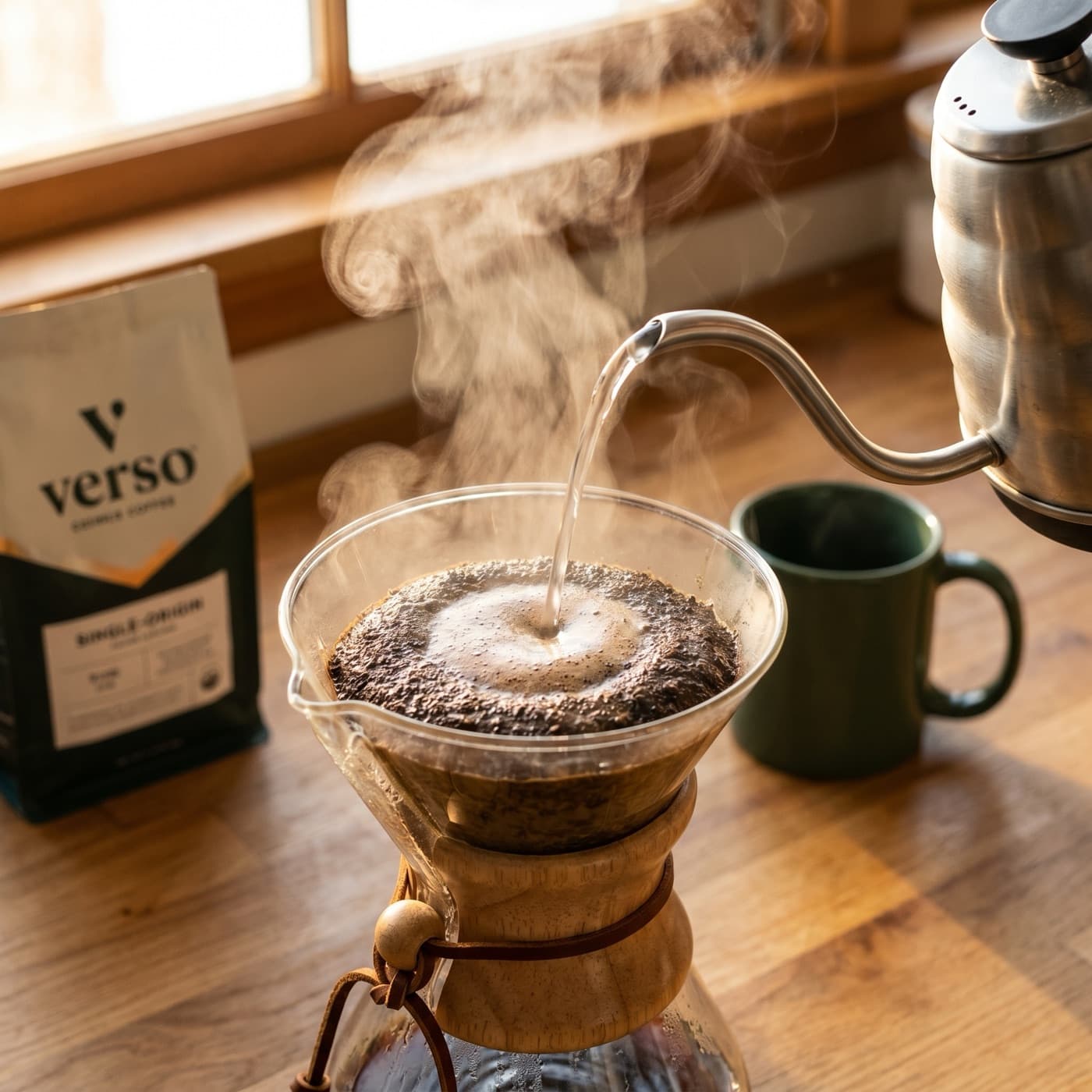
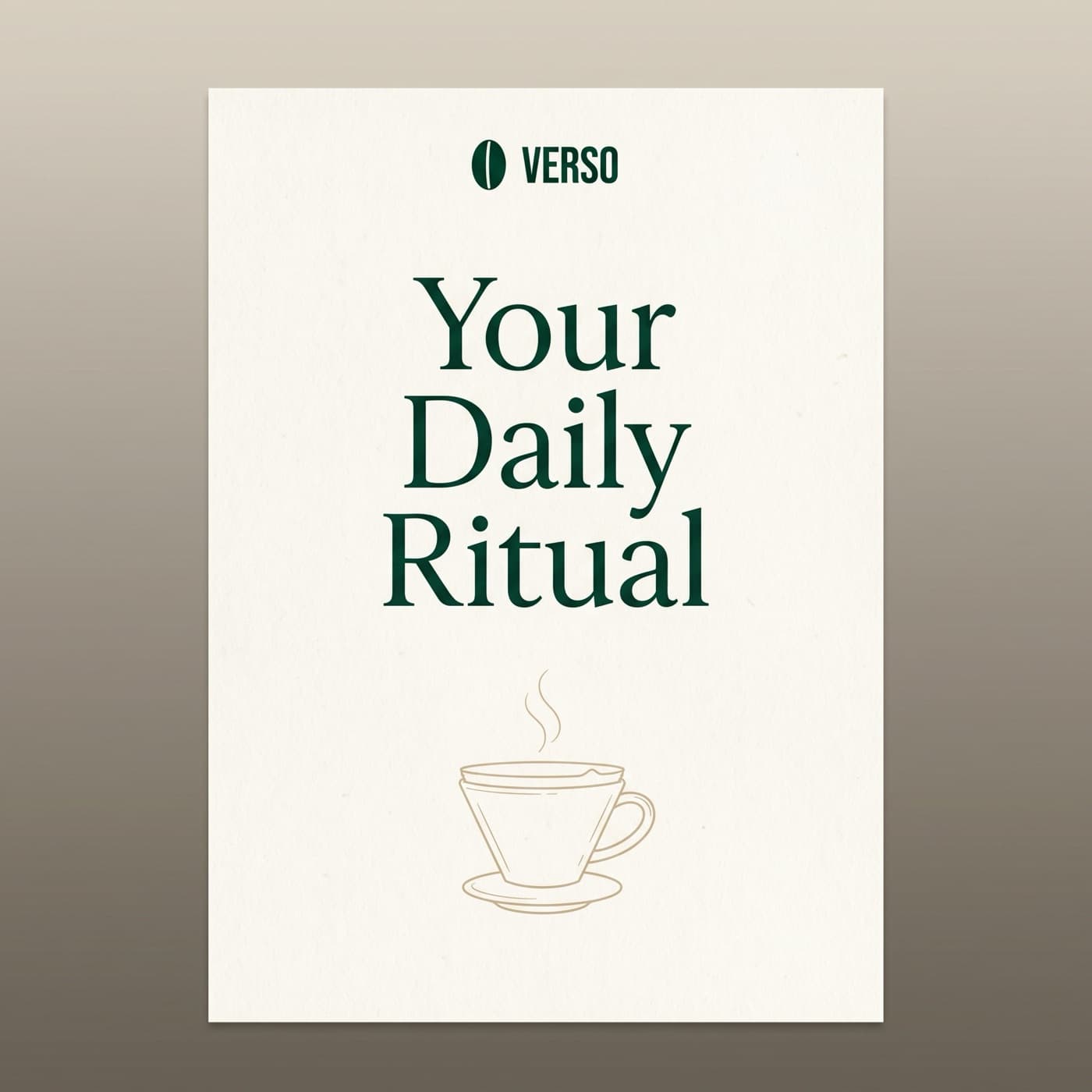
Describe what you need. Bloom uses your brand profile to keep every output recognizable. Even a one-line prompt comes back on-brand.
Calledbloom_generate_image

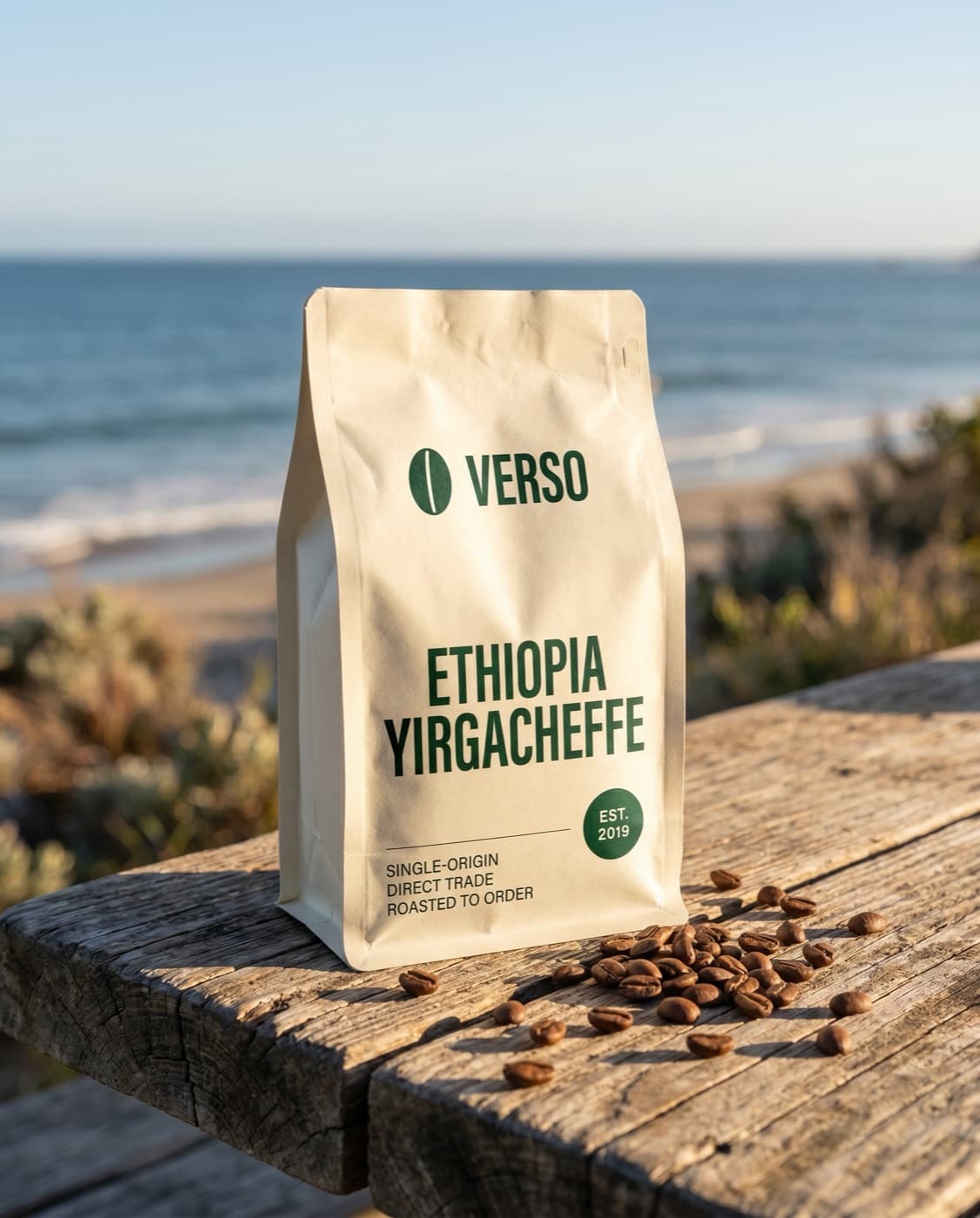
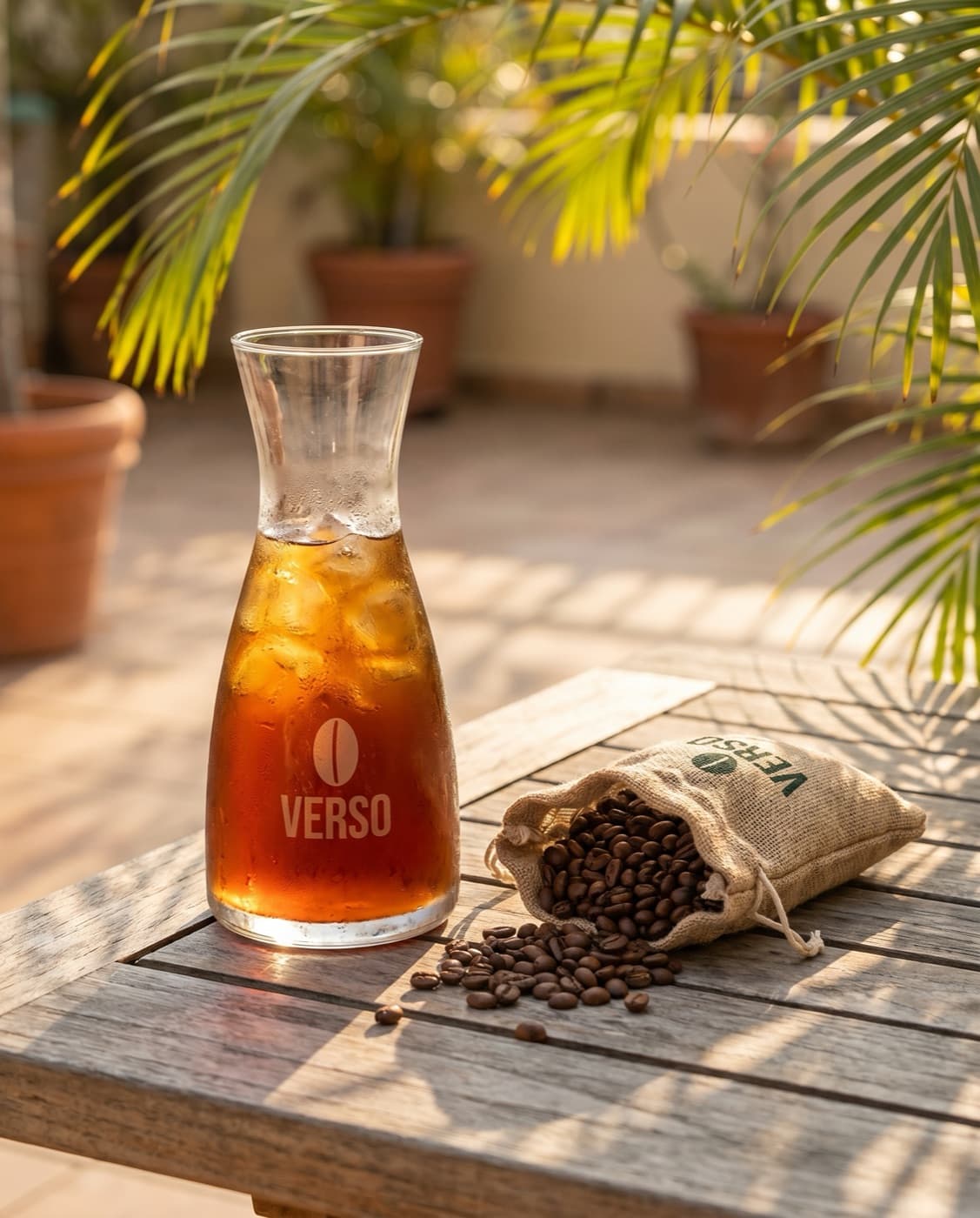
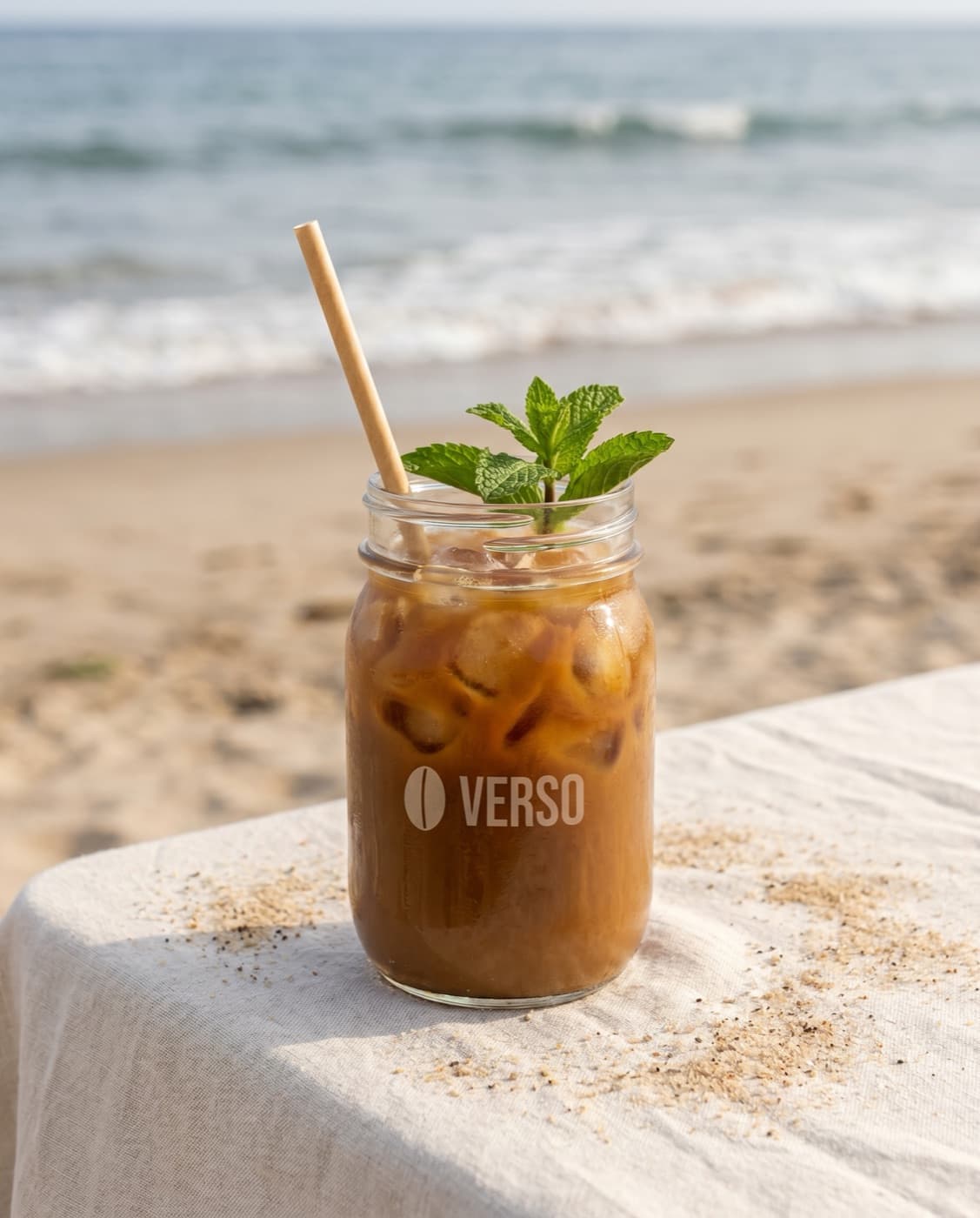

Edit images and perfect every detail.
Generate, then revise. Tweak composition. Swap backgrounds. Adjust copy. Every edit happens in chat and stays on-brand.

Calledbloom_edit_image

Effortlessly resize for every platform.
One image, every aspect ratio. Bloom recomposes the shot to fit the new placement, instead of cropping or stretching.
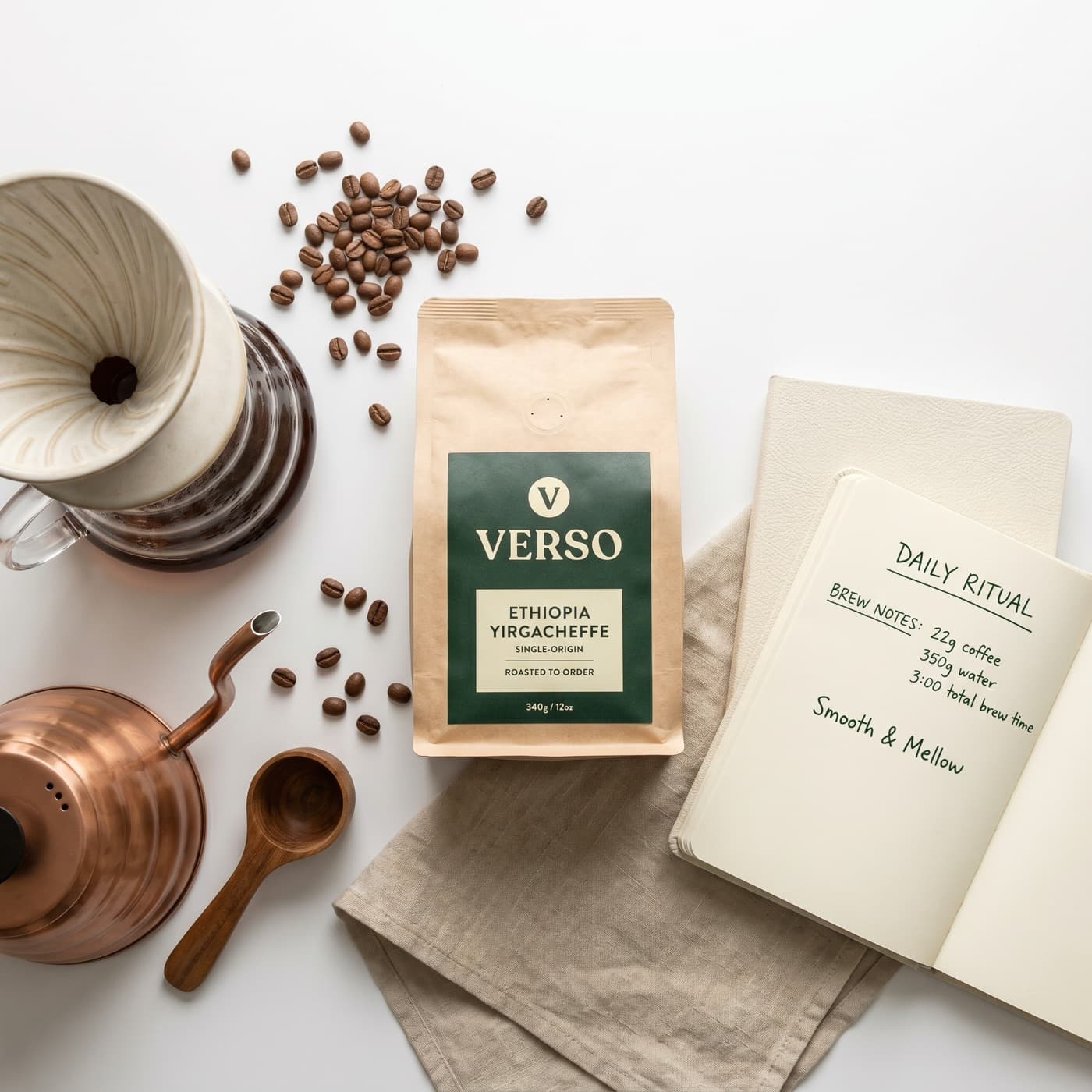
Calledbloom_resize_image
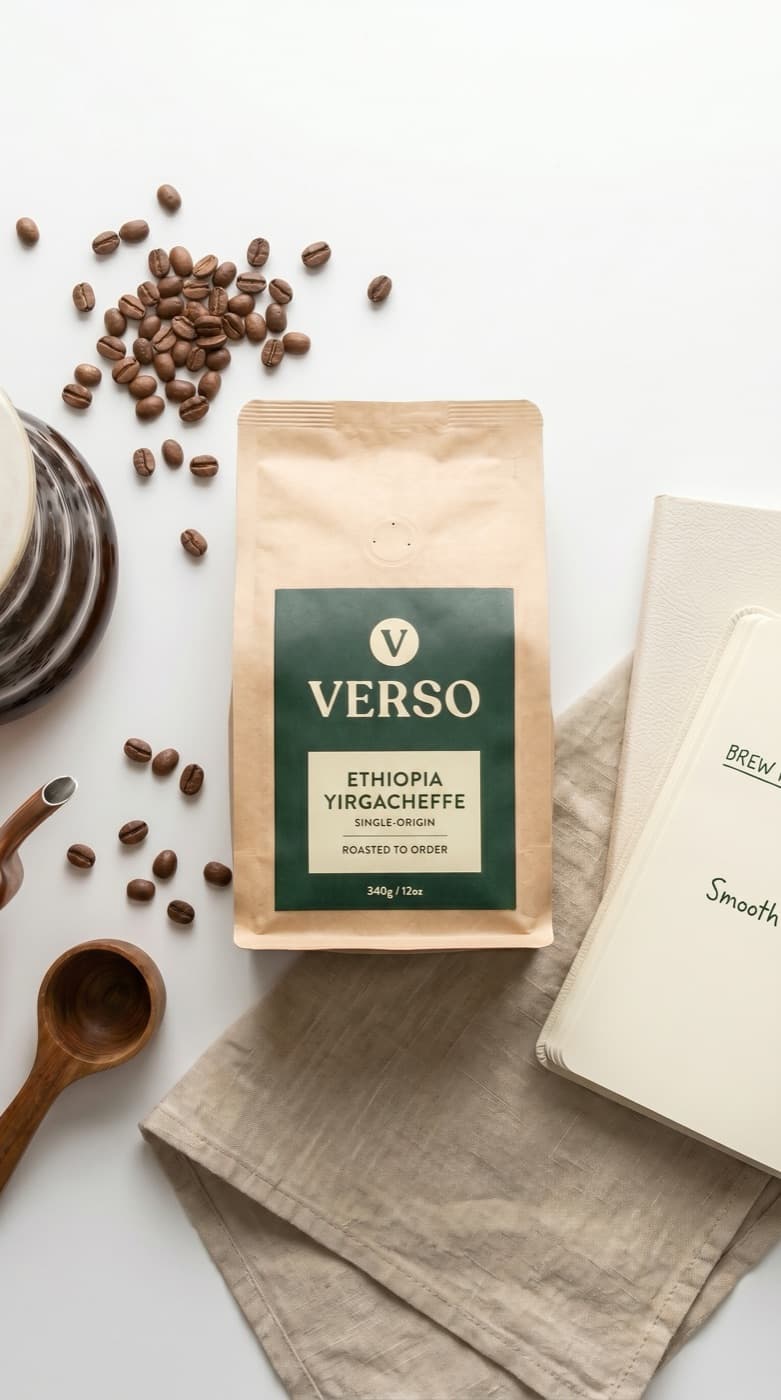
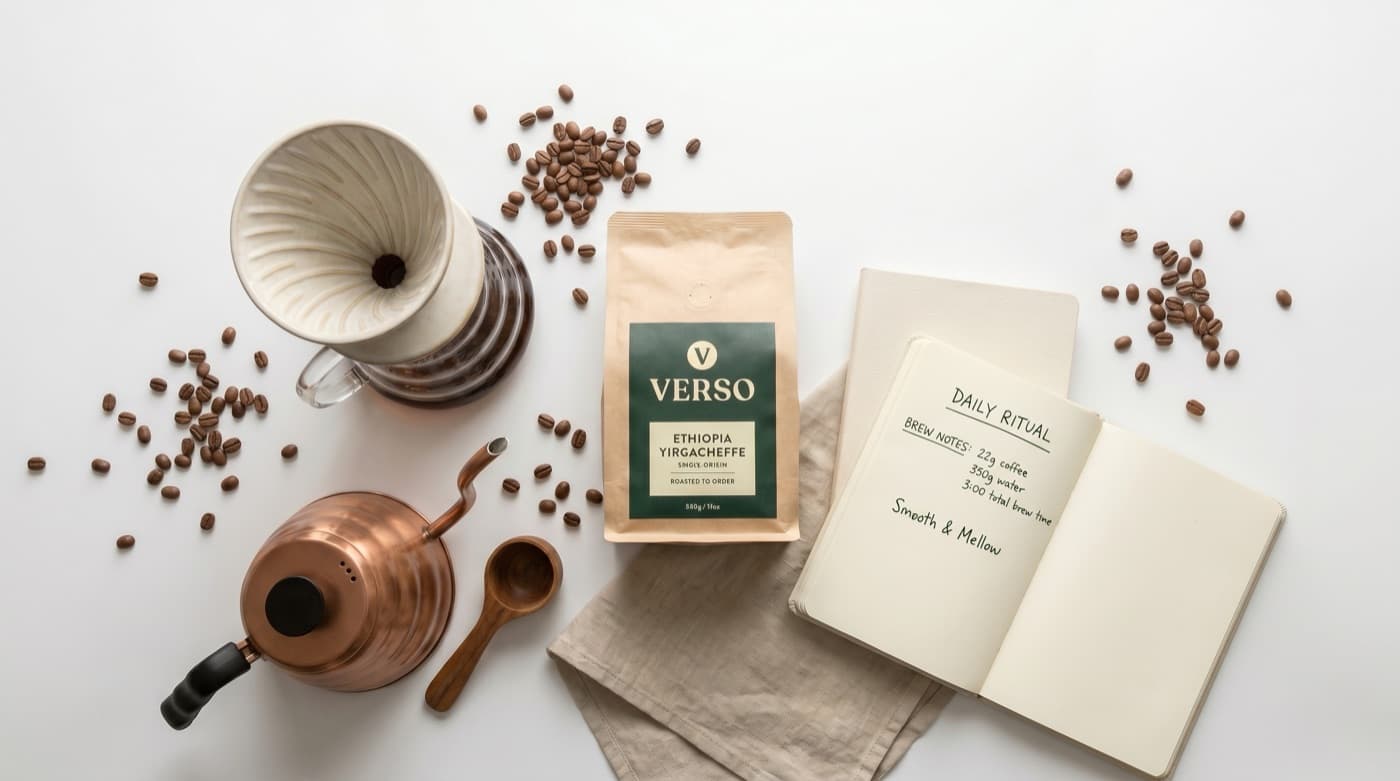
Upload images and turn them into designer-quality assets.
Drop in a product photo, a competitor's ad, or a moodboard. Bloom matches the look while staying on-brand.
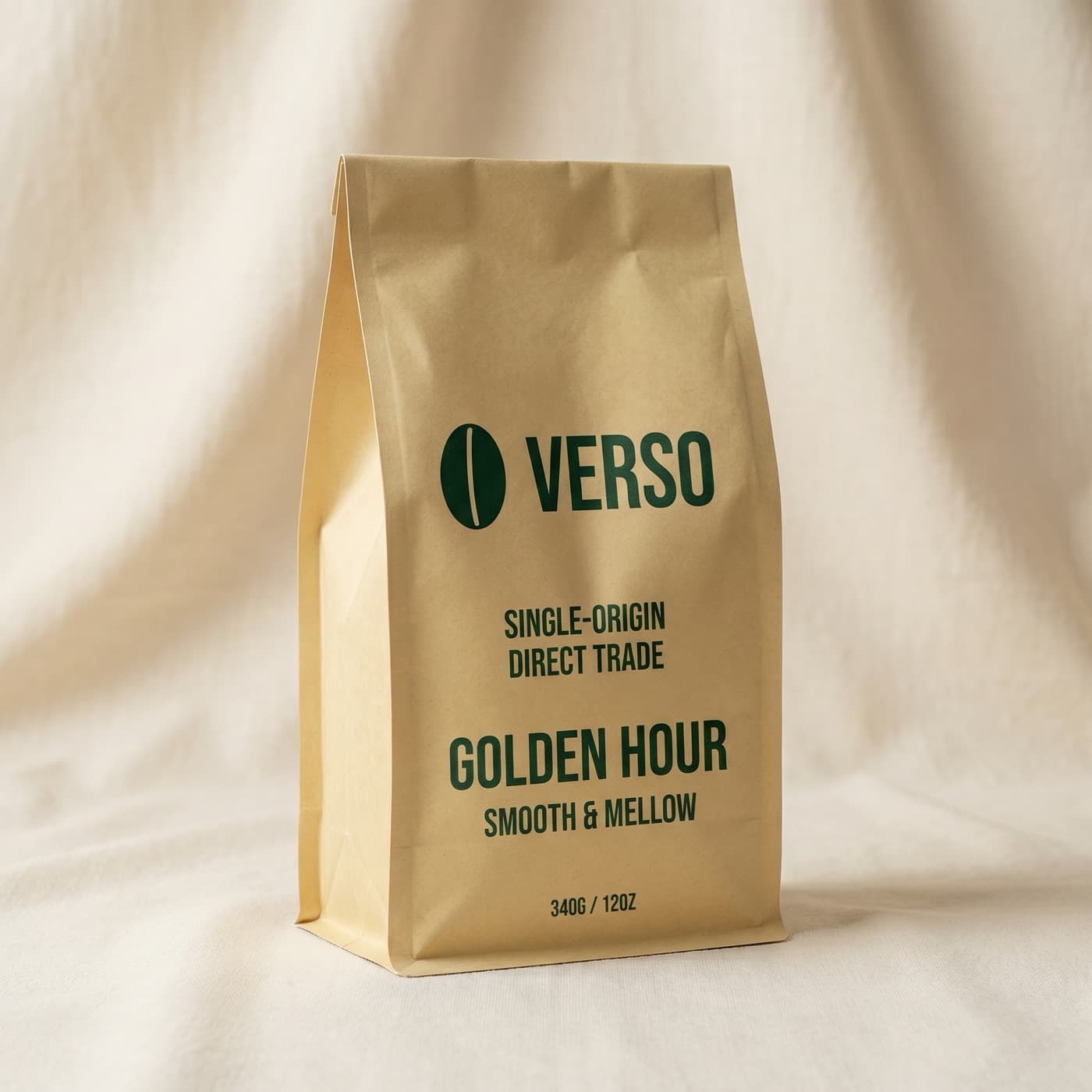
Calledbloom_generate_image
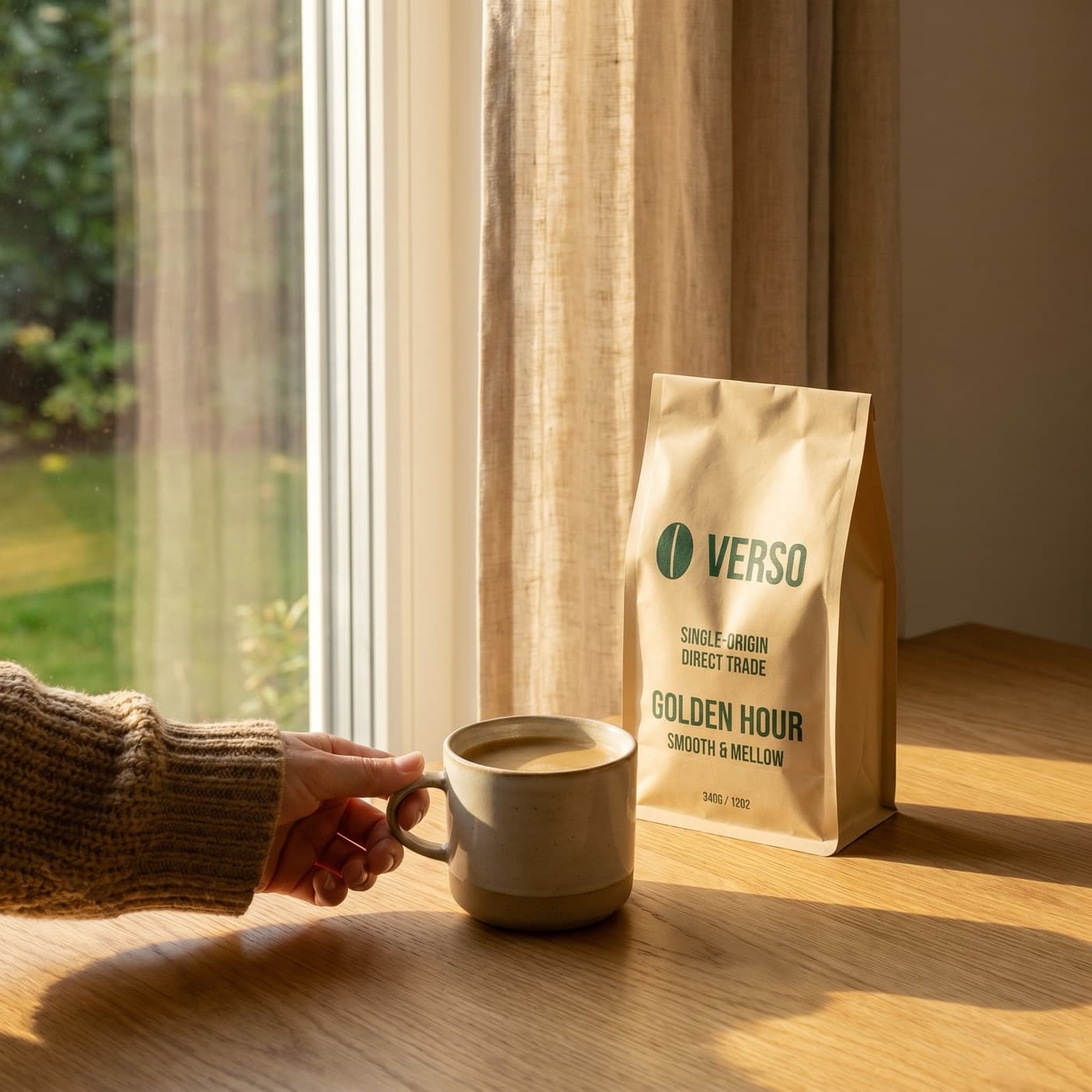

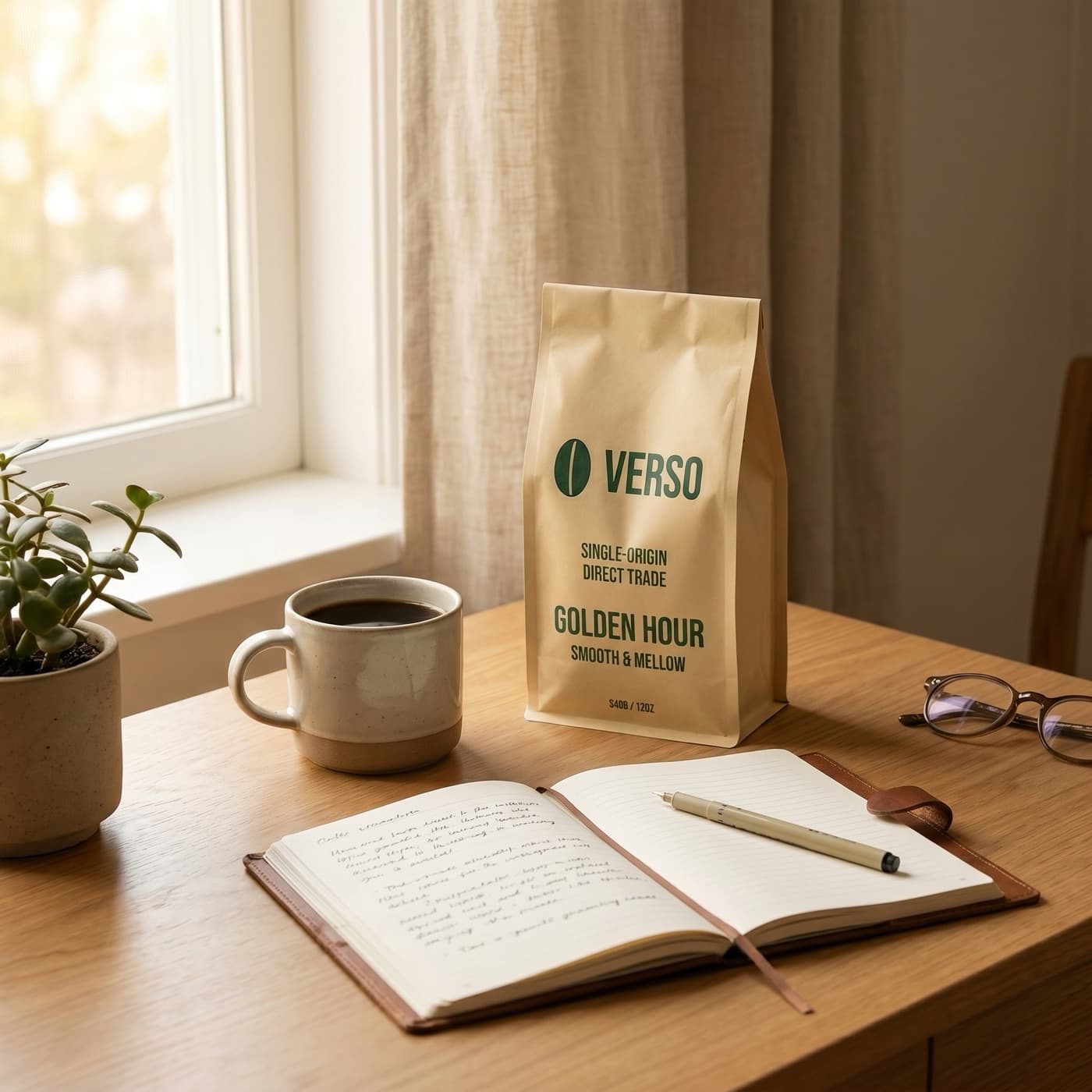
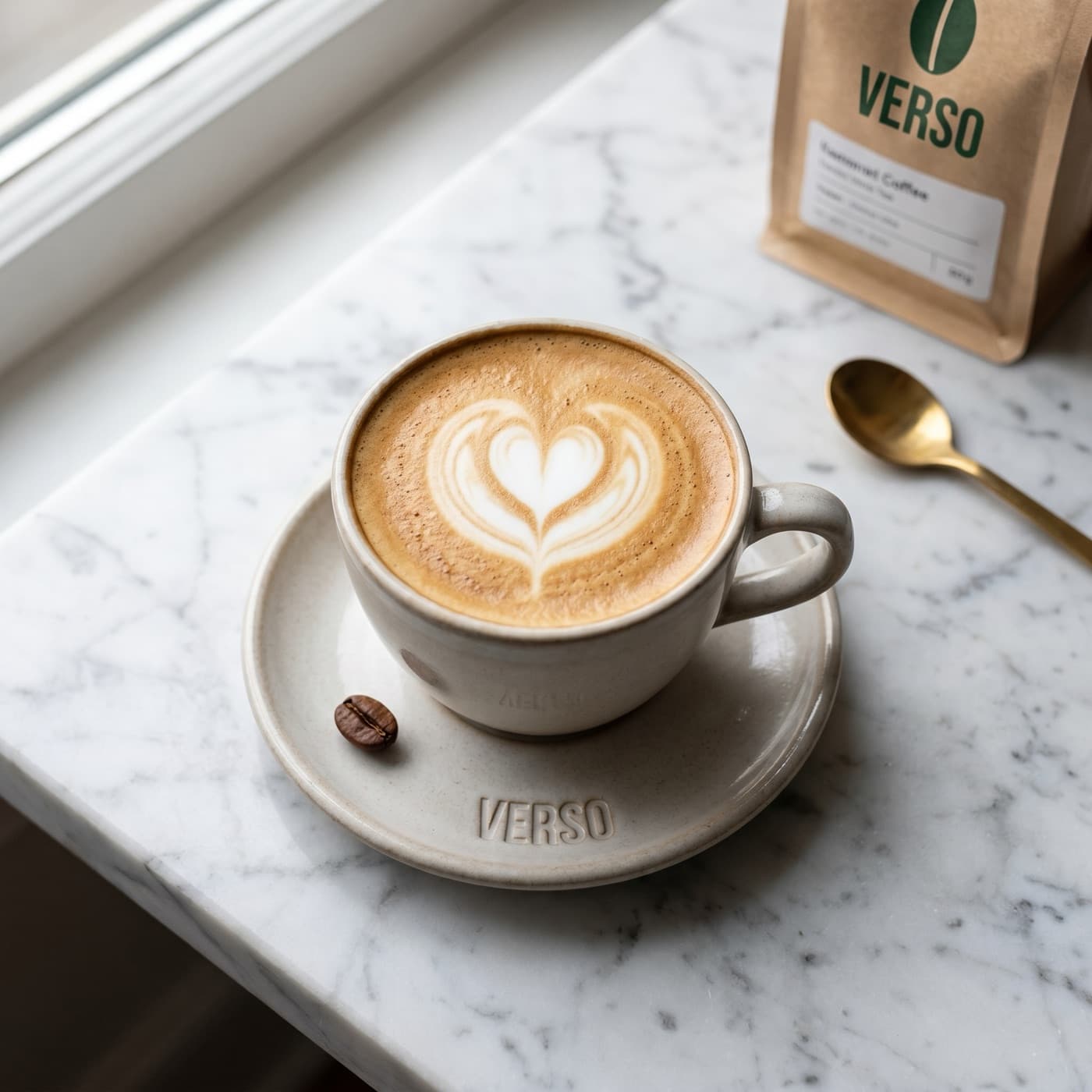
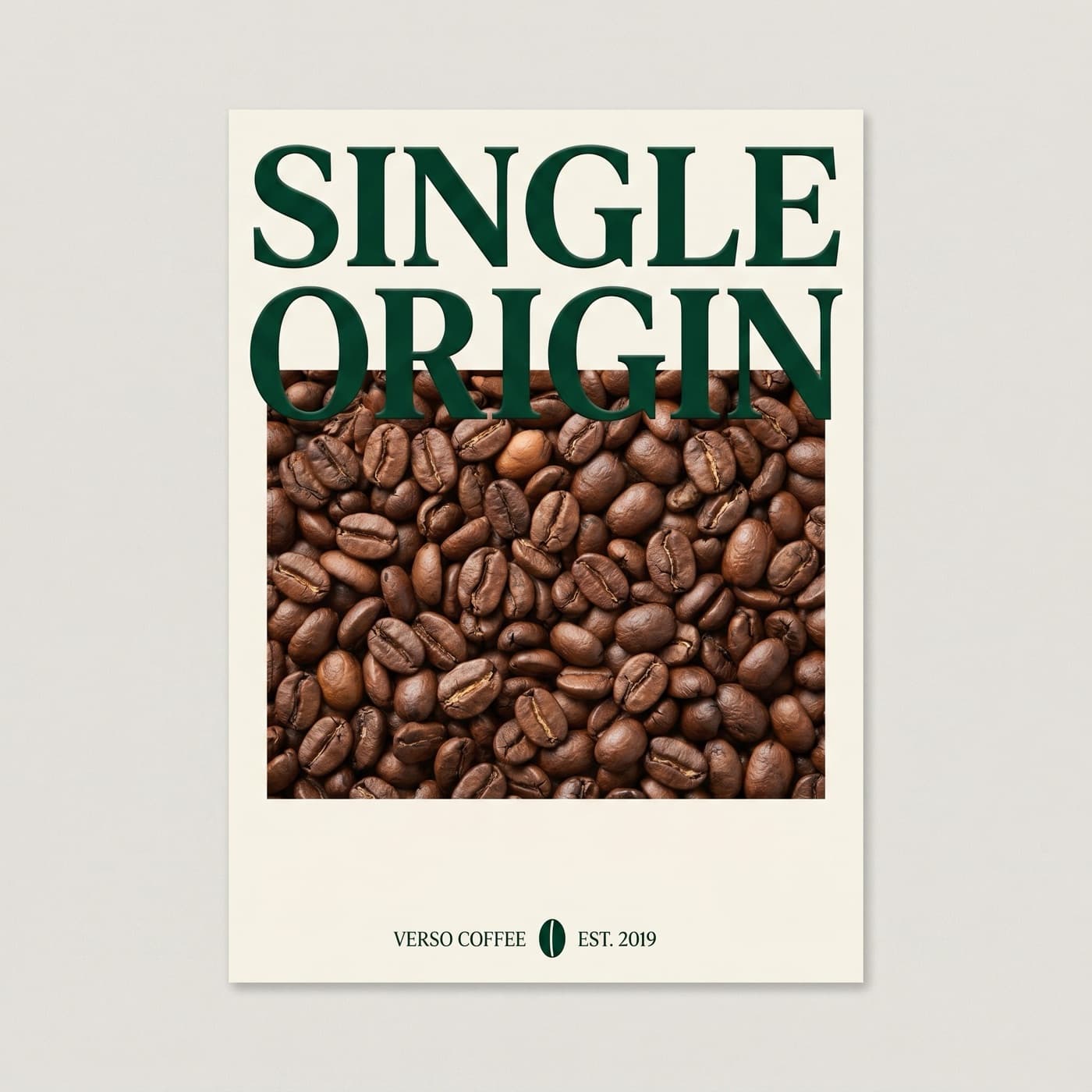
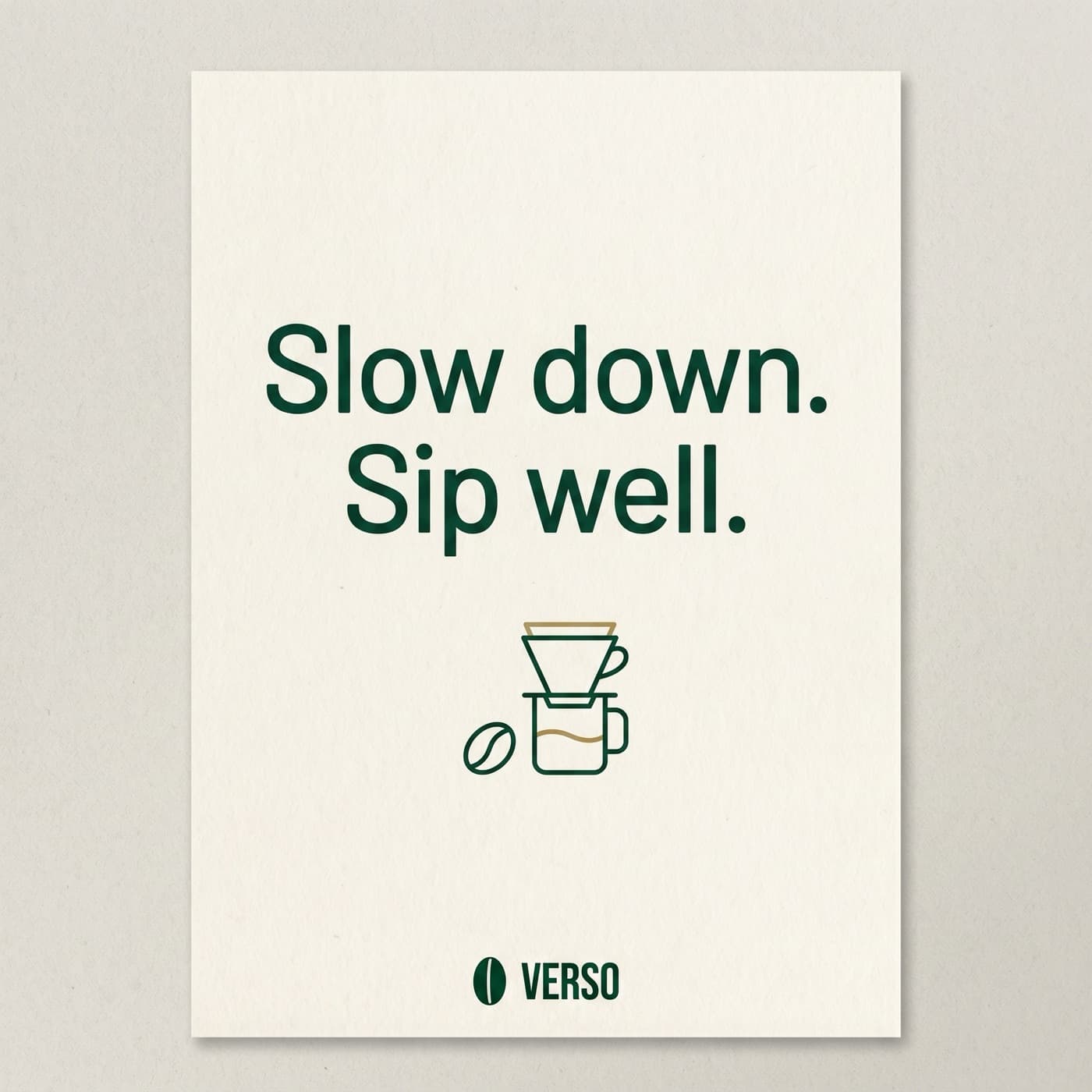
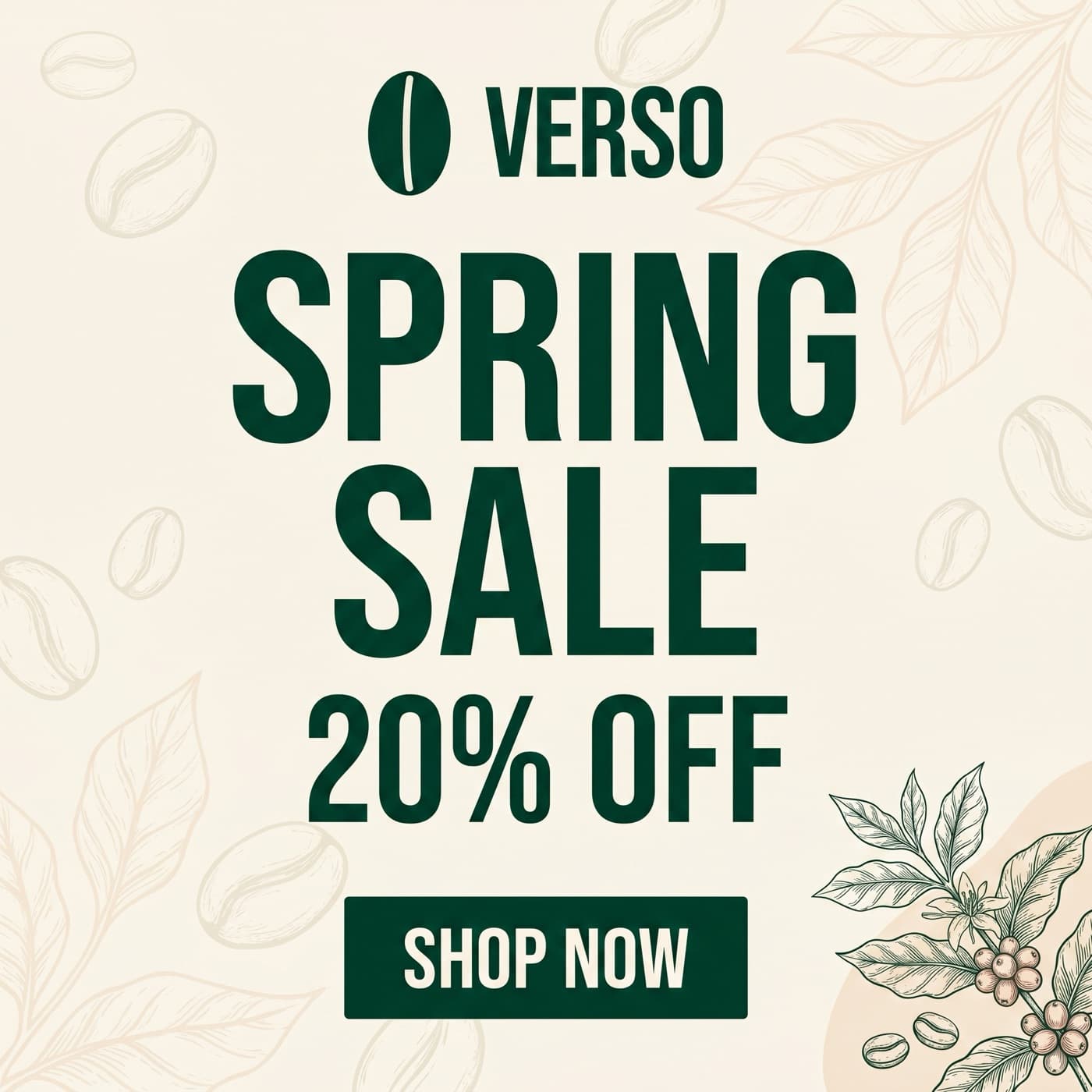
Run a whole campaign in one message.
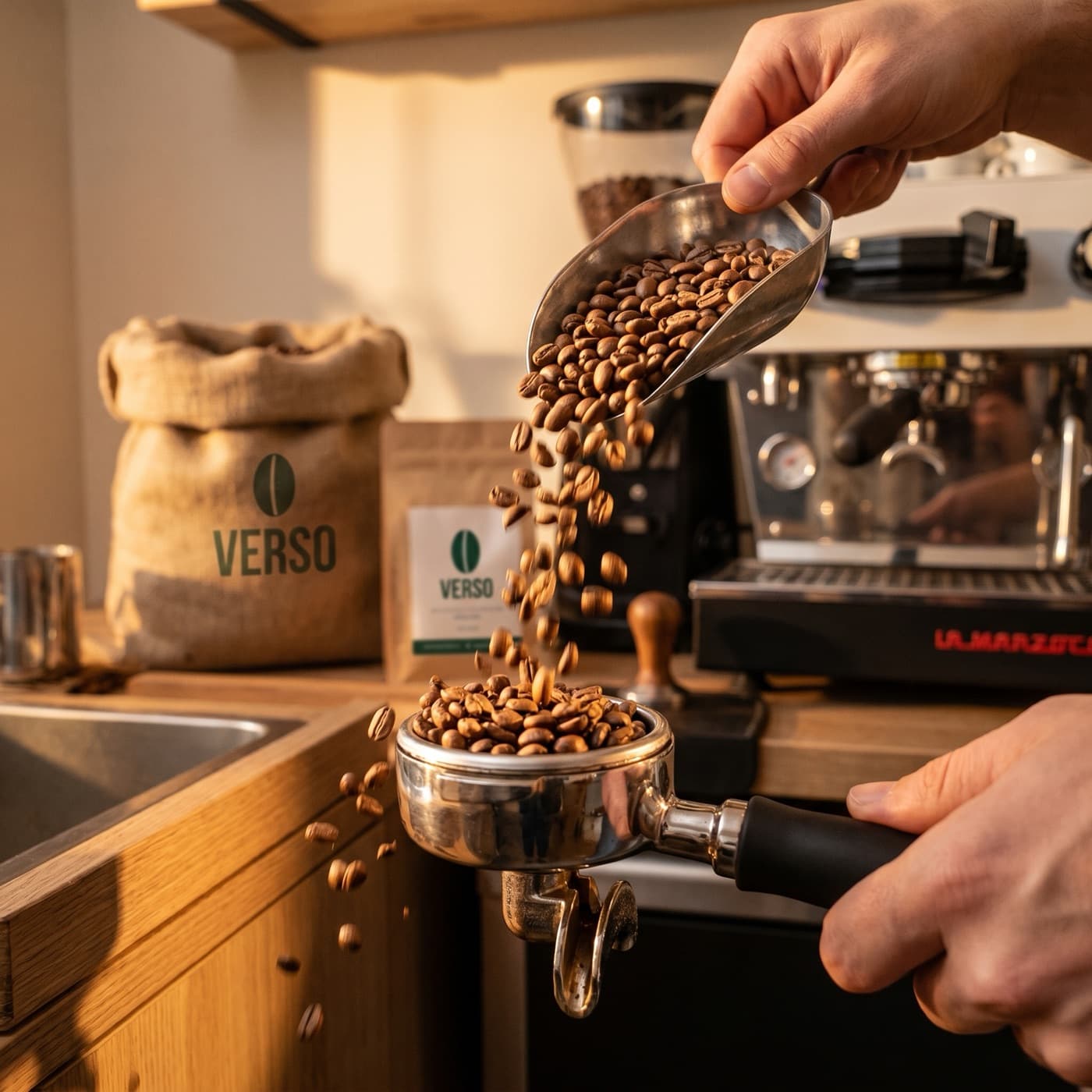
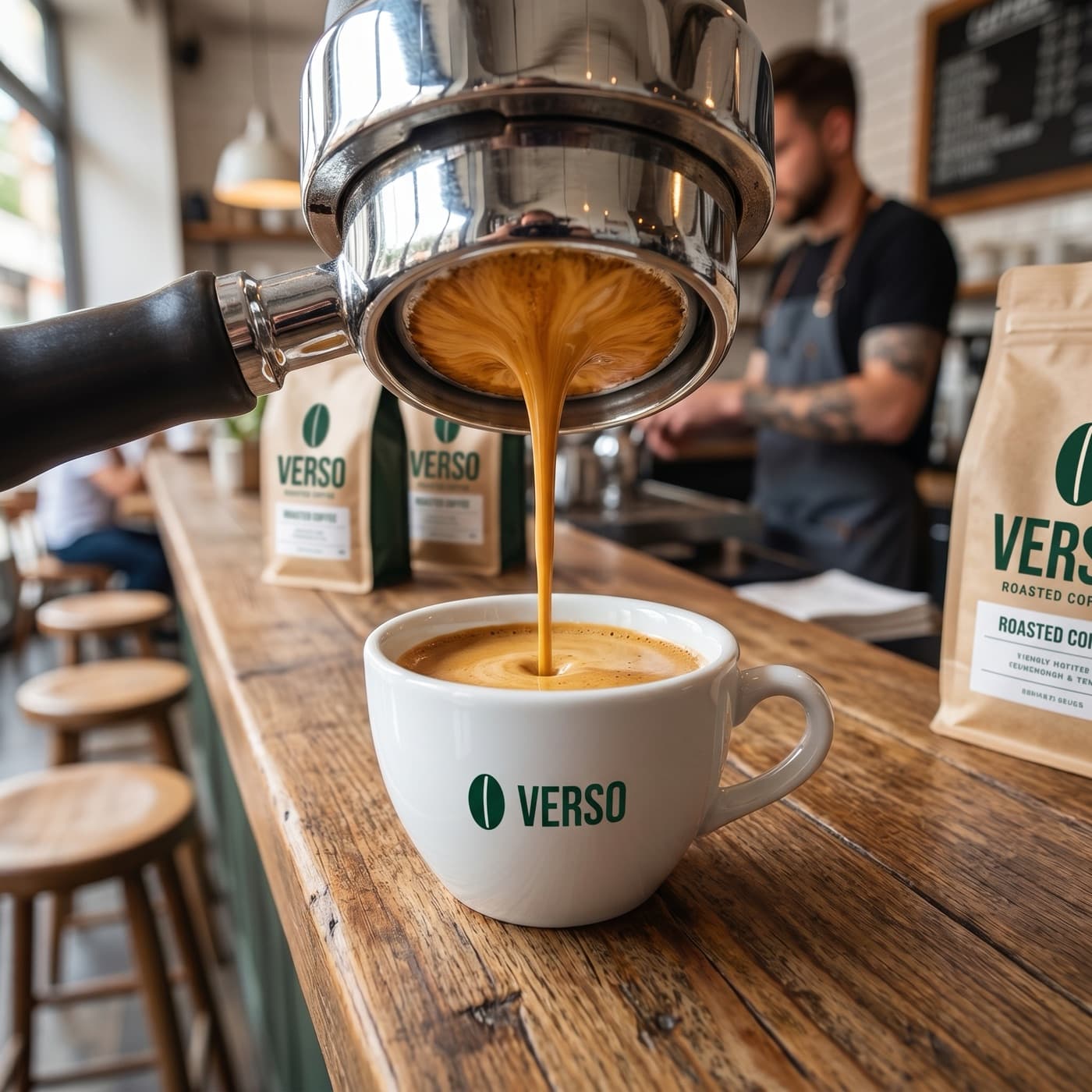
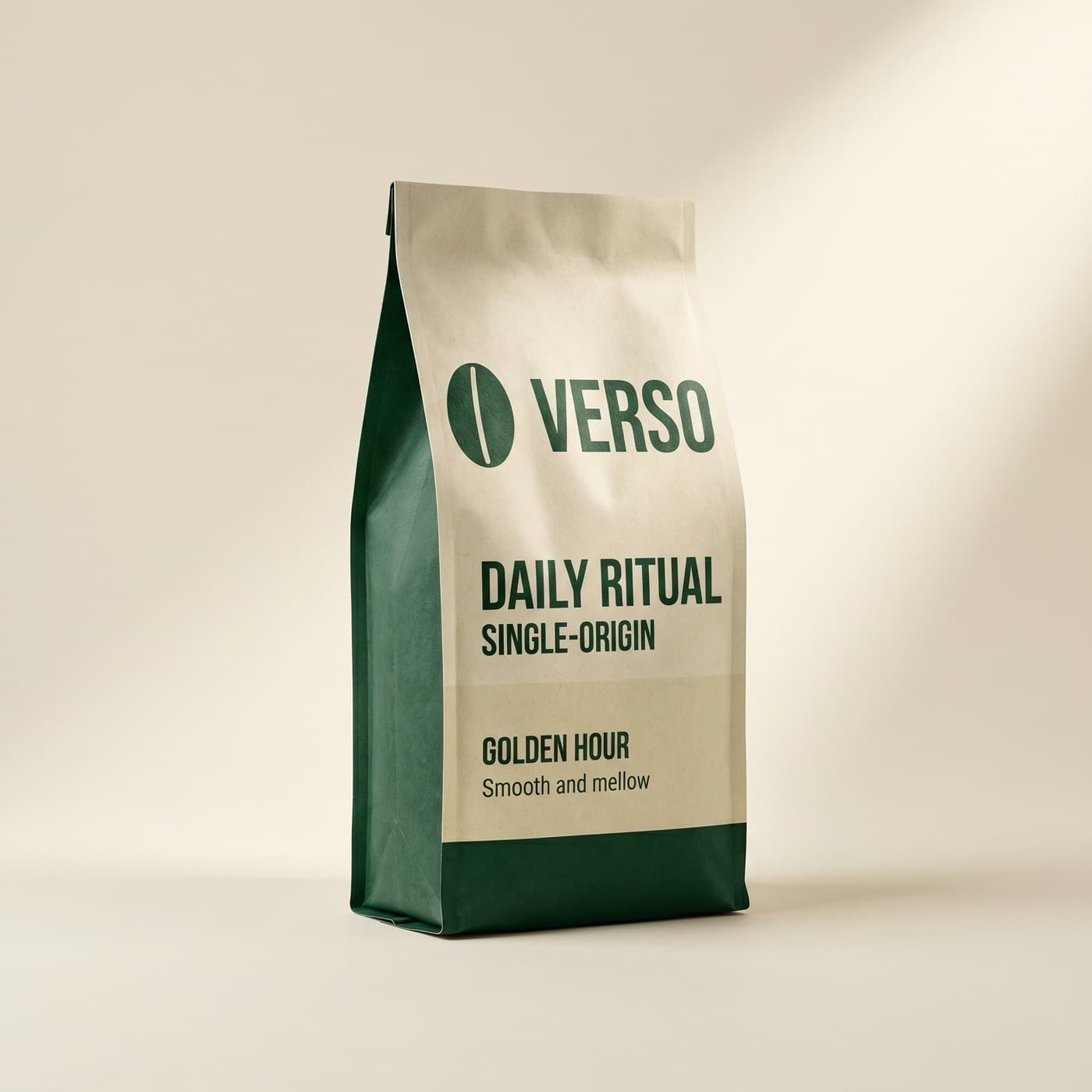
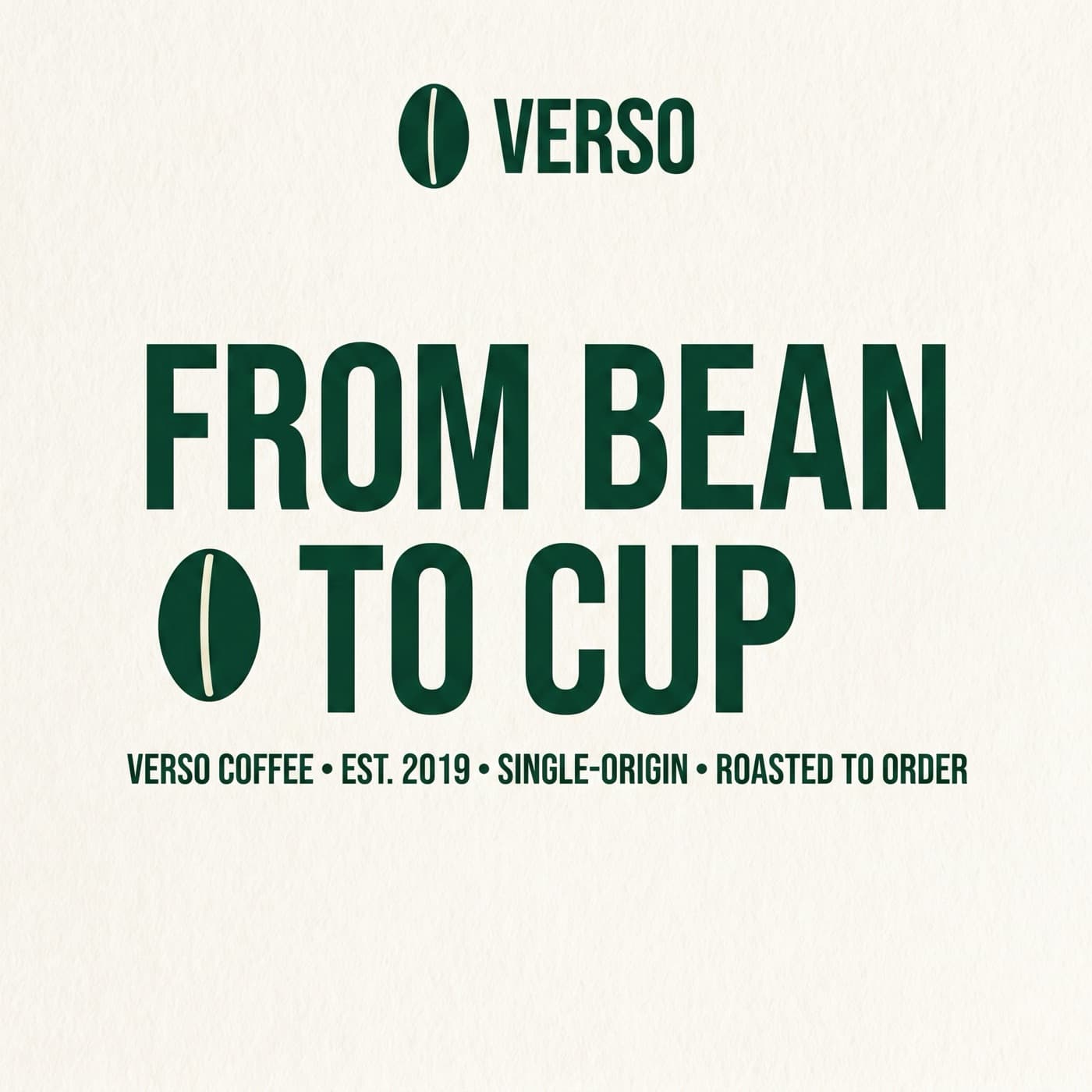
Fire 30 images in a single message. Bloom runs them in parallel and shows the gallery inline as they finish.
Calledbloom_generate_image




Templates
See what you can build
- Live

On-brand email
Pair Bloom with Resend to put a personal, on-brand image in every send.
Try it out - Live

Cross-channel marketing
An n8n workflow that turns a blog post into on-brand images for every channel.
Try it out - Coming soon

A cofounder with taste
Cofounder builds the company; Bloom keeps the visuals on-brand.
Frequently asked questions
Can't find your answer? Contact us.