Social publishing with Bloom and Postiz.
Use Bloom's brand context and images in a Postiz publishing workflow.
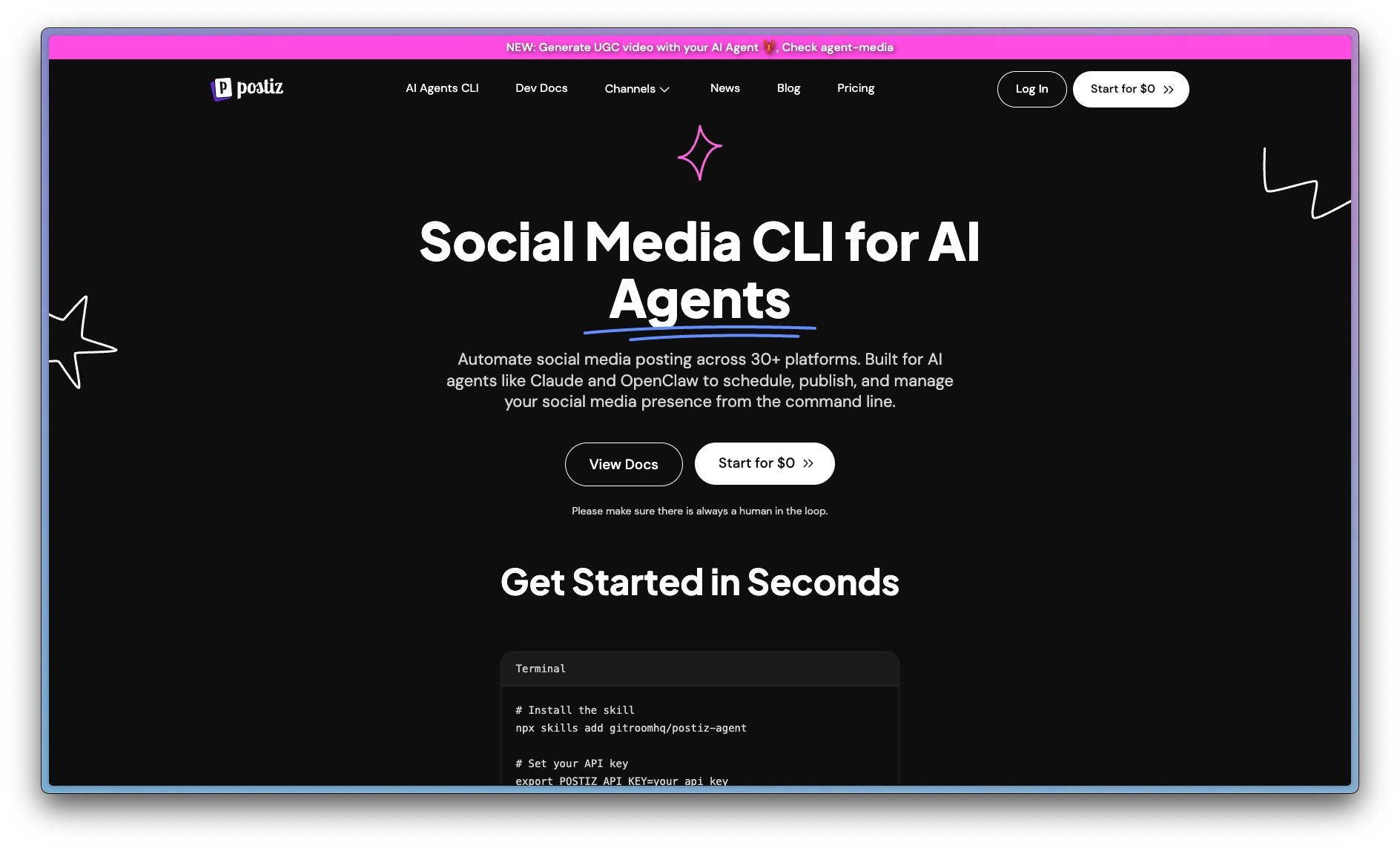
AI agents can schedule a week of posts in seconds. The copy is sharp, the timing is right, and every platform gets native formatting.
Images can still miss the brand: the wrong palette, inaccurate type, or a misplaced logo. The agent needs brand guidance and assets to make informed creative decisions.
That guidance may be spread across PDFs, design files, and decisions that never reach the agent. Shared brand context gives it a basis for creating and reviewing the work.
Fix it by giving the agent two tools instead of one. Postiz handles distribution: scheduling and posting to 25+ platforms from one place. Bloom maintains brand context and provides brand-aware image generation. Connect both to your agent to create, review, and schedule posts.
What is Postiz?
Postiz is an open-source social media scheduler. It connects to X, Instagram, LinkedIn, Facebook, TikTok, Threads, Reddit, YouTube, Bluesky, and 20+ more platforms. One post goes everywhere, with native formatting per channel.
What makes it useful here: Postiz ships a CLI built for AI agents. It returns structured JSON that any LLM can parse, so an agent can list connected accounts, schedule posts with images, and manage drafts without you opening a dashboard.
Two layers, one agent
The publishing loop has two halves, and they fail in different ways.
Distribution is the half everyone sees: the right post, on the right channel, at the right time. Postiz solves this. From one instruction it schedules across every account you've connected.
Brand guidance helps the agent make and review creative decisions. Bloom is the brand layer for agents. It provides shared brand context that connected systems can use and update.
Bloom supplies the brand context and images. The connected agent reviews the work, and Postiz handles scheduling and publishing when authorized.
What you'll need
- Claude Desktop (or any MCP-capable agent — Claude Code, Cursor, etc.)
- A Bloom account. Sign up at trybloom.ai
- A Postiz account. Sign up at postiz.com and connect at least one social account
Setup
Three steps. You wire this once, and it runs from prompts after that.
Connect Bloom
In Claude Desktop, open Customize → Connectors, select +, and choose “Add custom connector”. Paste the URL:
Connector URLhttps://mcp.trybloom.ai/mcp
Claude opens a browser window to sign in. Authorize once and Bloom is connected — the agent can now onboard brands, generate on-brand images, edit them, resize for different platforms, and search your asset library.
Ask your agent to list the tools available from your connected Bloom account. The live tools/list response defines the current capabilities and request fields. See the Bloom MCP tools reference for the capability map and private-beta availability.
Install the Postiz CLI
Postiz ships a CLI built for AI agents. Install it globally and authenticate:
Terminalnpm install -g postiz postiz auth:login
auth:login opens the browser auth flow, so you never copy-paste an API key. Verify it worked:
Terminalpostiz integrations:list
If it prints your connected accounts, you're wired. The agent can now list accounts, check platform schemas, and schedule posts with images attached.
Onboard your brand
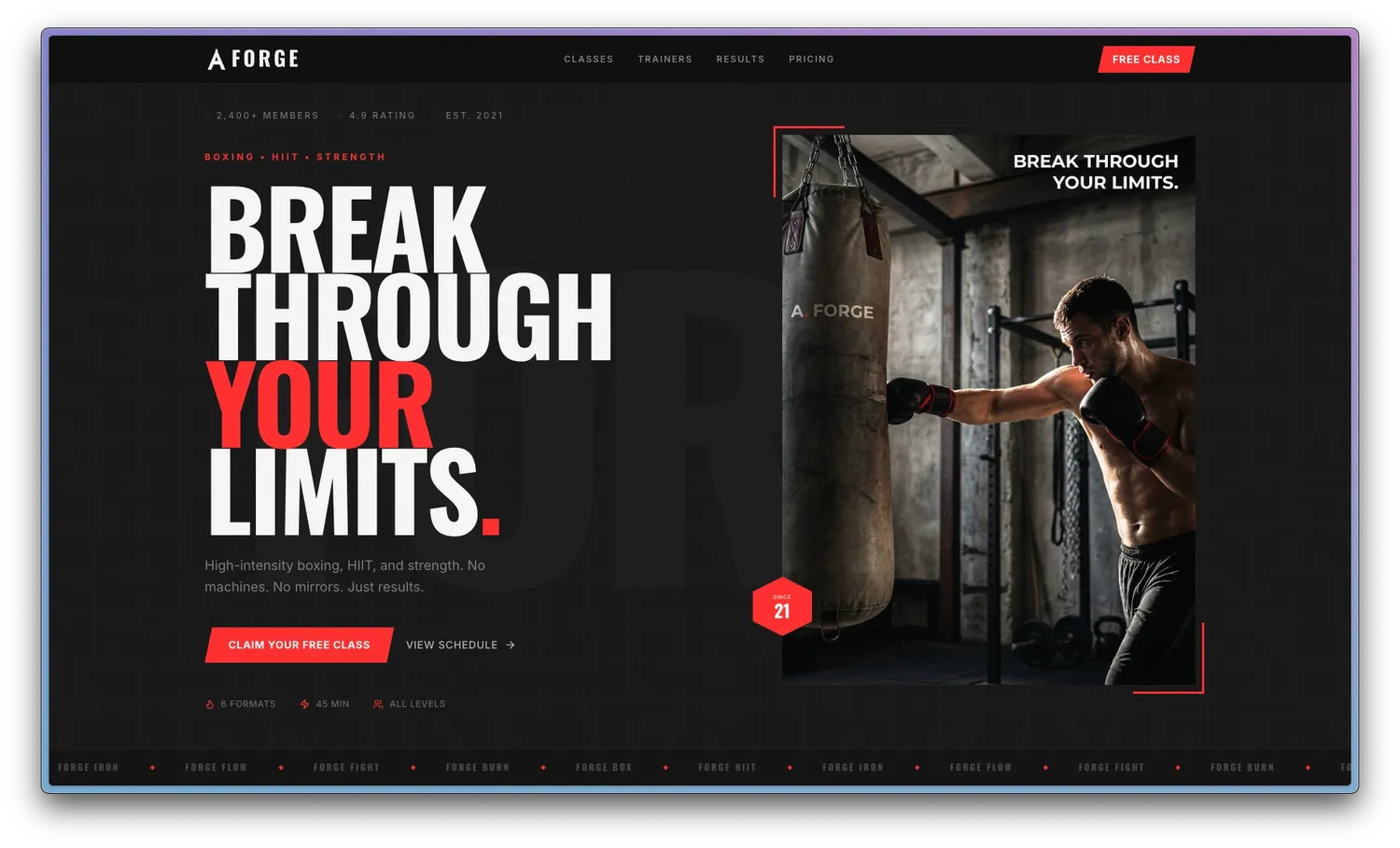
The agent can create a brand from a website, Instagram account, files, or a combination of sources. This example uses a website:
Onboard forgefitness.xyz into Bloom.
Bloom develops brand context from the supplied sources. The agent waits until the brand is ready, then reads its active Brand Skill.
Using it
We ran this for FORGE, a boxing gym. Three hooks, one prompt, and the agent handled the rest.
Generate on-brand variants
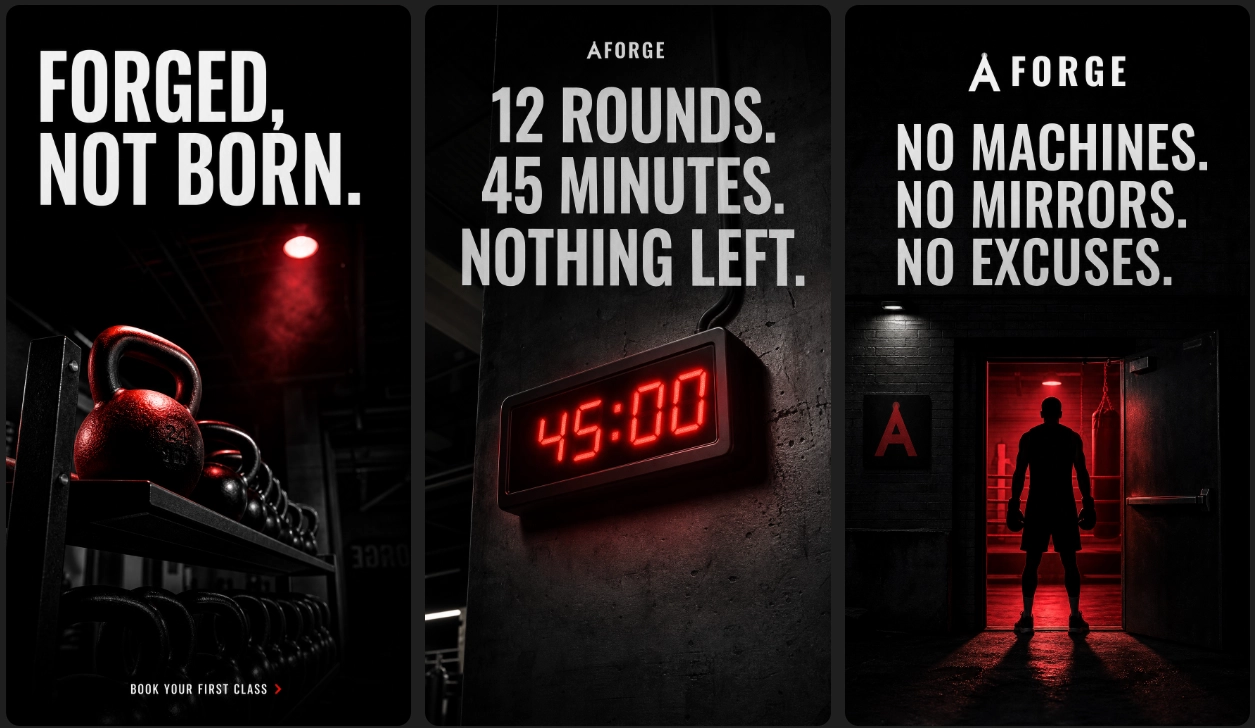
Generate on-brand variants for FORGE's 3 hooks: “Forged, not born”, “12 rounds. 45 minutes. Nothing left.”, and “No machines. No mirrors. No excuses.”
Bloom's brand-aware image generation applies the active Brand Skill. The agent supplies the brief and reviews each variant for brand fit, text accuracy, and logo fidelity.
Resize for every platform
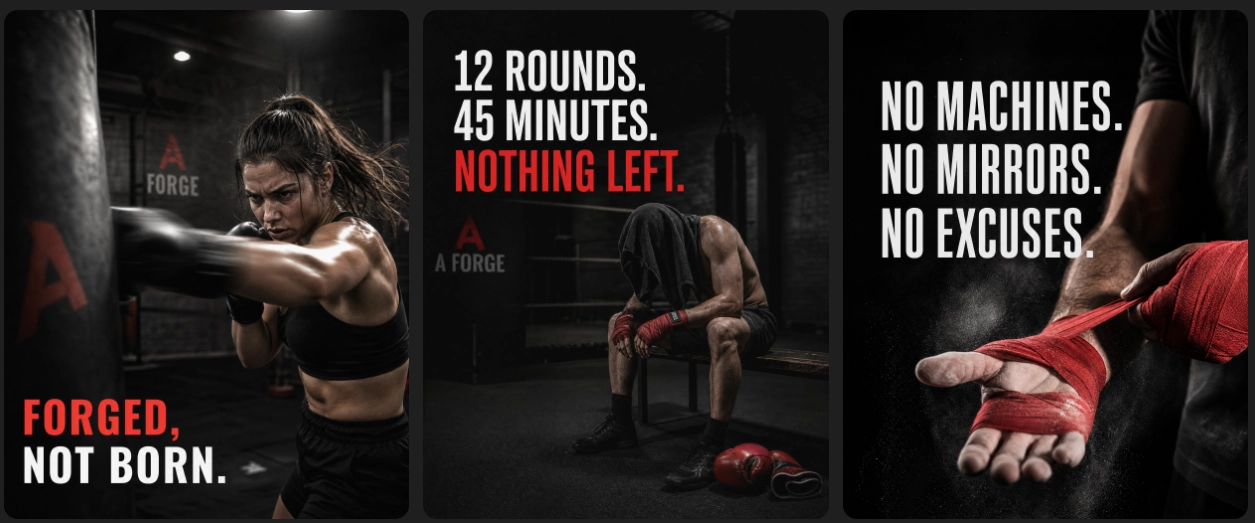
The same hooks, adapted for landscape. Bloom handles resizing and format adaptation — the agent chains generate and resize in a single conversation without you opening another tool.
Schedule across platforms
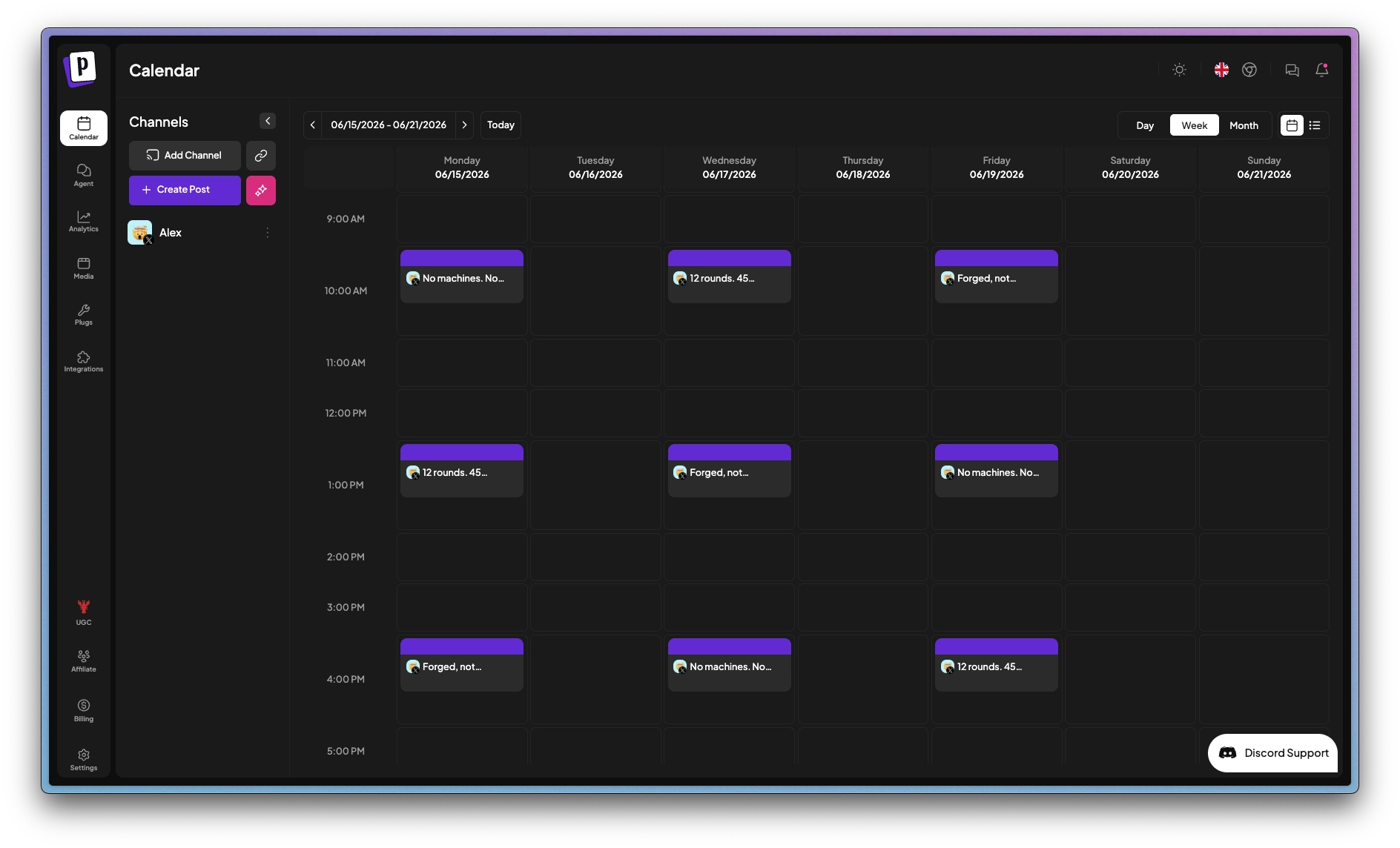
Schedule these across X and Instagram for the week. Spread them out, one per day, morning and afternoon slots.
After review and your instruction to schedule, the agent hands the copy and visuals to Postiz. Postiz schedules the posts and returns a calendar.
The result
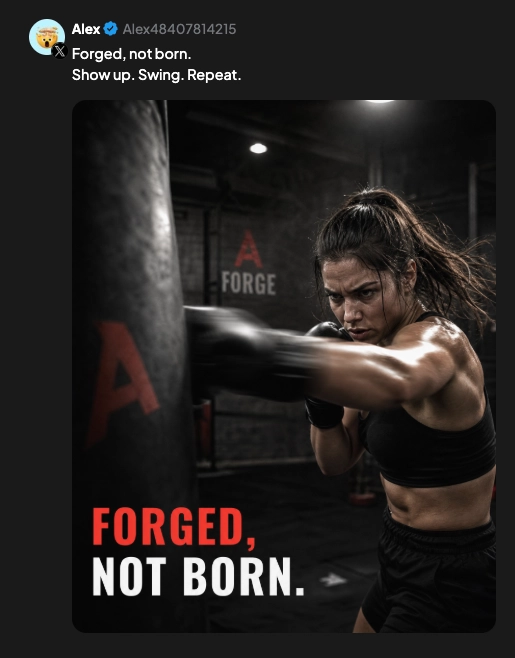
The resulting FORGE content was published on X through the connected agent and Postiz.
Going further
- Use reference assets. Call
search_user_imagesbefore generating to pull existing assets as style references. Choose references that fit the brief and check how the generated result uses them. - Test organically, scale with paid. Let Postiz ship variants organically. The concepts that perform best are the ones worth putting ad budget behind.
- Add more tools. Bloom connects over MCP and Postiz over its CLI, so they compose with anything else your agent can reach: Slack, Linear, Notion, your own APIs.
Bloom, the brand layer, callable from any agent. trybloom.ai
Postiz, open-source social media scheduling for 25+ platforms. postiz.com