Bloom × ChatGPT
The brand layer,
callable from ChatGPT.
Use and update shared brand context through MCP or the API, from connected agents such as Claude, Cursor, and ChatGPT, or from your own product.
Setup
Connect in three steps.




- PluginsCreate MCP AppInstalledPopular
Add Bloom
Upload the Bloom icon and enter the details below in the MCP app form.
Connect Bloom to ChatGPT
Approve & connectSign in with Bloom.
Authorize once in your browser. Bloom is live and ready to generate on-brand.
Prefer the API?
Plug the brand layer into your stack.
Templates
Put the brand layer to work.
Campaign image set
Explore three campaign directions with Bloom, then adapt the selected direction for social and web.
View template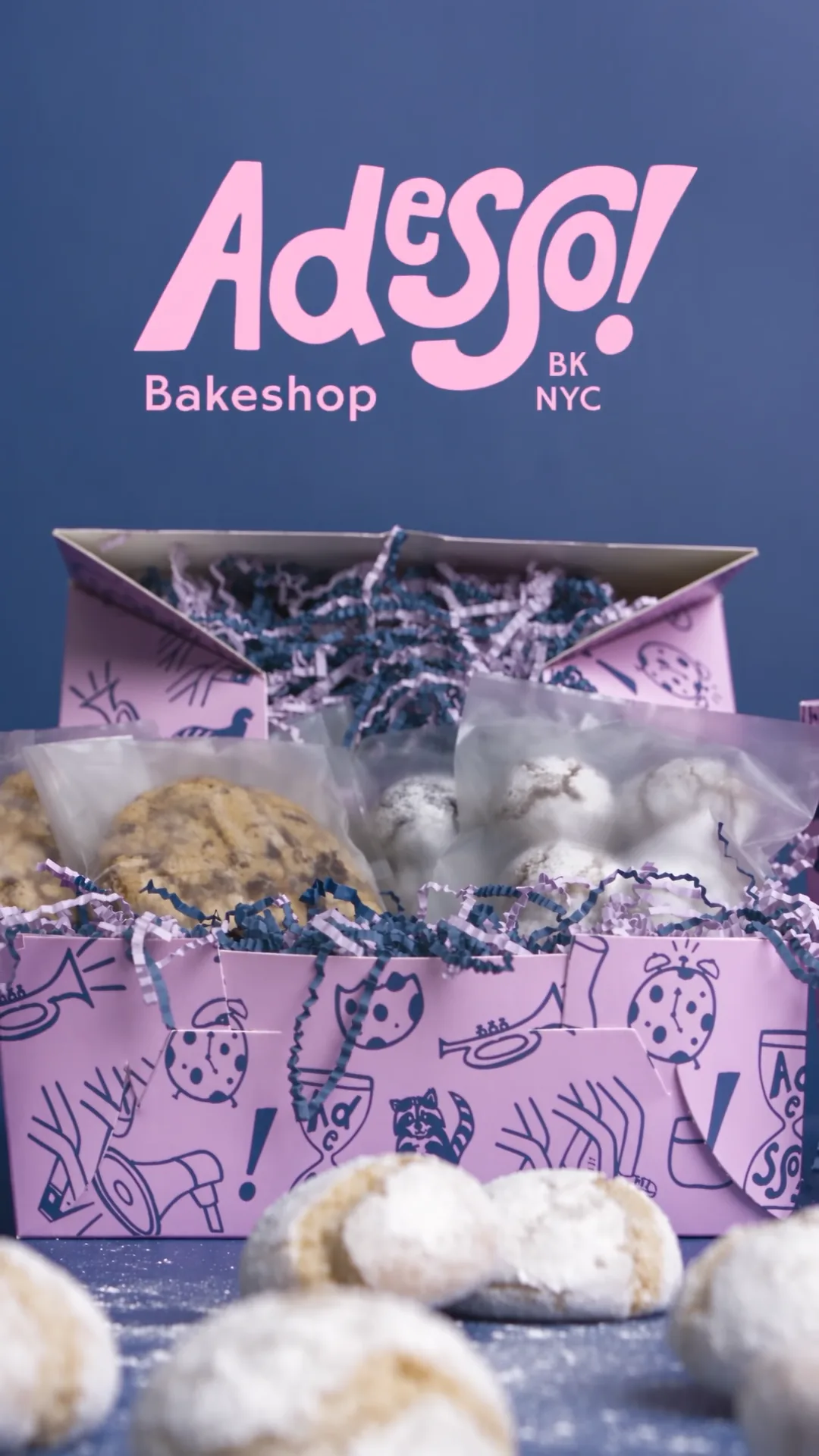
Branded product video
Turn a Brand Skill into a motion brief, then render a short video through Bloom's Model Gateway, in private beta for selected accounts.
View template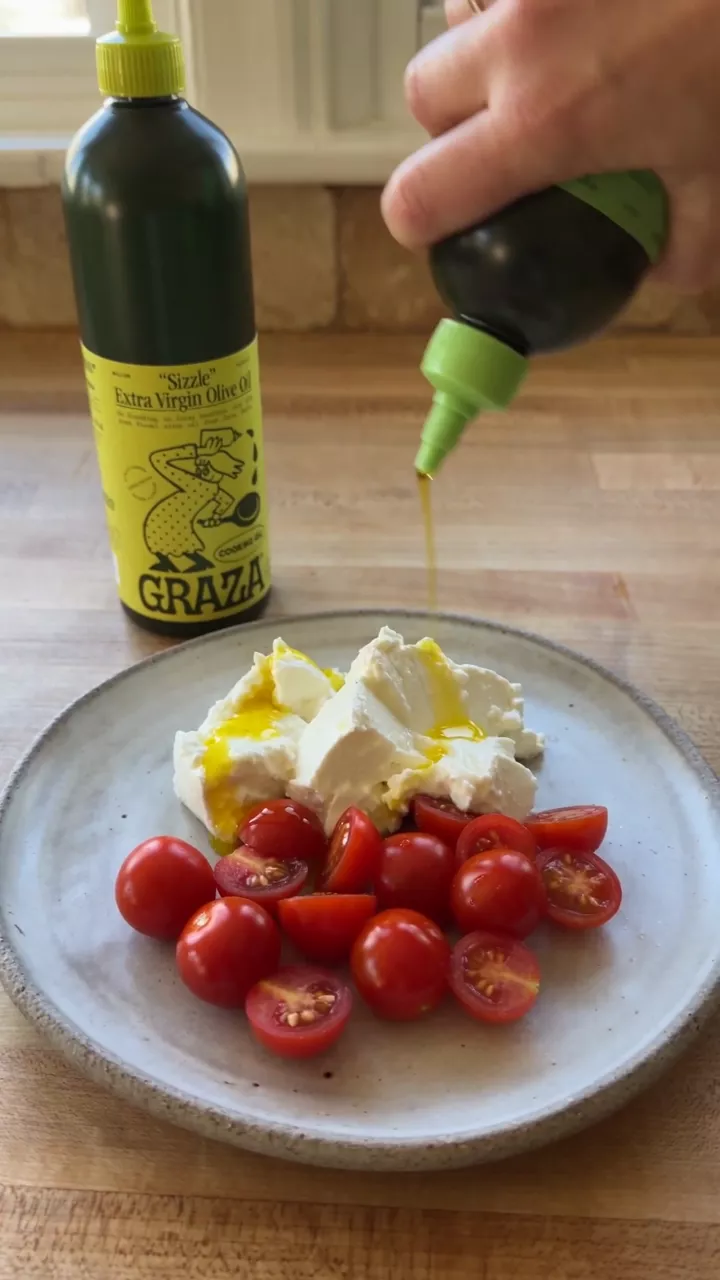
UGC video
Use brand guidance and product references to brief and review a creator-style video through Bloom's Model Gateway private beta.
View template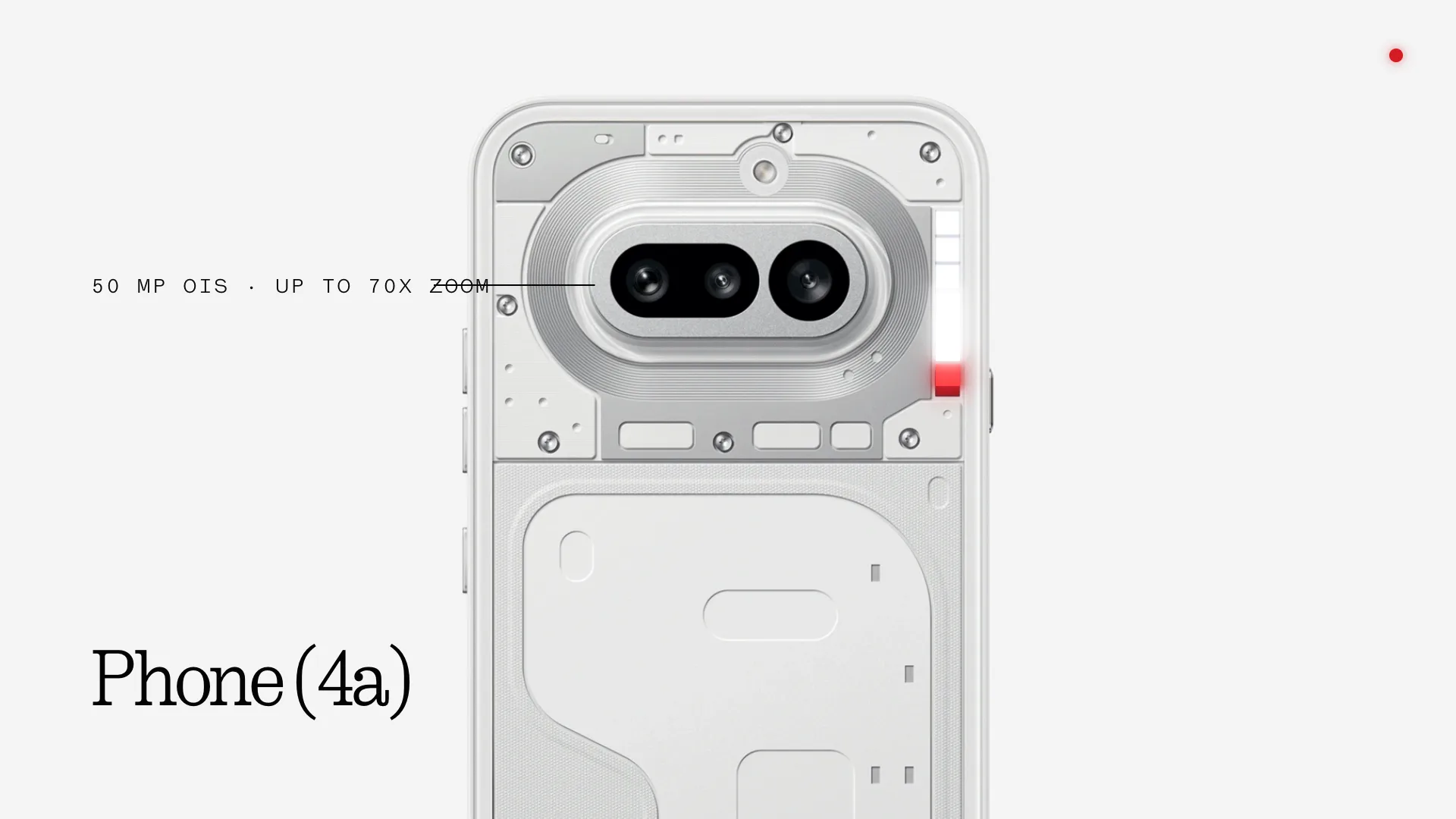
Motion graphics
Use Bloom's Brand Skills, fonts, and assets with a coding agent to create and render motion graphics.
View template
Frequently asked questions
Can't find your answer? Contact us.
Connect your agents to the brand layer.
Set up the MCP or API and get started.