Bloom for Claude
Your brand. Inside Claude.
Connect Bloom to Claude. Every image you generate looks like yours.

Add verso.cafe to Bloom
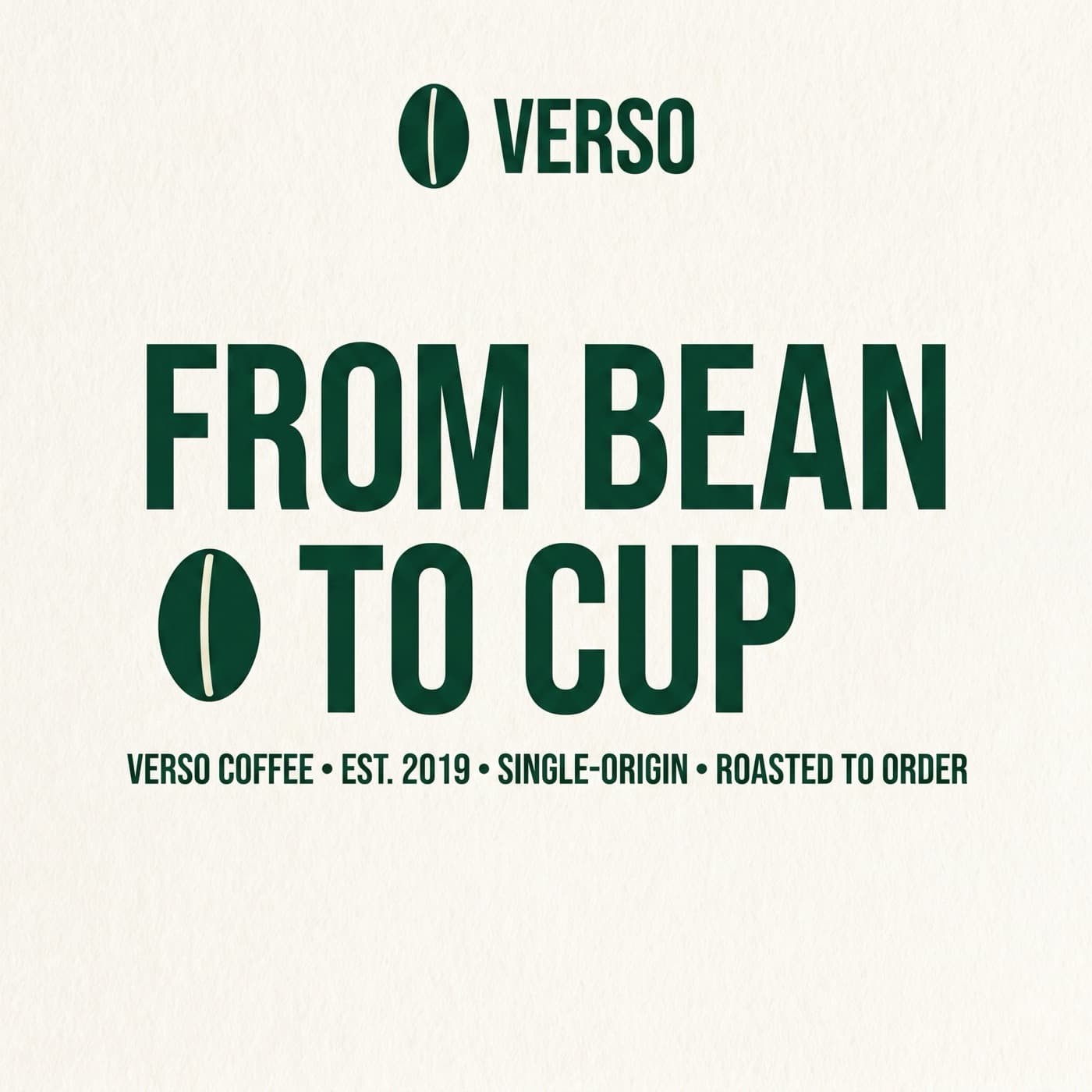
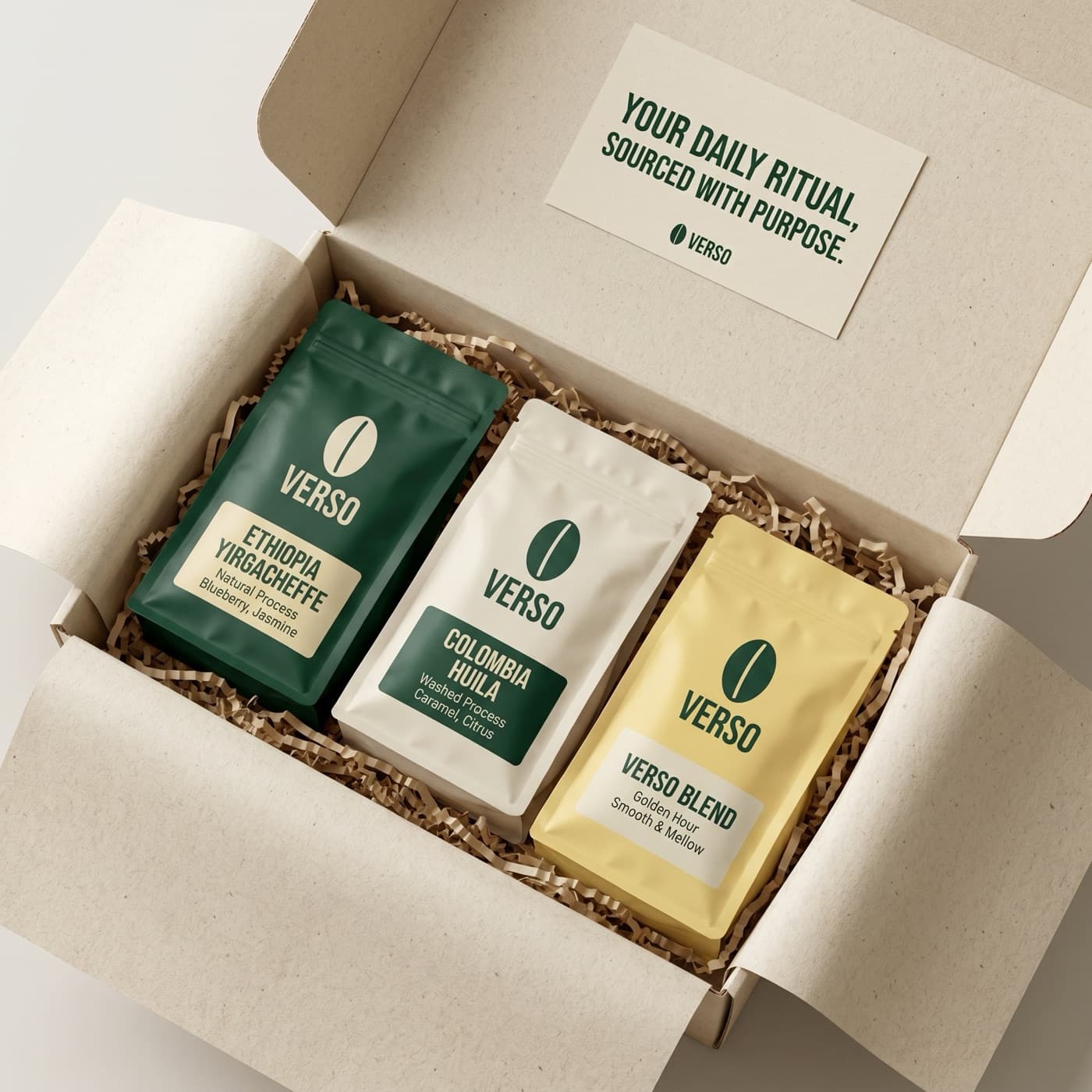
I've onboarded Verso Coffee. Here's the brand profile Bloom extracted:
Setup
Three clicks to connect
No install. No CLI. No API key.
Open Claude
Go to Settings, then Connectors. Works the same in claude.ai, Claude Desktop, Claude Code, and Cowork.
Add a custom connector
Click “Add custom connector” and paste the Bloom MCP URL.
Sign in with your Bloom account
Click Connect, sign in through your browser, and approve access. That’s it. Claude can now generate on-brand images.
https://www.trybloom.ai/api/mcpLooking for the API or other AI tools? View documentation
What you can do
All of Bloom, inside Claude.
Onboard your brand
Onboard your brand from a URL
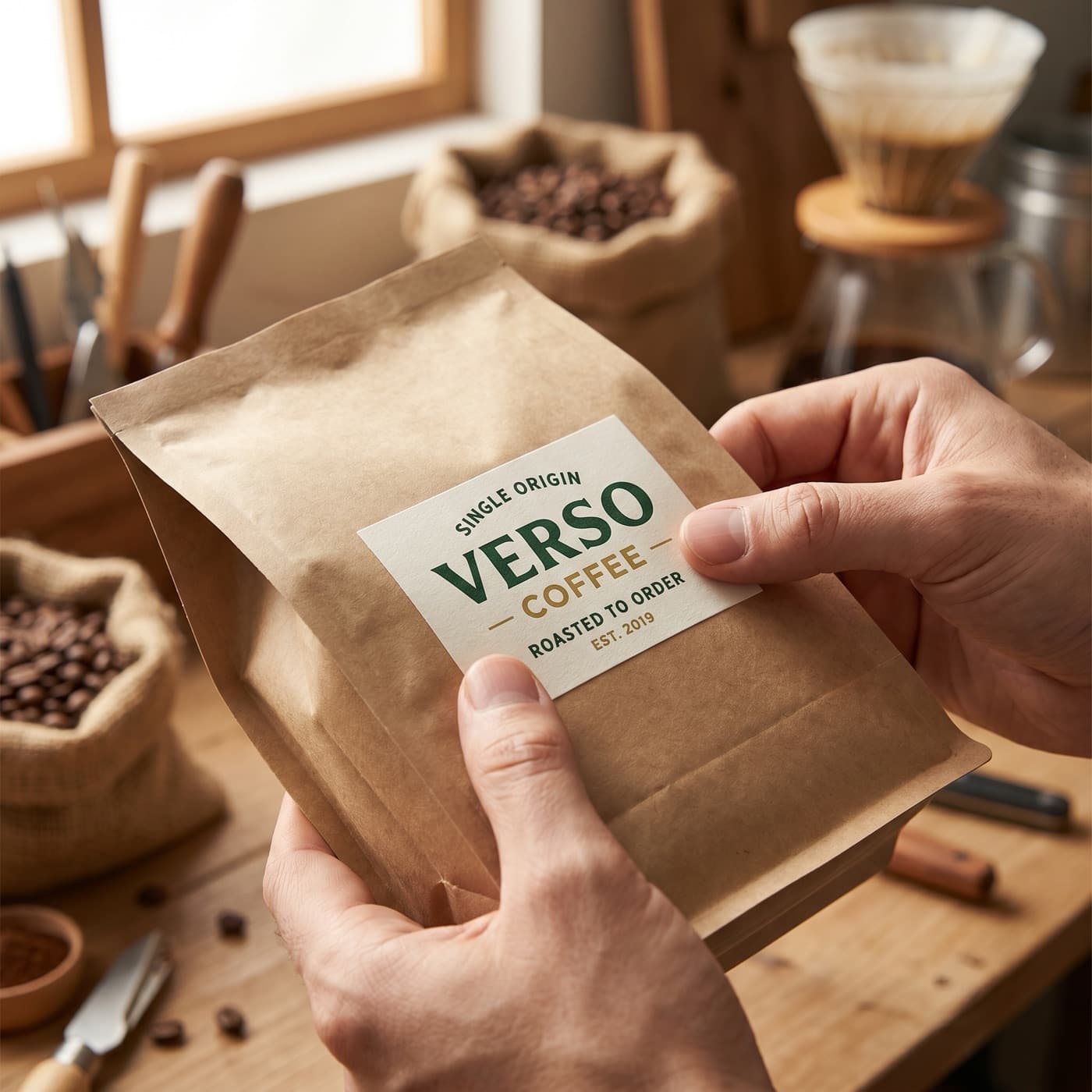
Paste your website. Bloom learns your colors, fonts, and visual style in seconds. Every image after that carries your brand DNA.
Try it
Add verso.cafe to Bloom
Verso Coffee
verso.cafe
Bebas Neue
Inter
Generate
Generate images that look like your brand made them
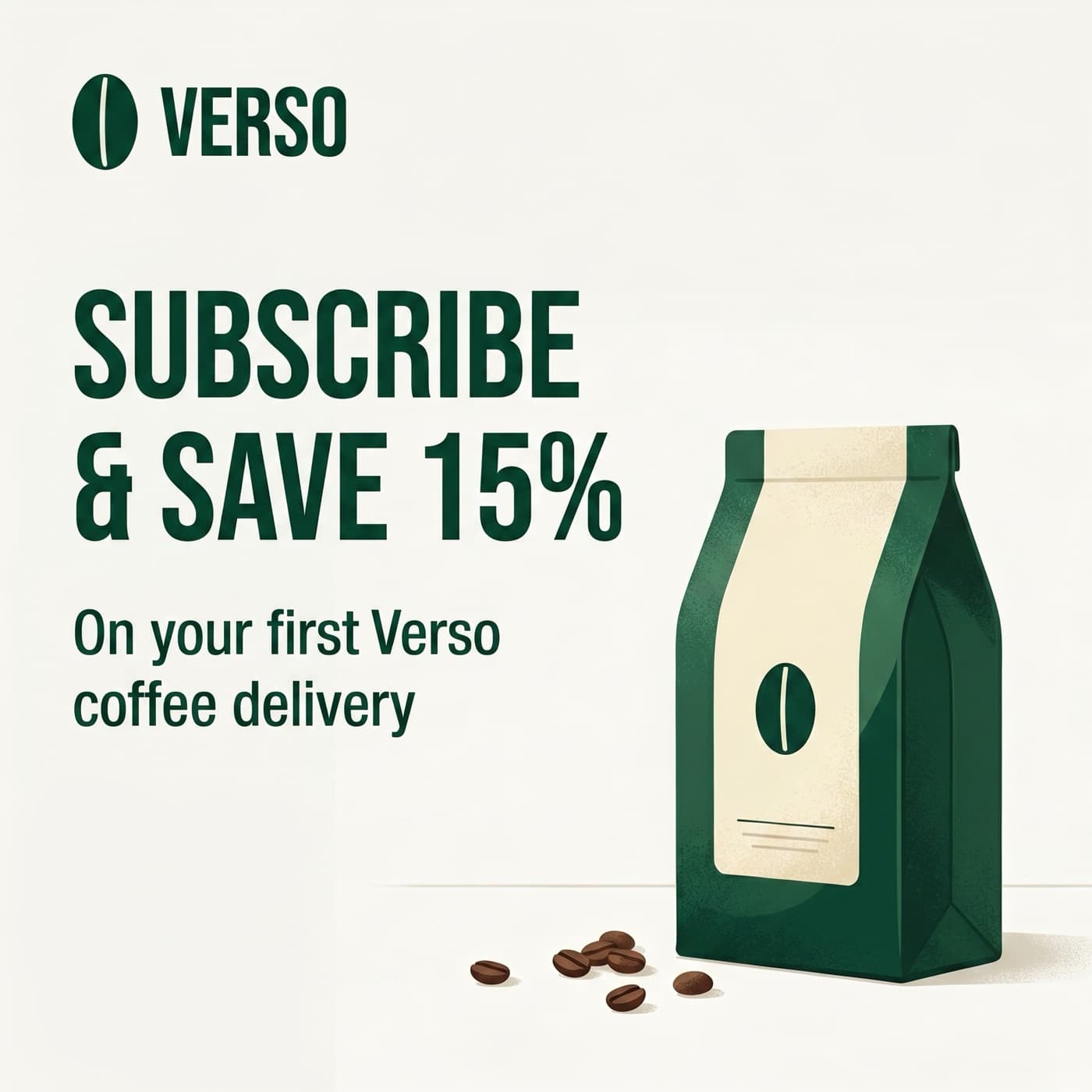
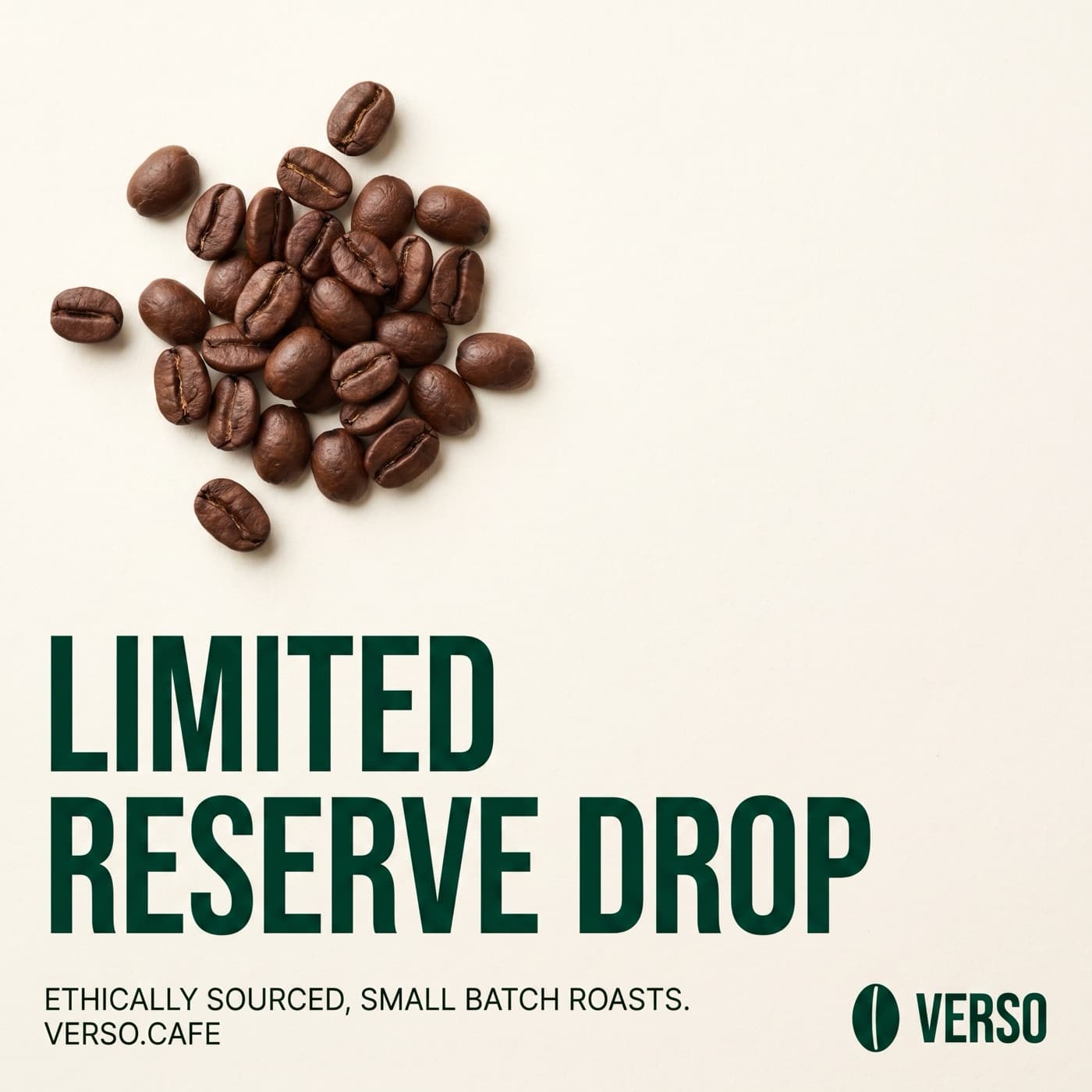
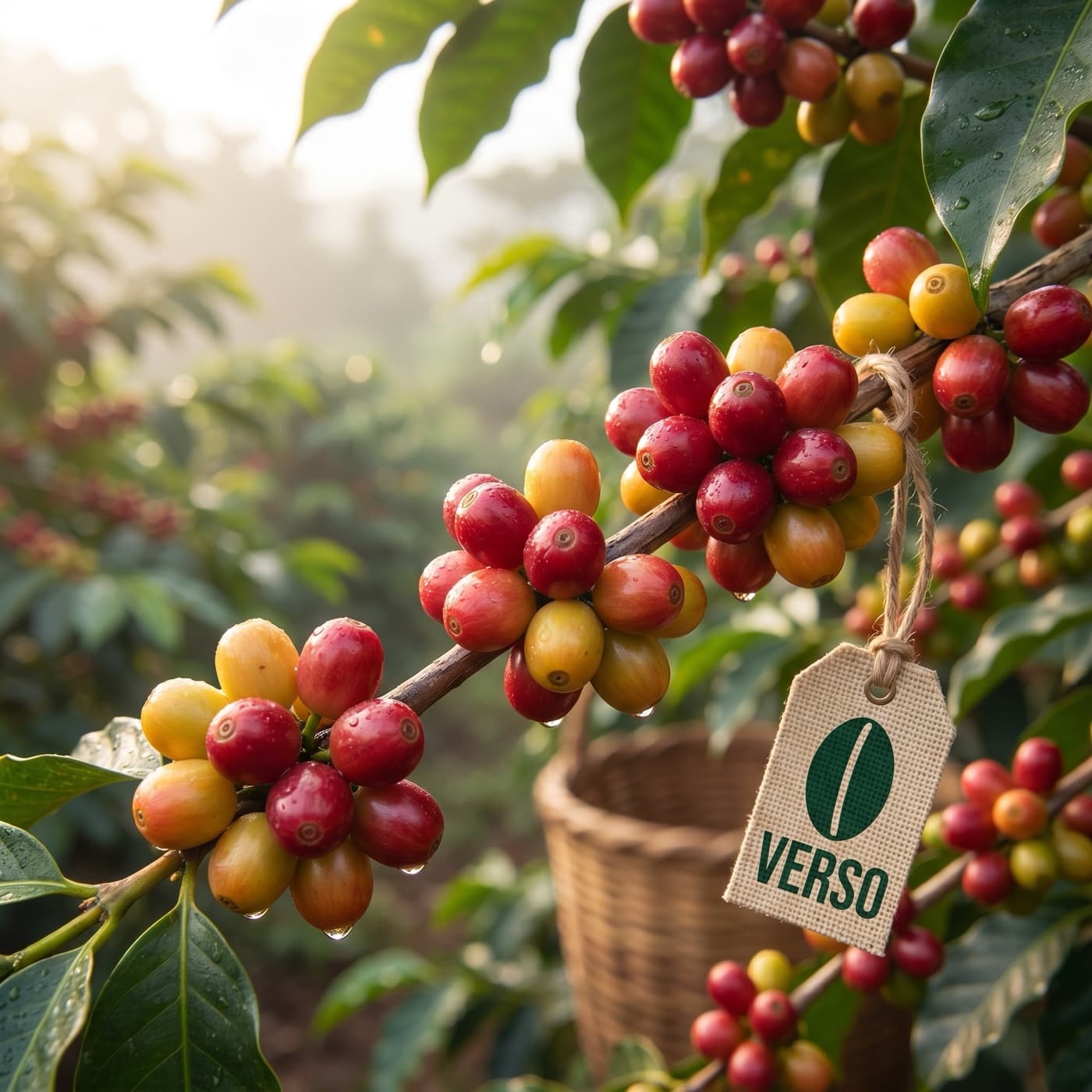
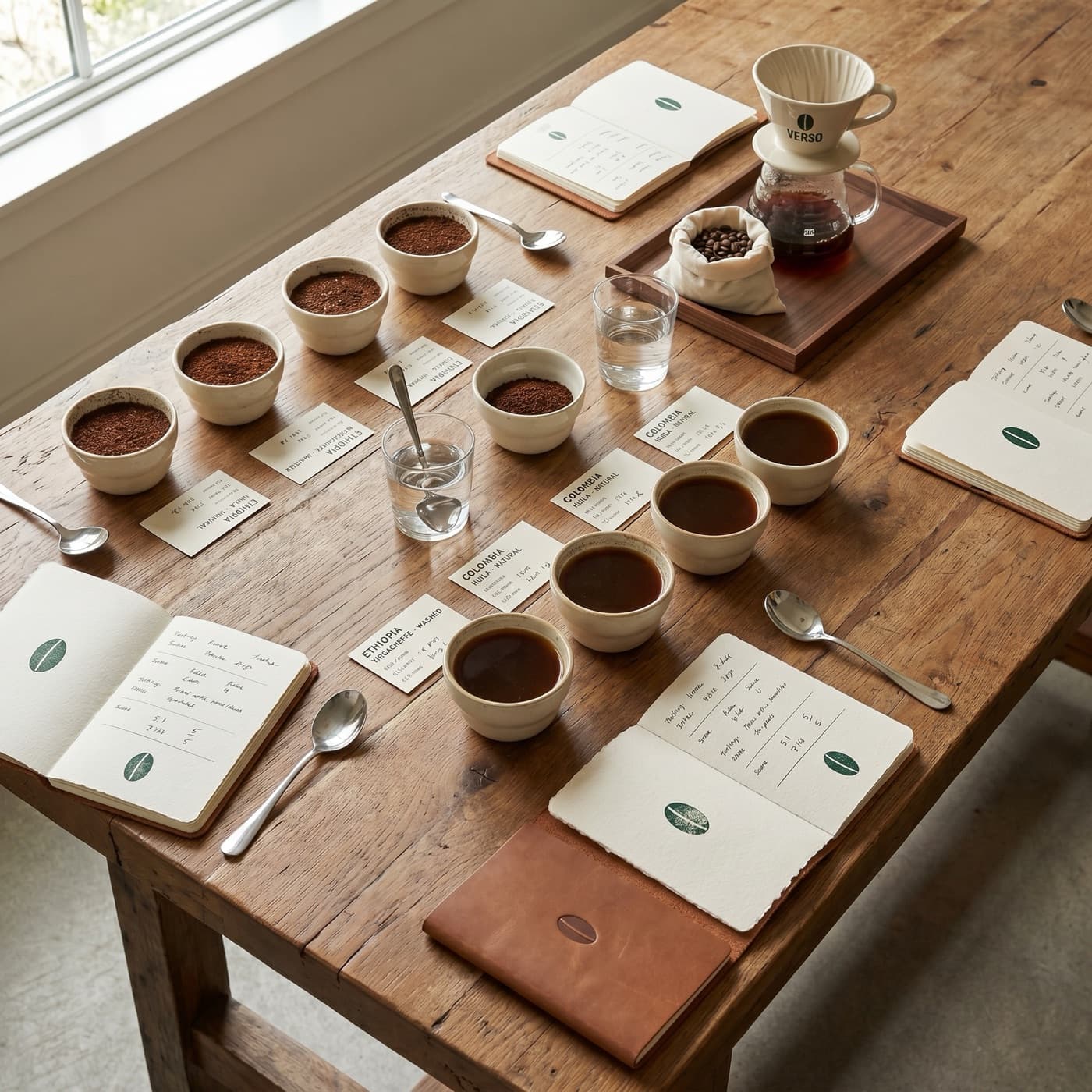
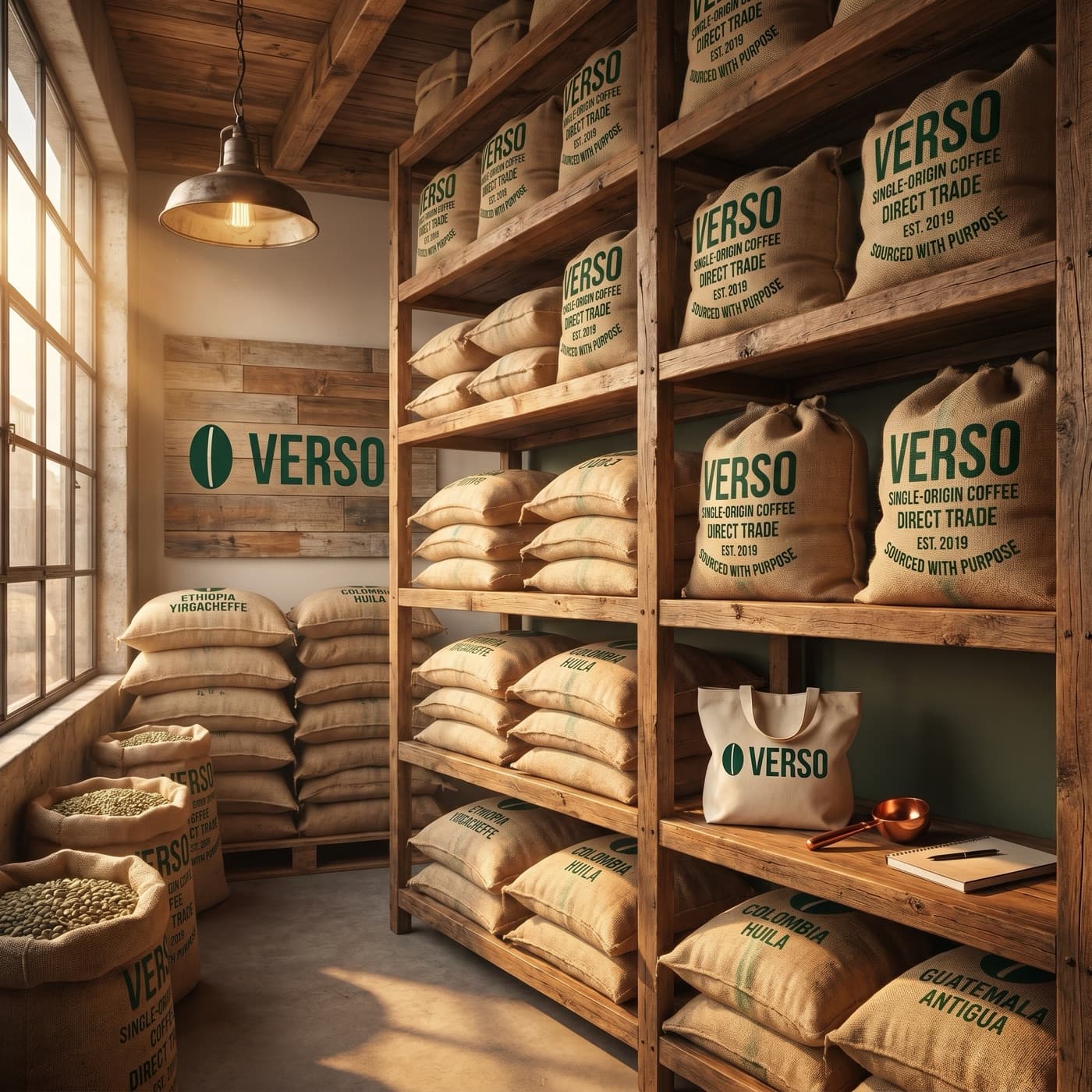
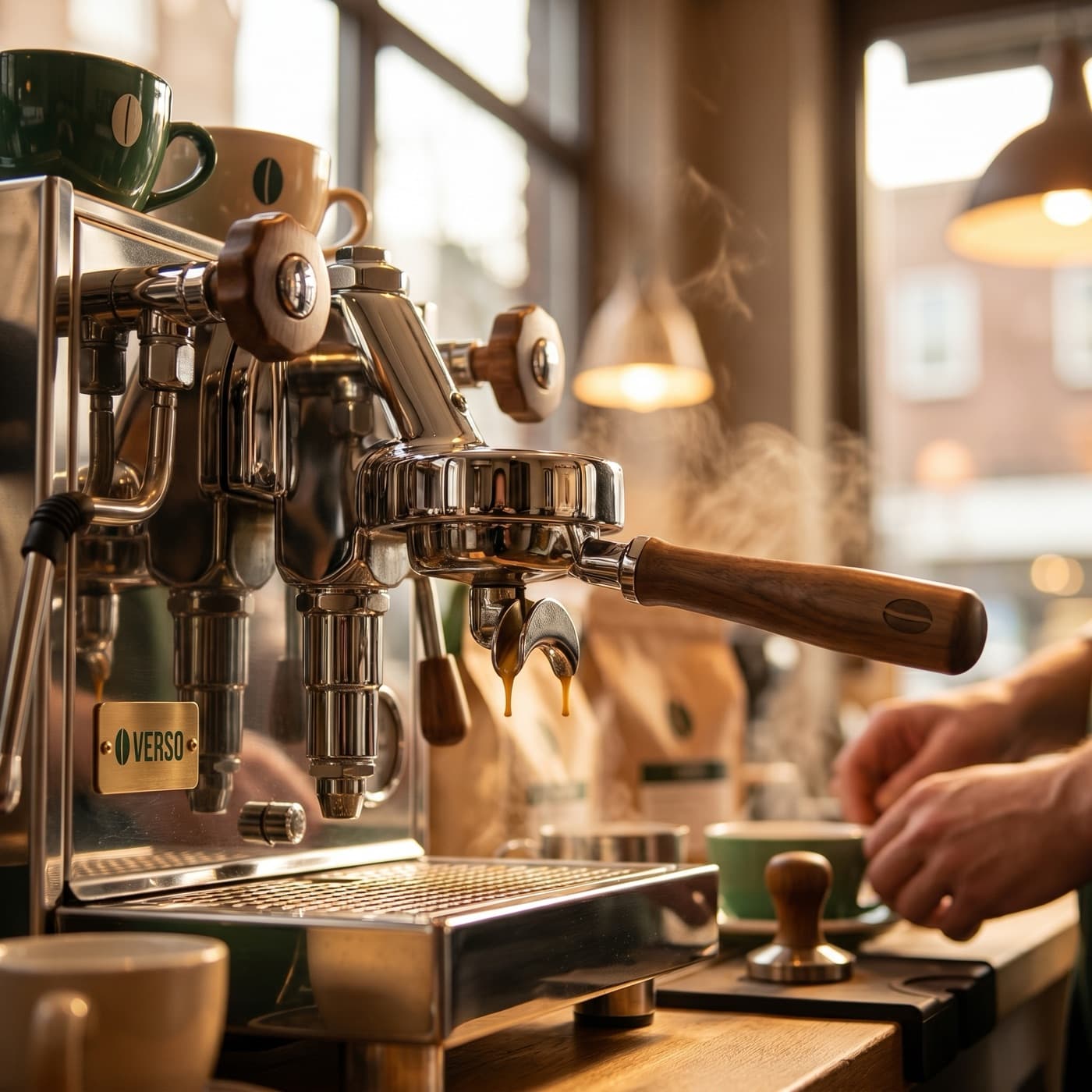
Describe what you need. Bloom uses your brand profile to keep every output recognizable. Even a one-line prompt comes back on-brand.
Try it
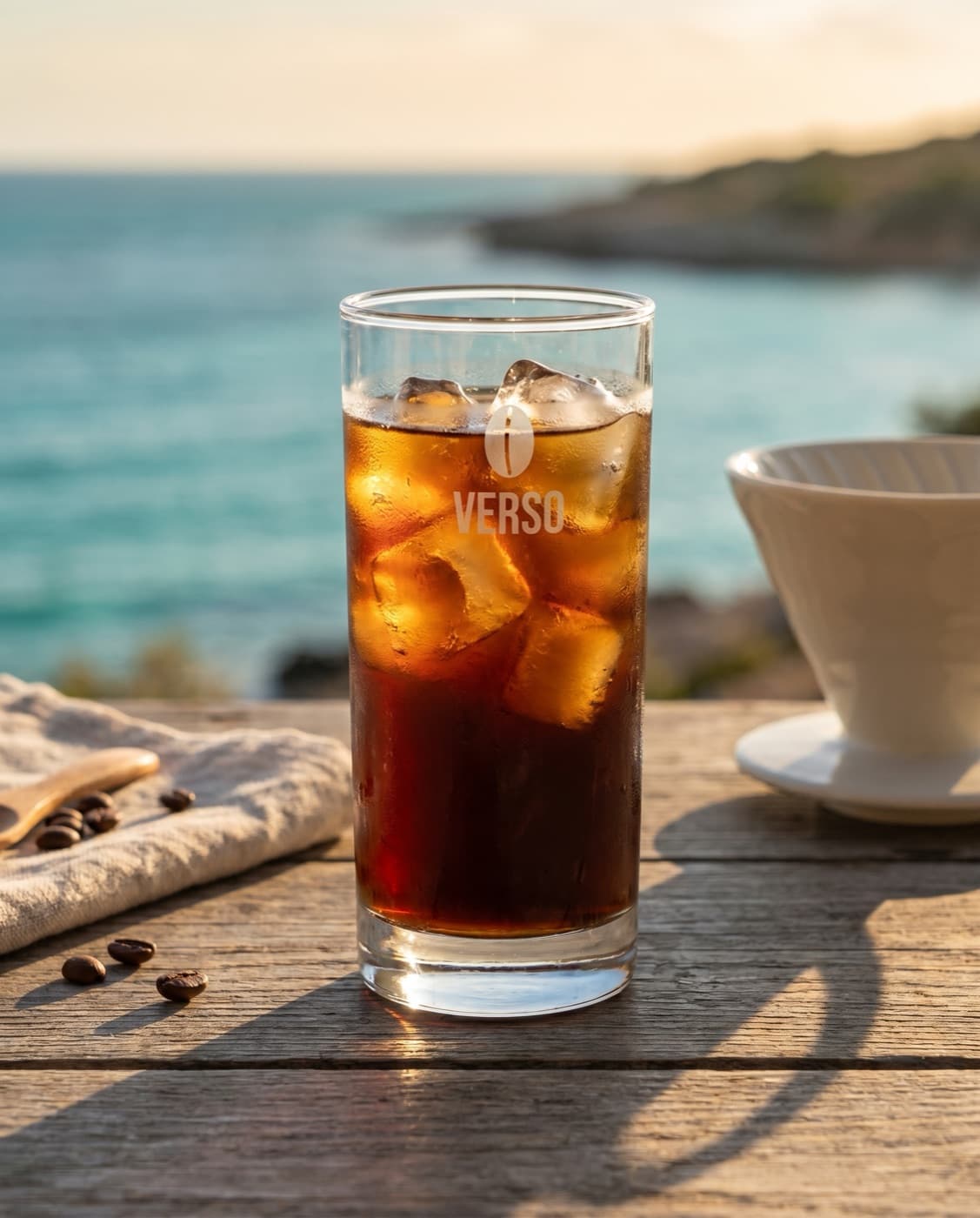
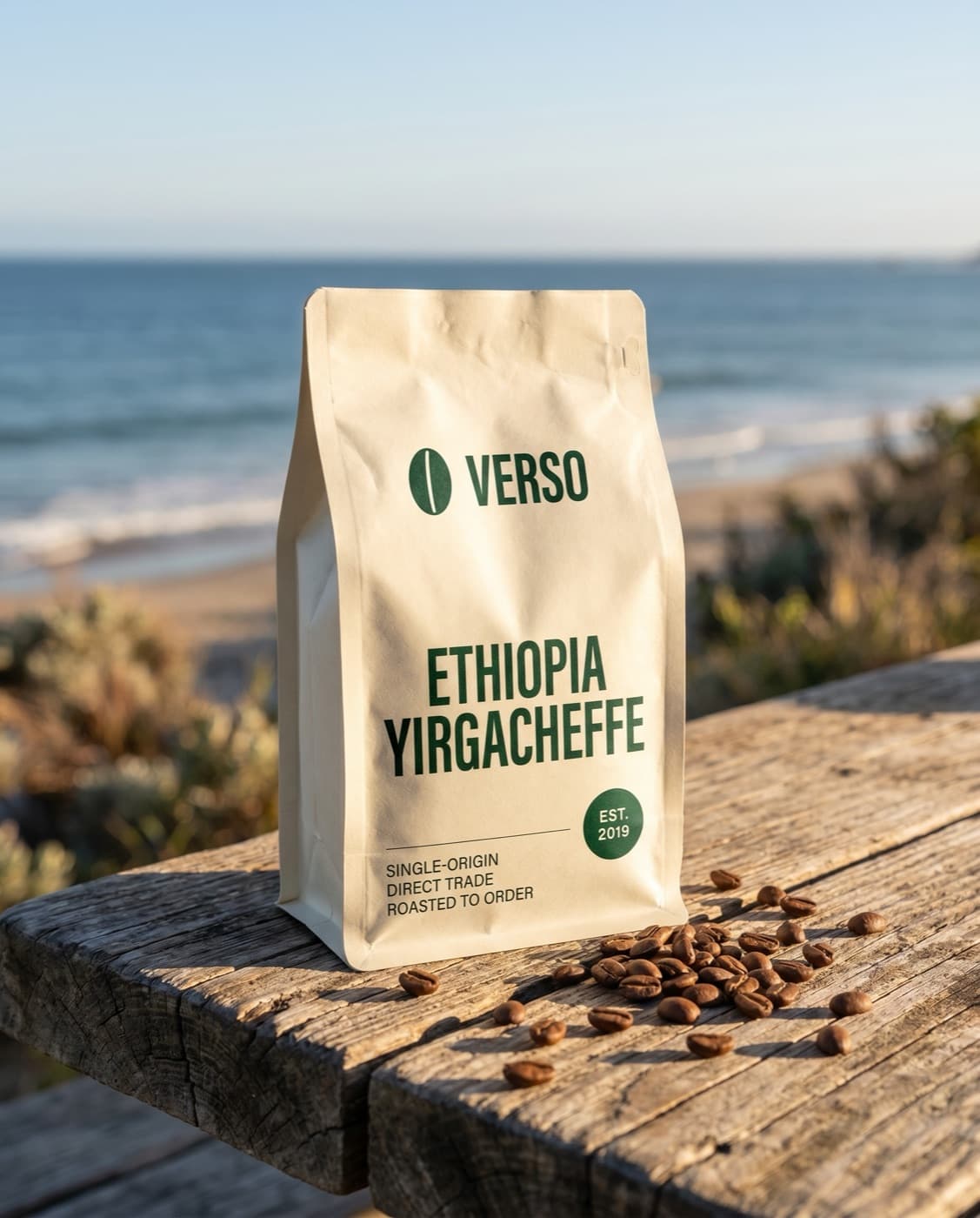
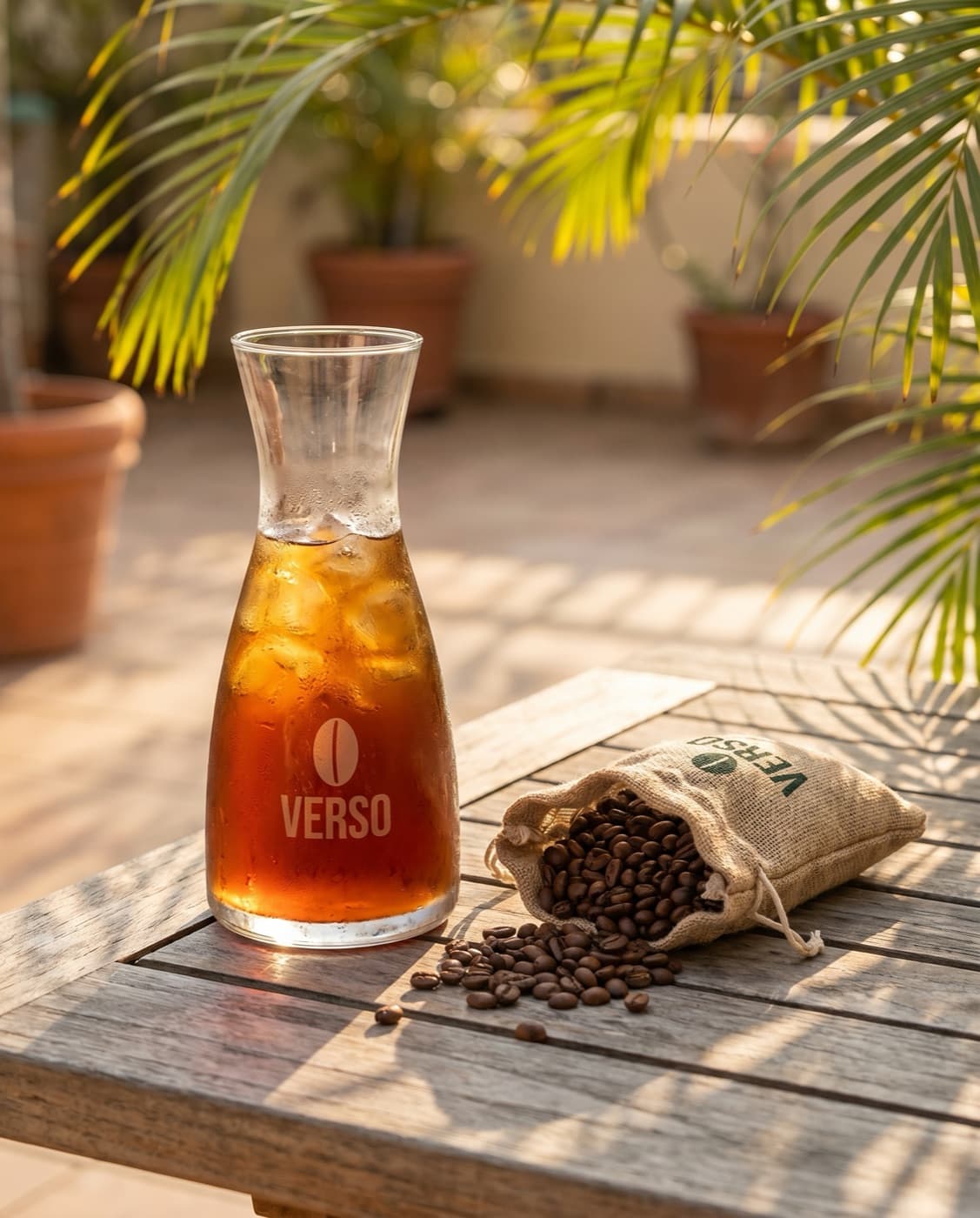
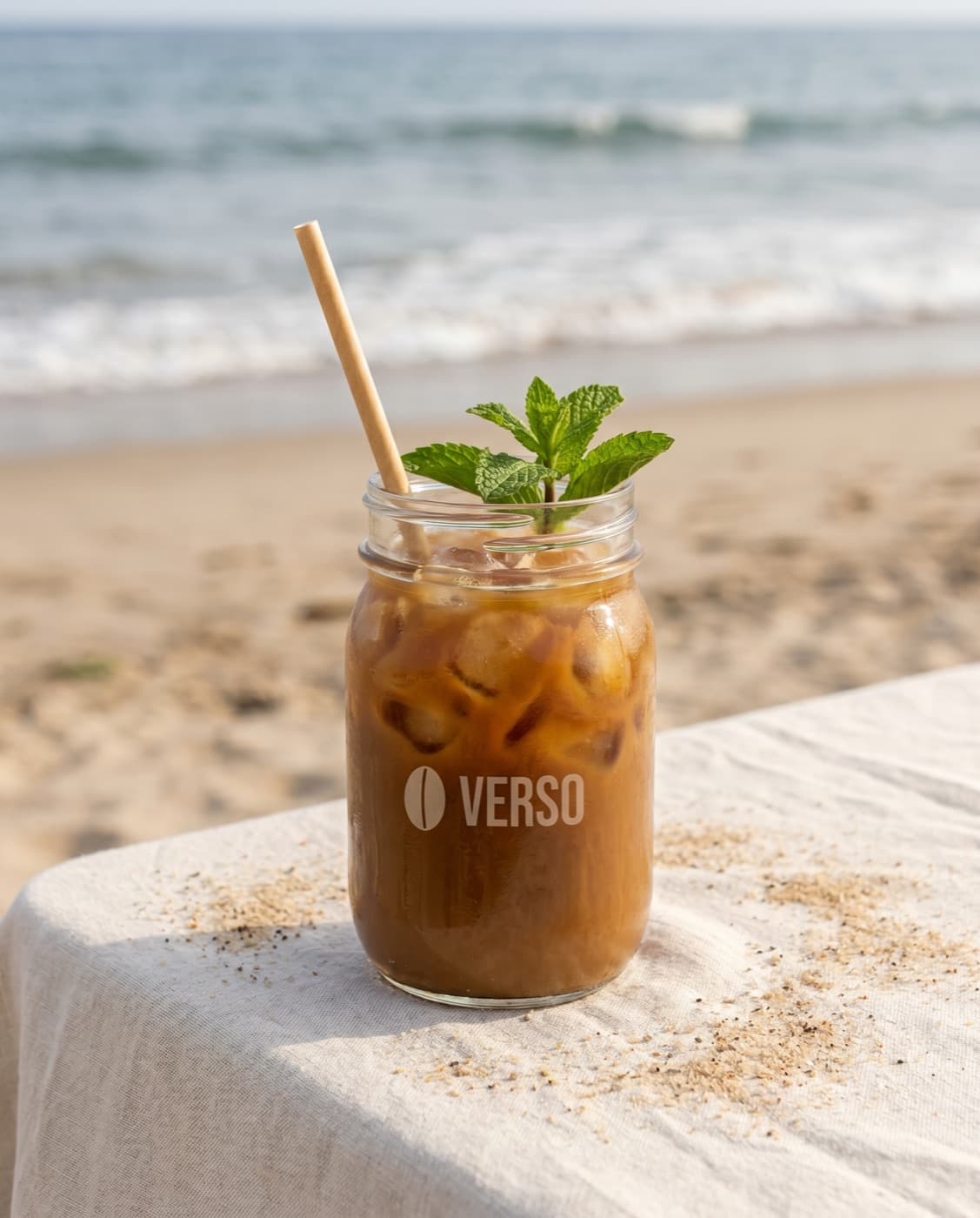
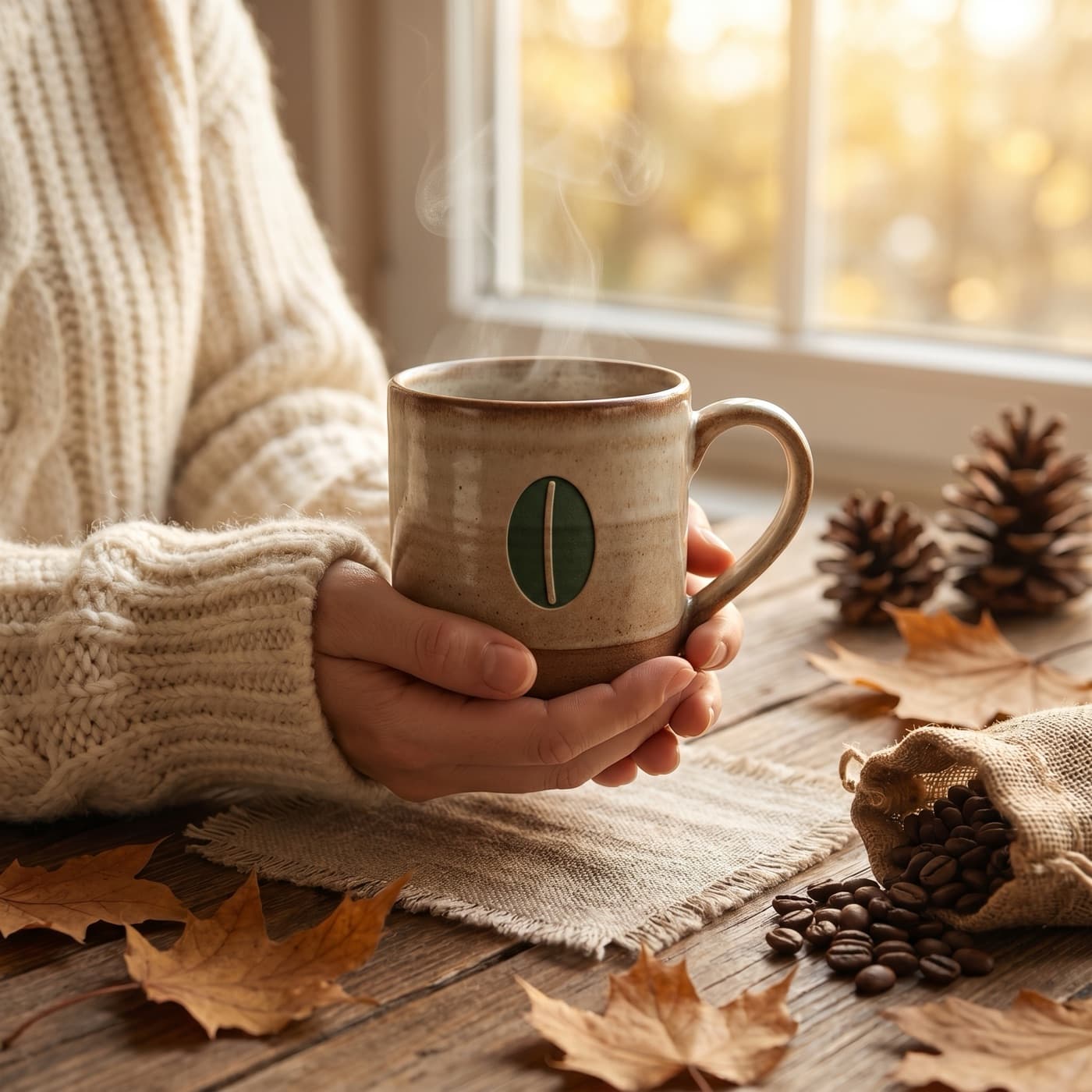
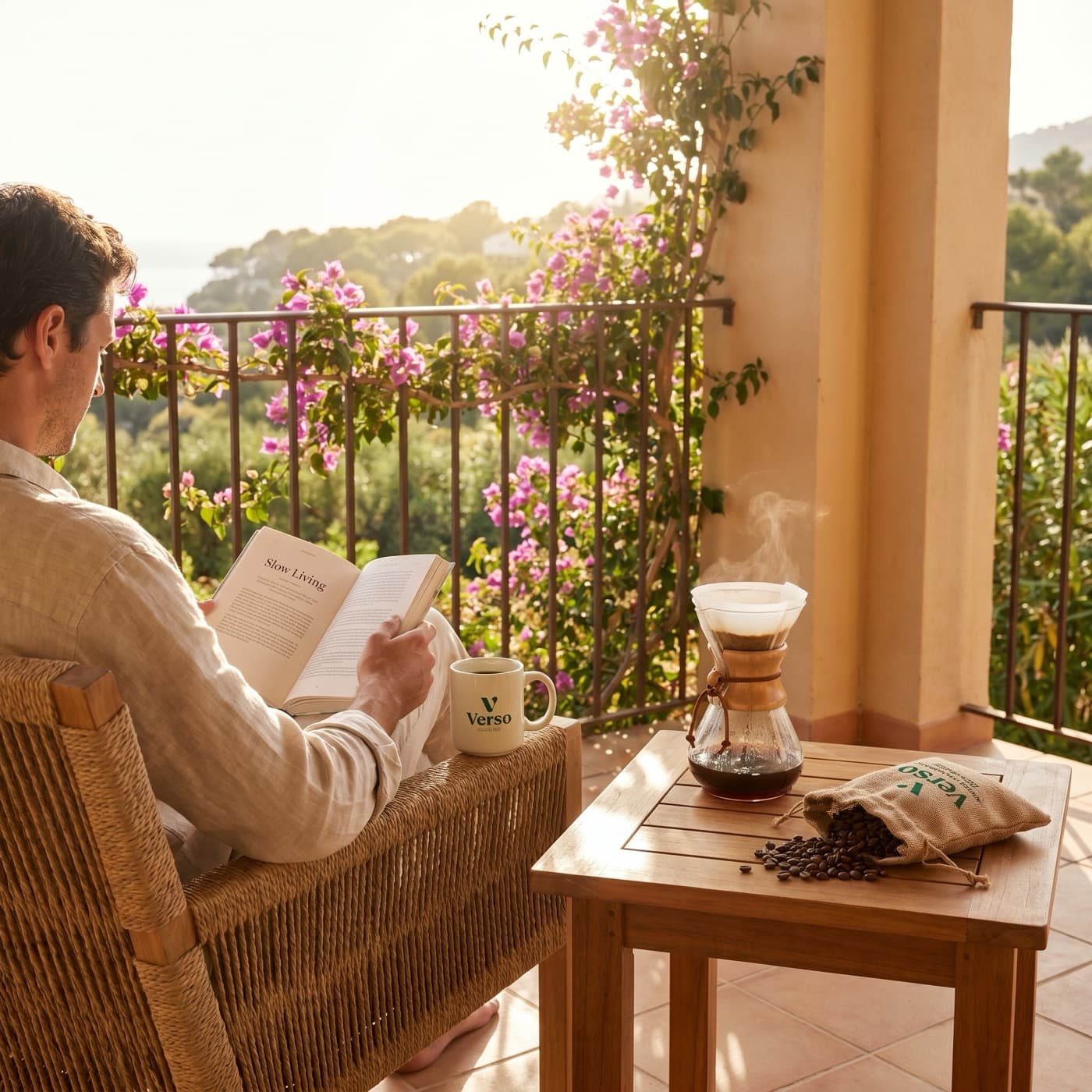
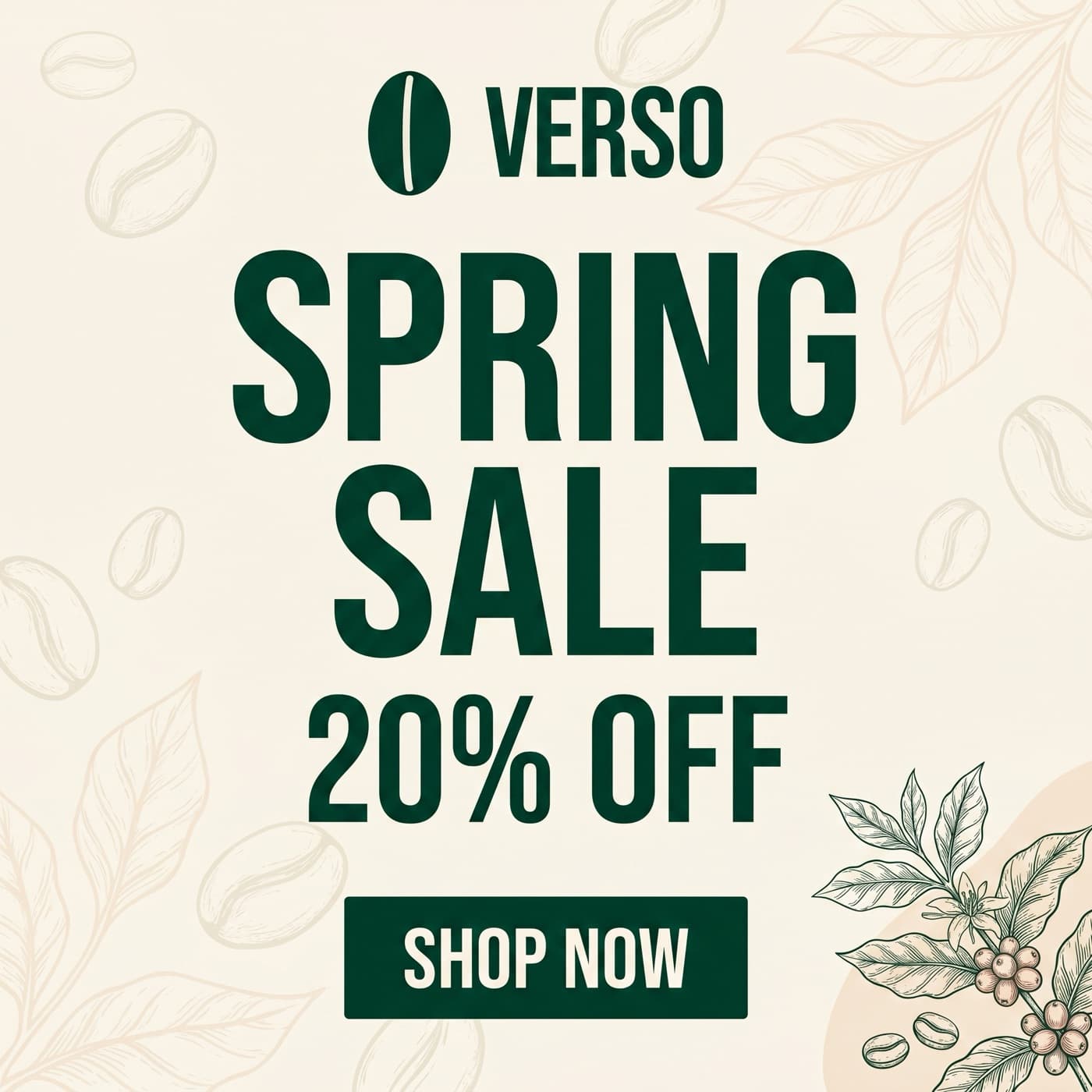
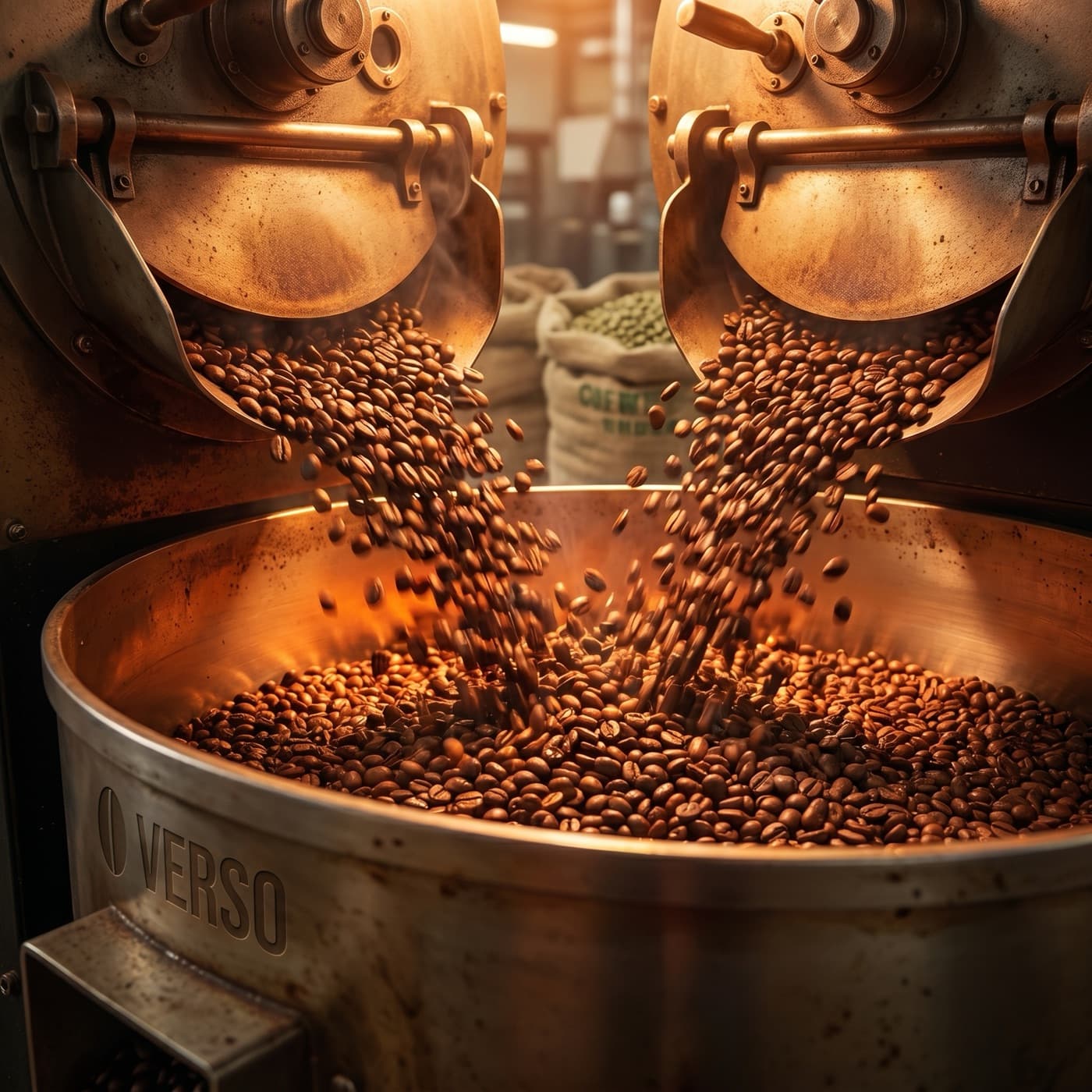
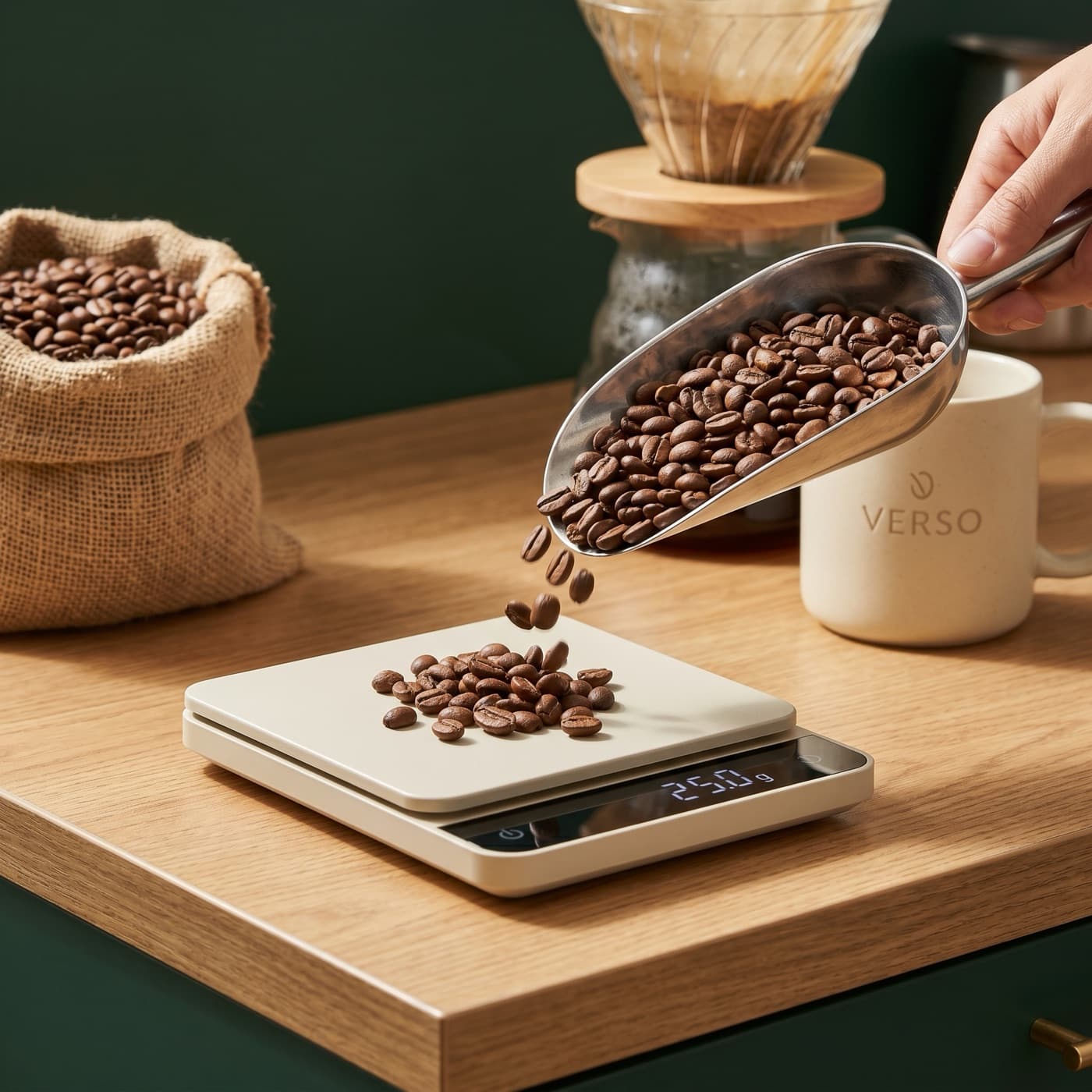
Generate 5 hero images for our spring cold brew launch. Sunlit, coastal, our colors.
5 variants ready

Edit
Edit and iterate without leaving the conversation
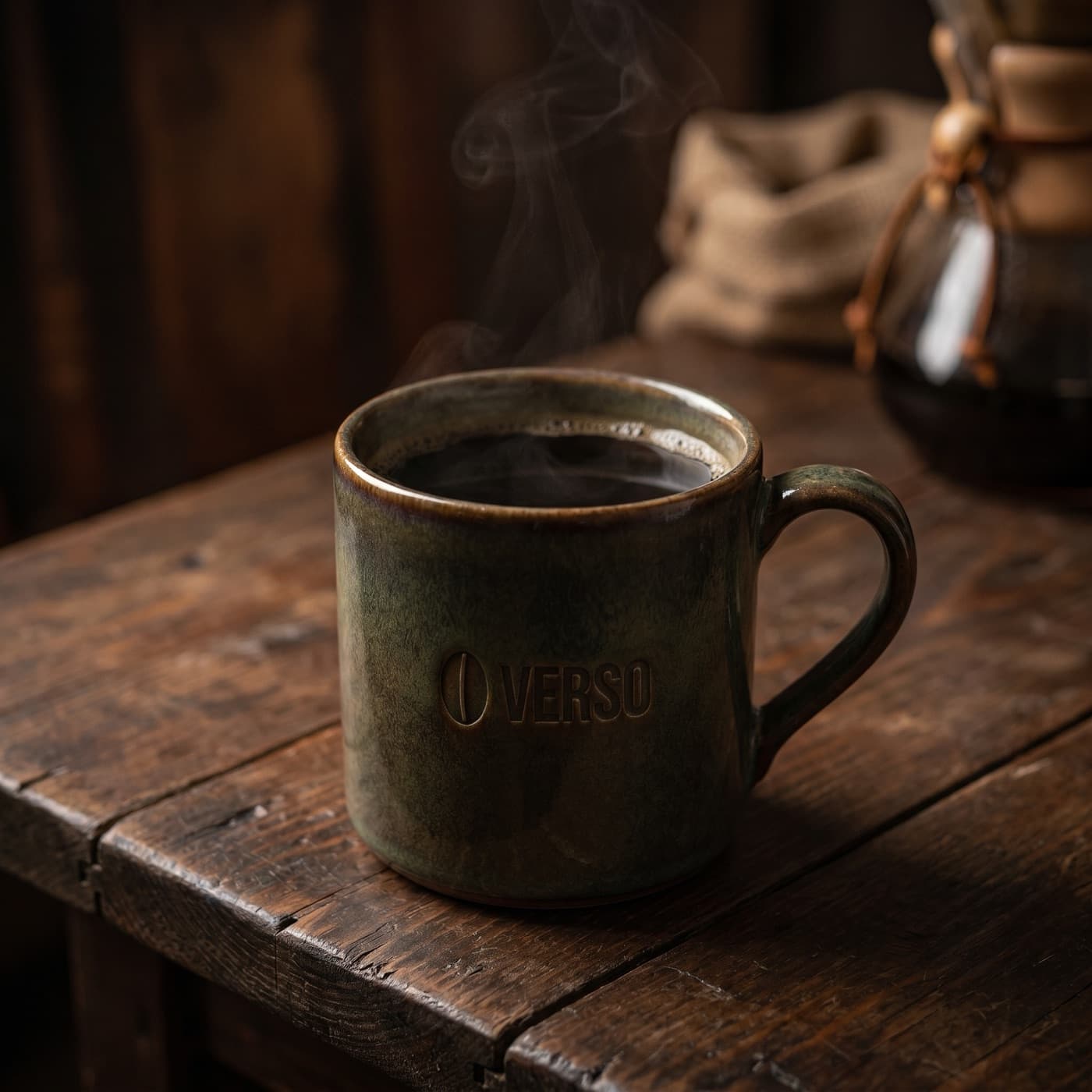
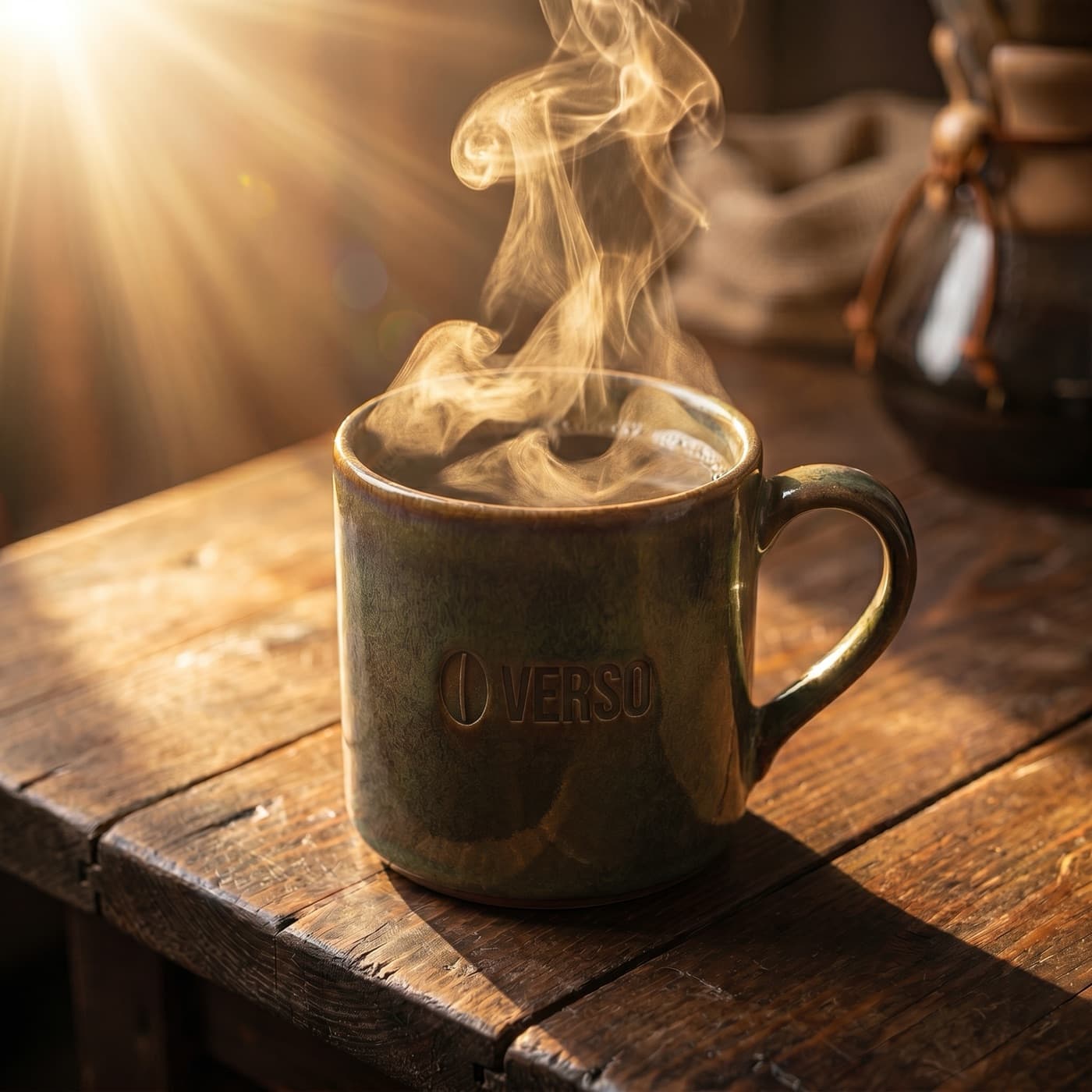
Generate, then revise. Tweak composition. Swap backgrounds. Adjust copy. Every edit happens in chat and stays on-brand.
Try it
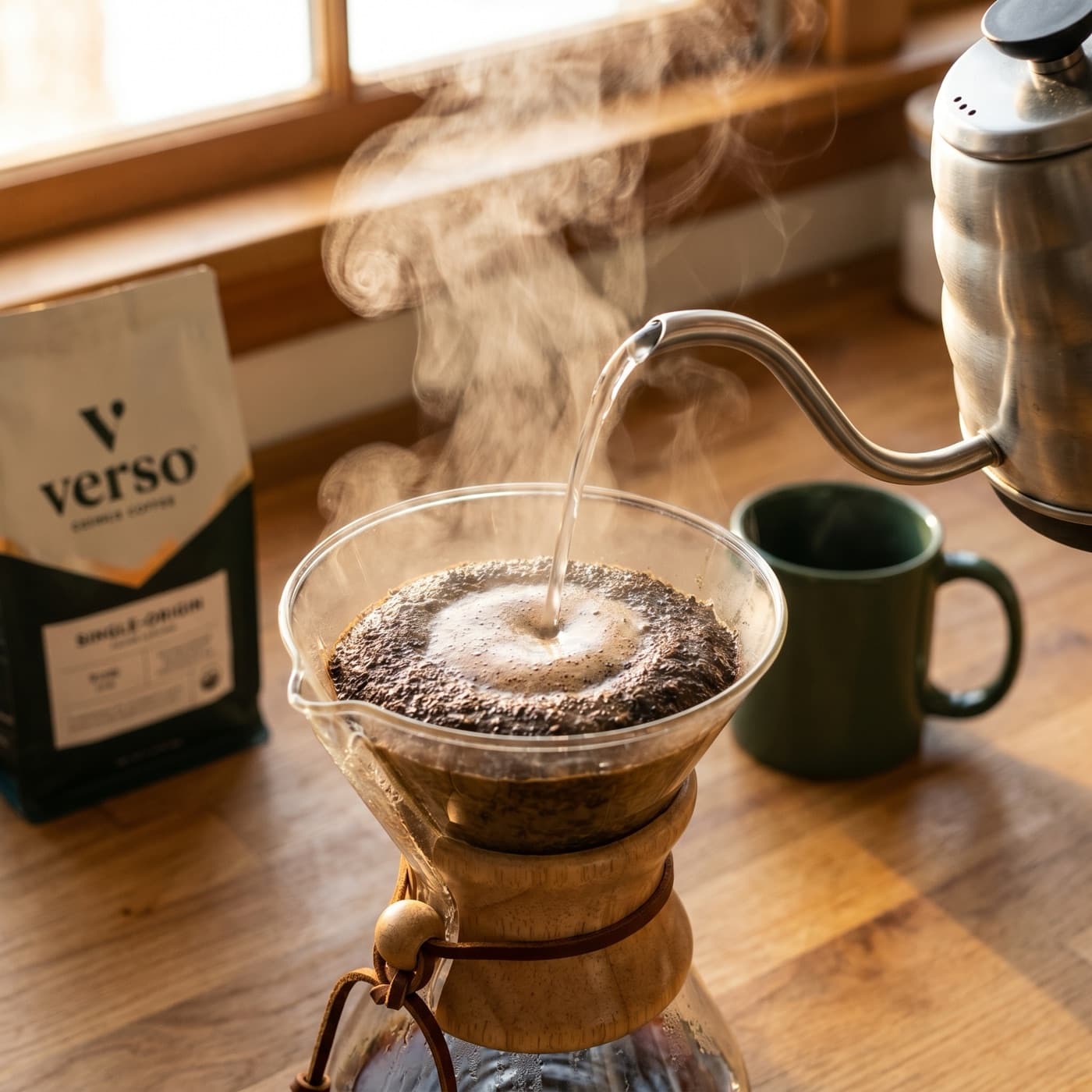
Brighten the background and add steam rising off the cup.
Edit applied
Before
After
Resize
Resize for every channel
One image, every aspect ratio. Bloom recomposes the shot to fit the new placement, instead of cropping or stretching.
Try it
Resize this hero for an Instagram Story and a Meta feed ad.
Resized for 3 placements
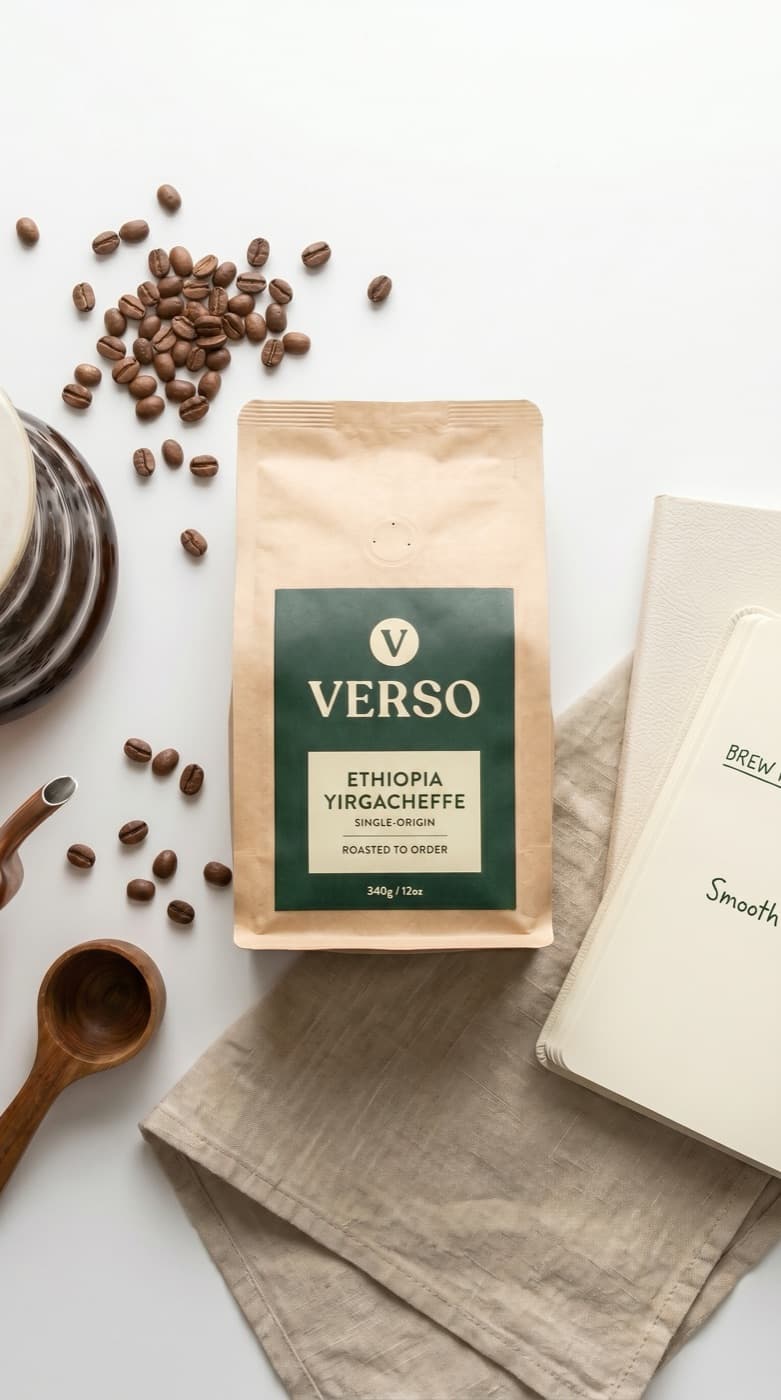
9:16
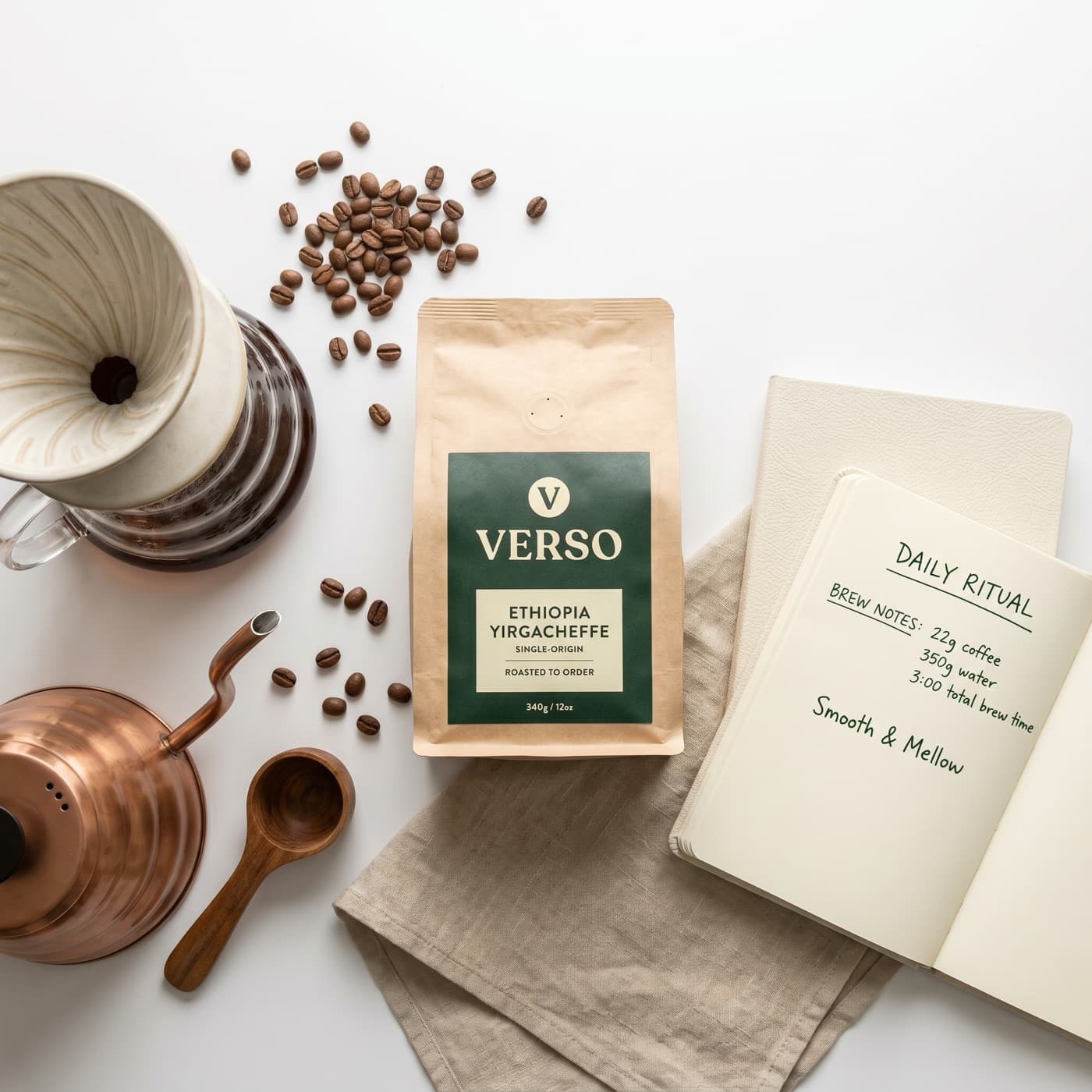
1:1
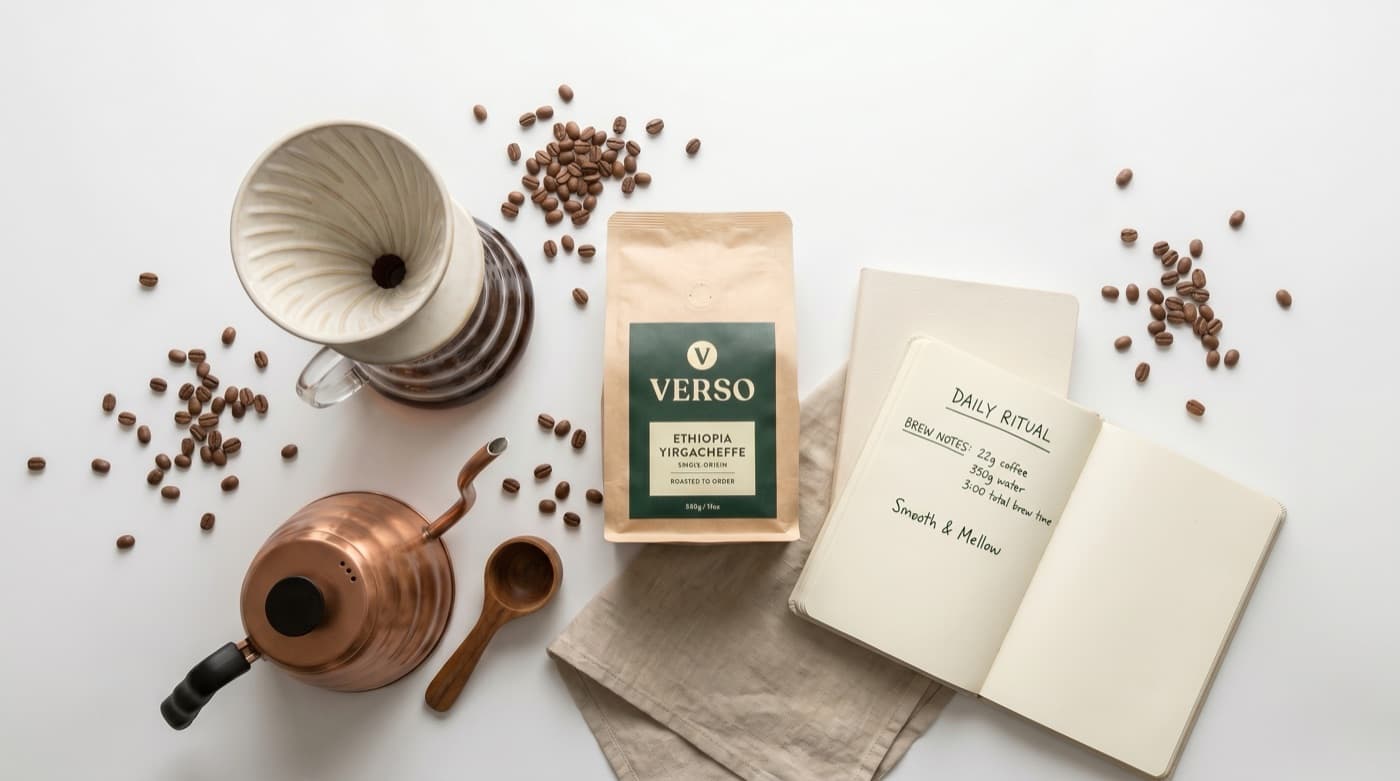
16:9
Reference images
Use reference images for style or composition
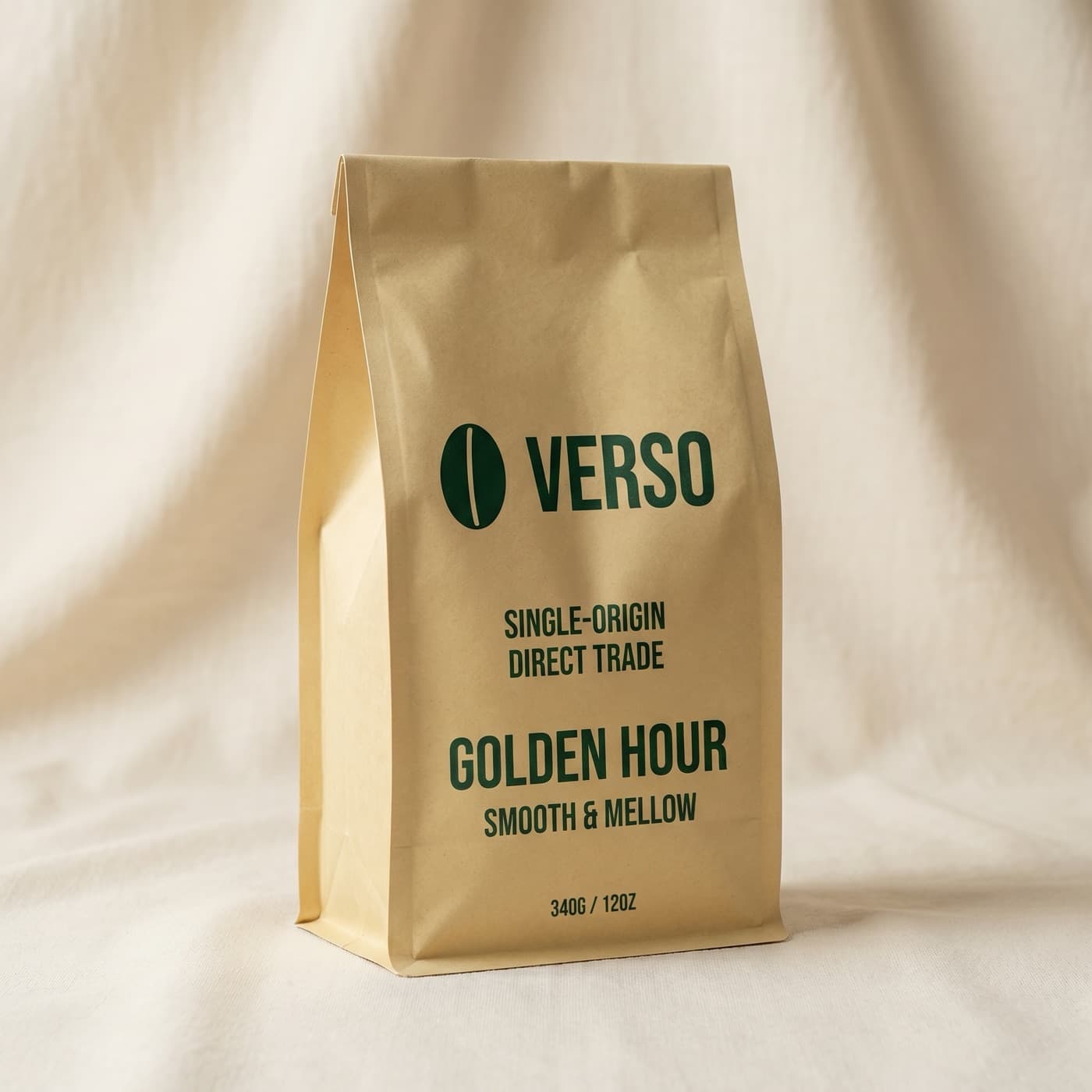
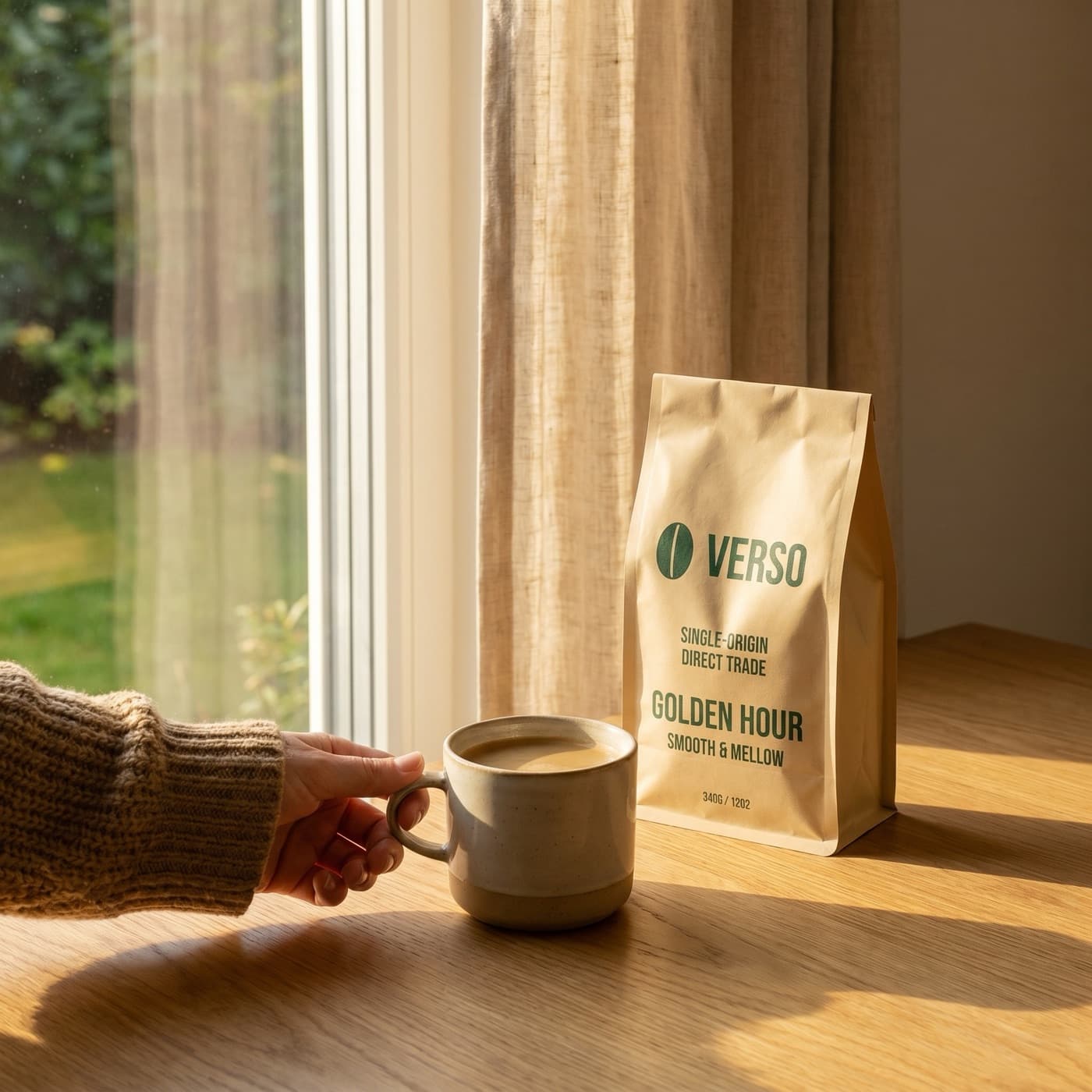
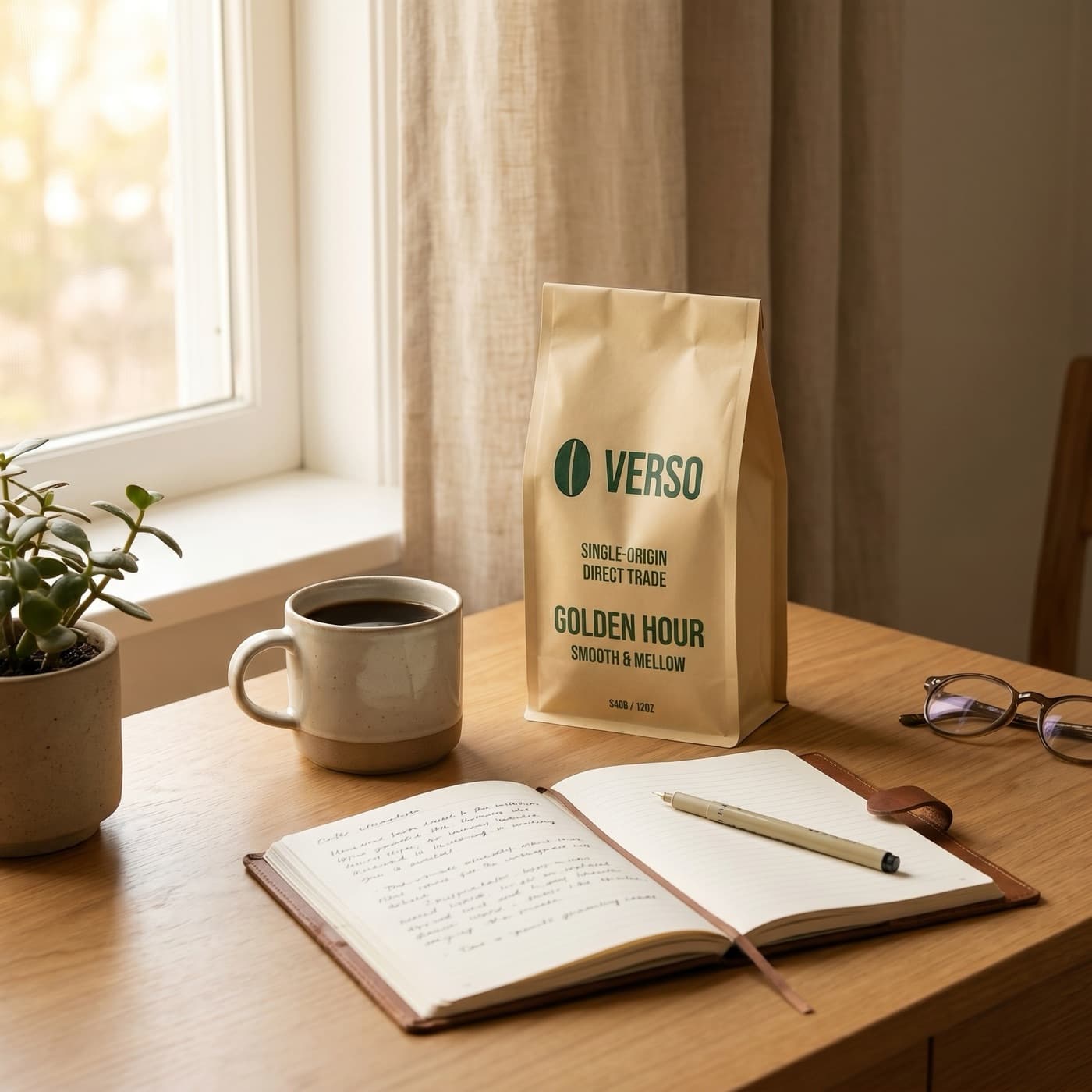
Drop in a product photo, a competitor's ad, or a moodboard. Bloom matches the look while staying on-brand.
Try it
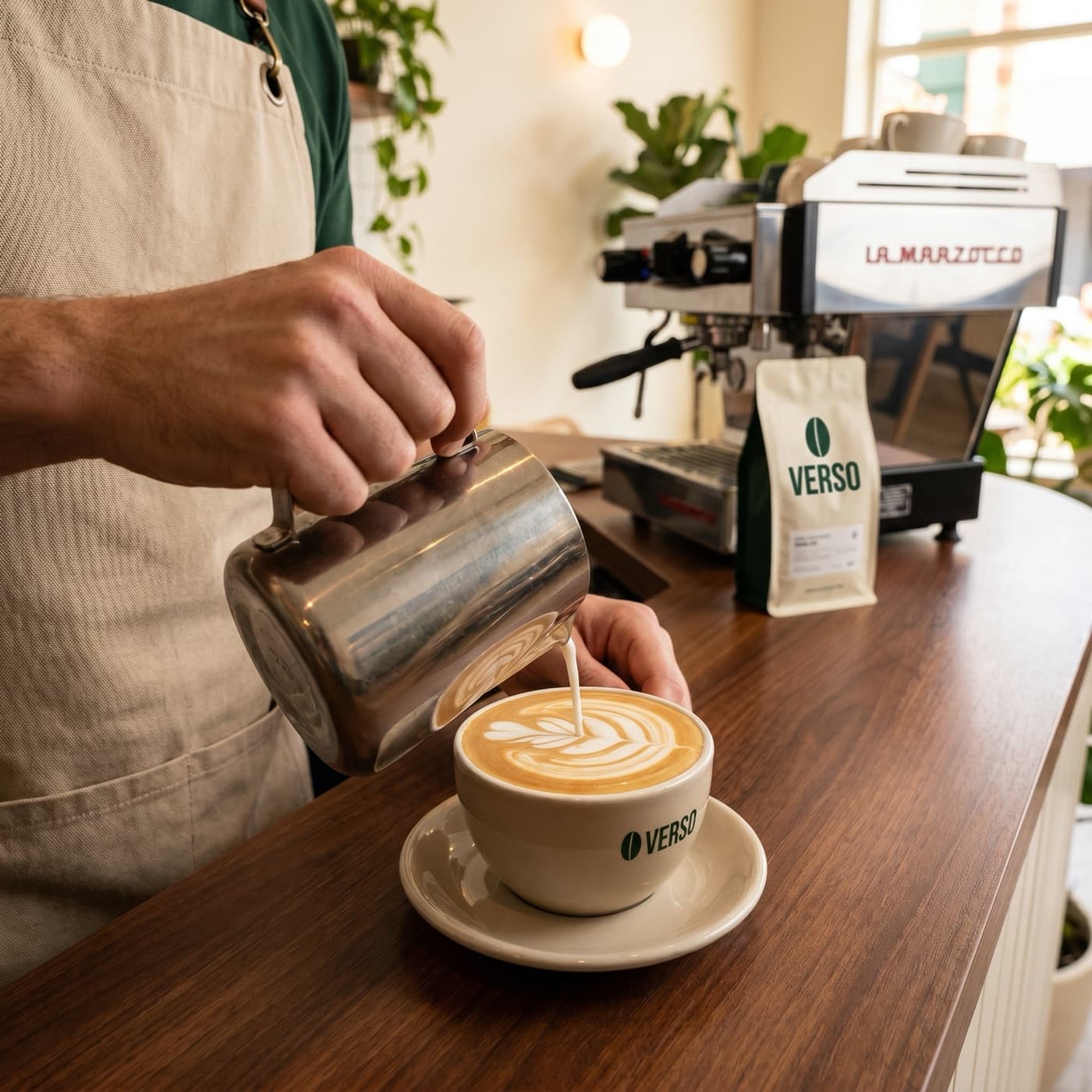
Use this product shot as a reference and generate three lifestyle variations.
Reference + 3 variations

Batch
Run a whole campaign in one conversation
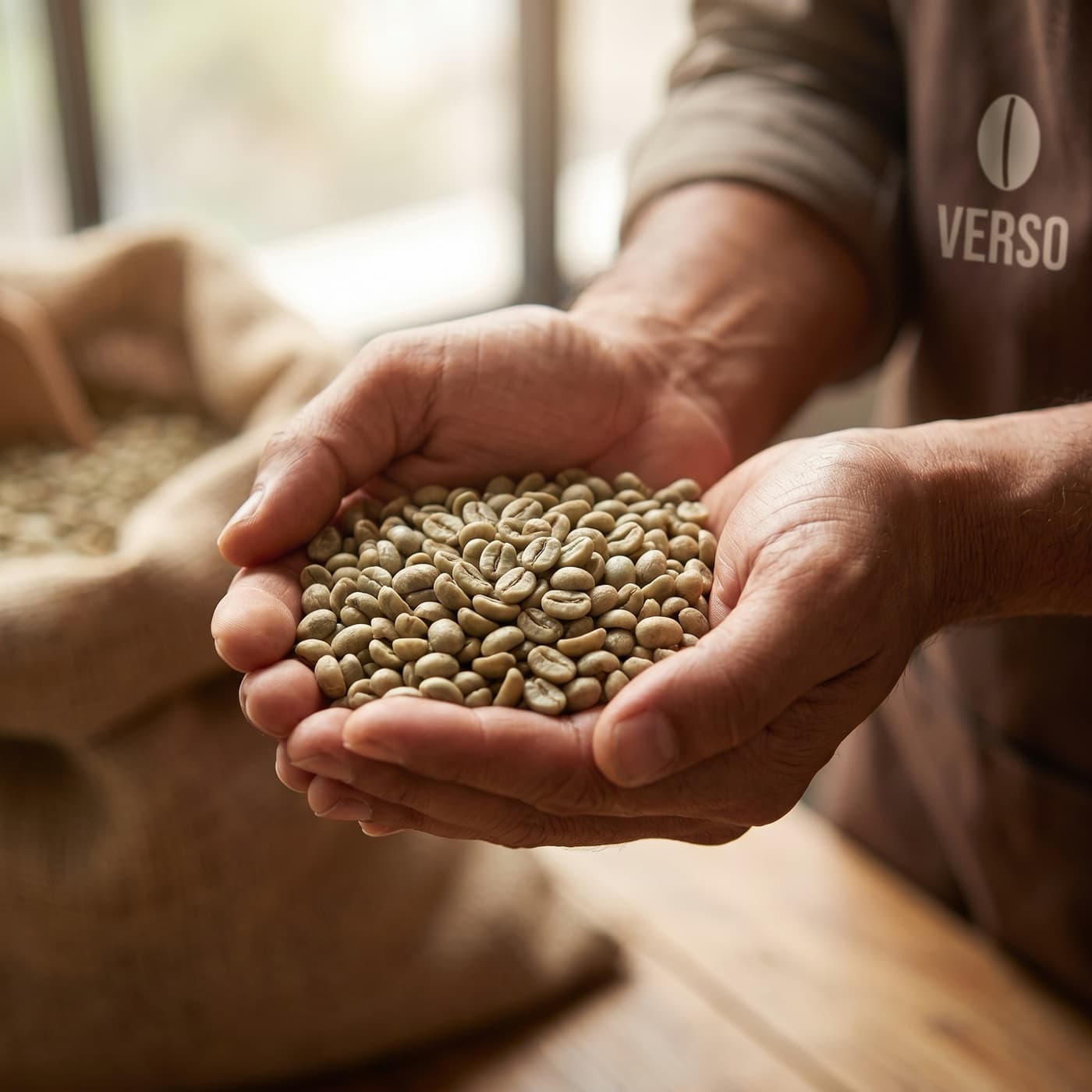
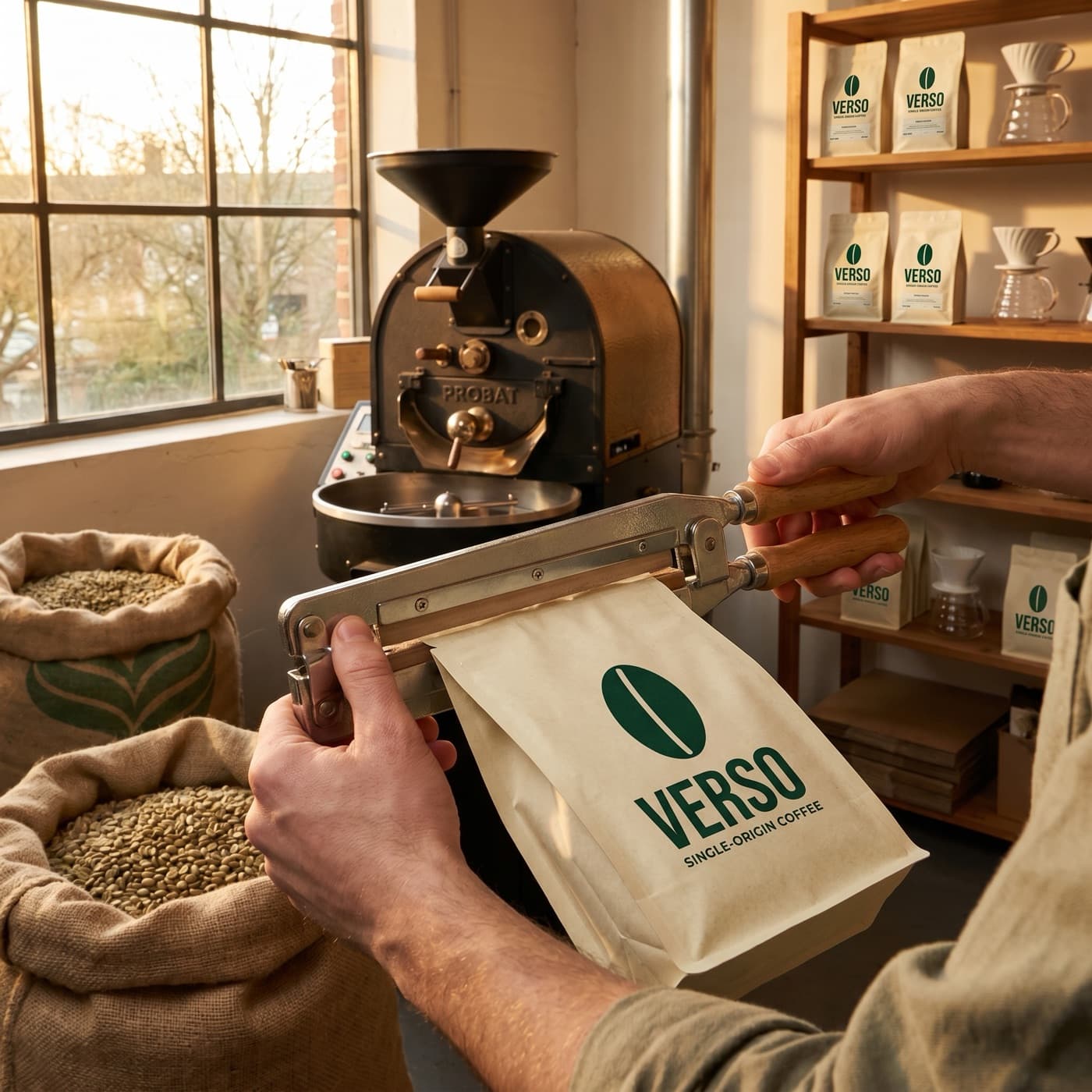
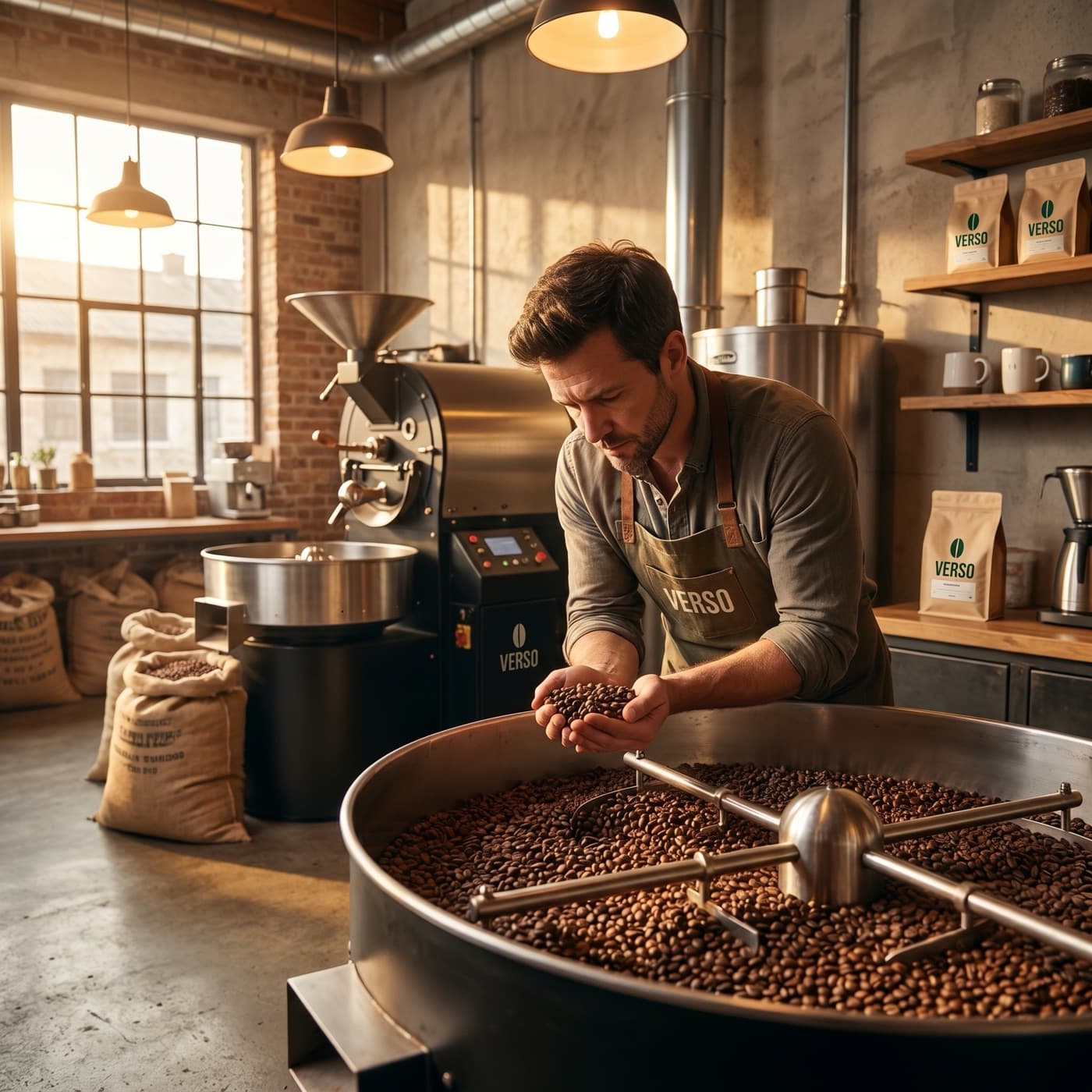
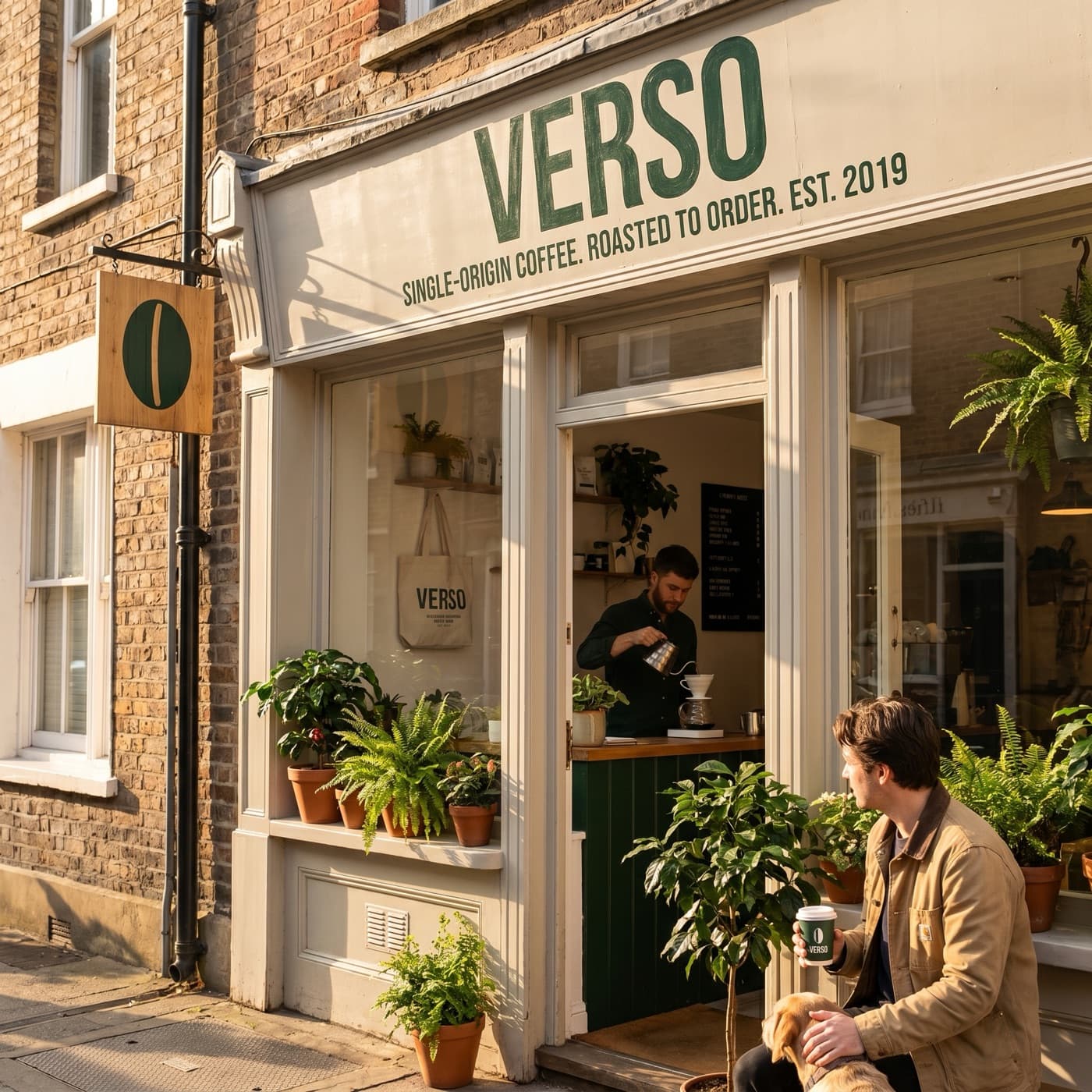
Fire 30 images in a single message. Bloom runs them in parallel and shows the gallery inline as they finish.
Try it
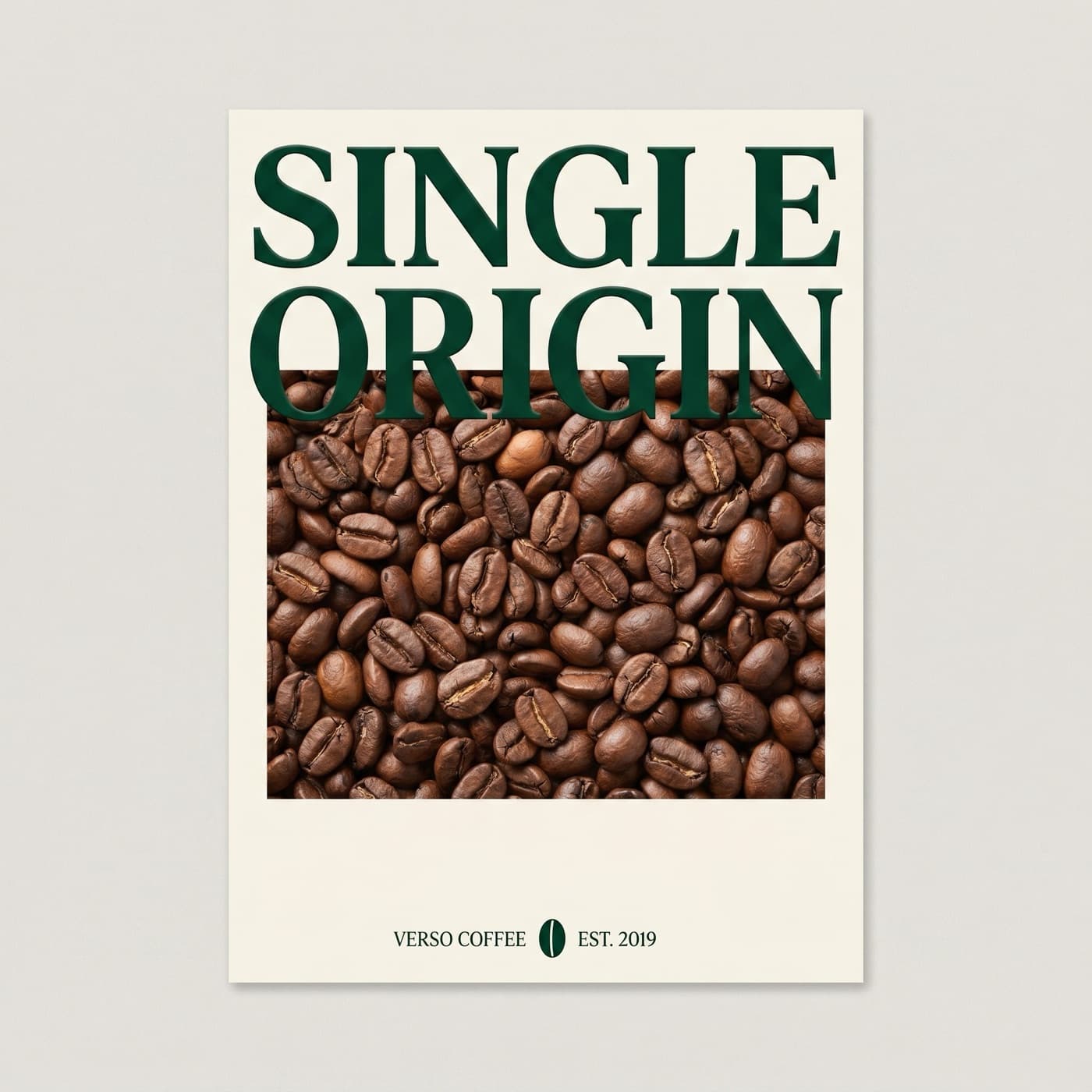
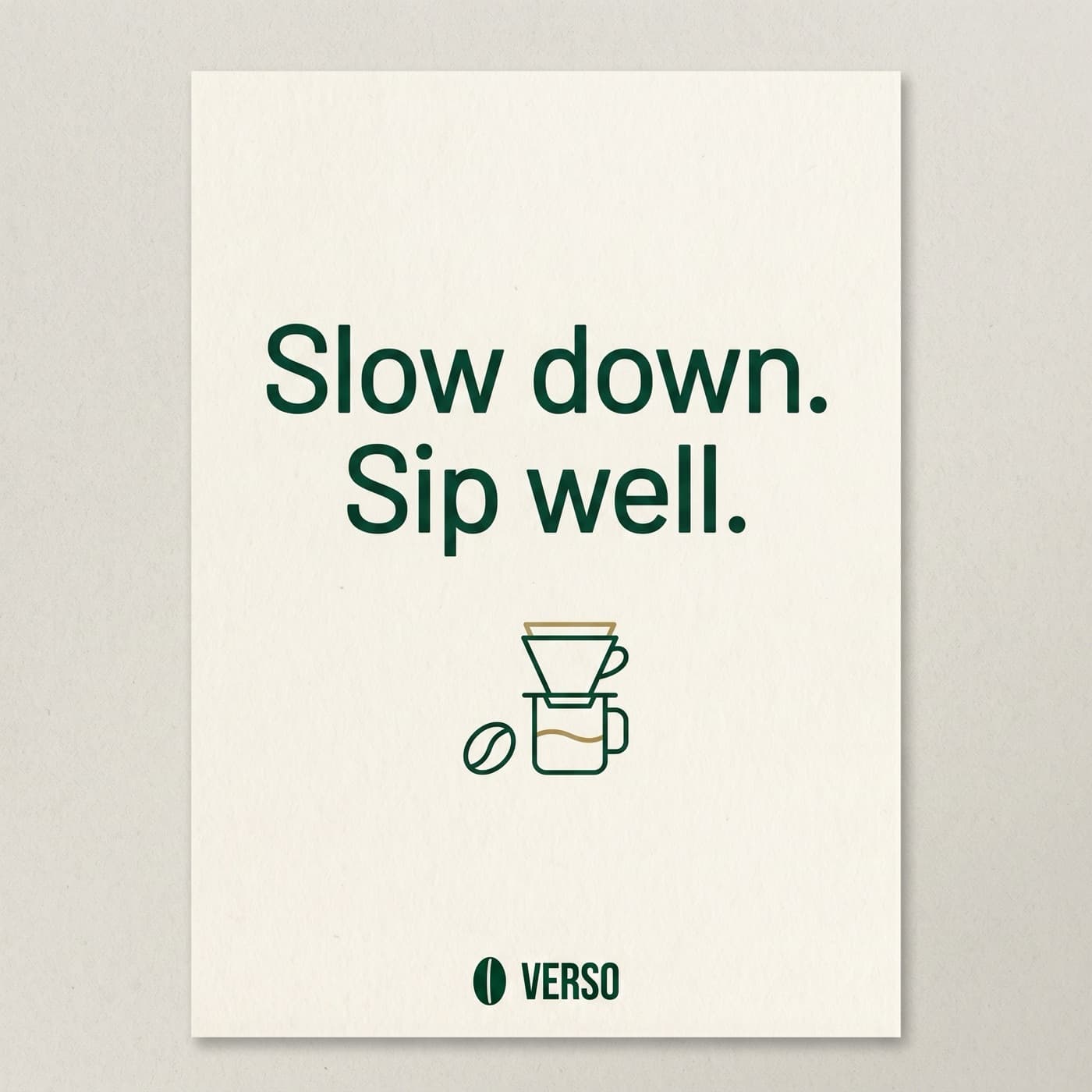
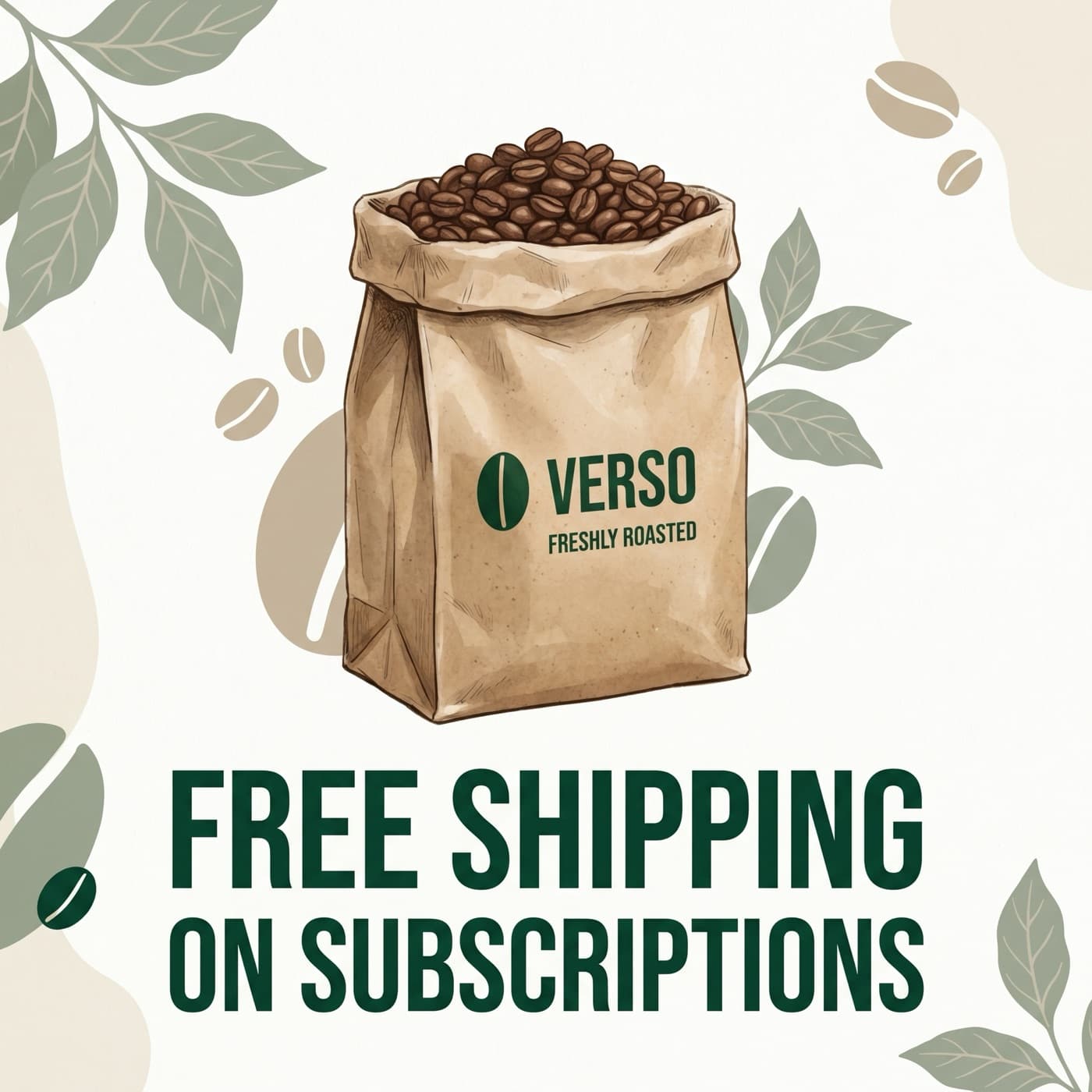
Generate our launch kit: 5 product heroes, 5 lifestyle shots, 5 quote cards, 5 sale promos, 5 testimonials, 5 behind-the-scenes.
30 images
Batch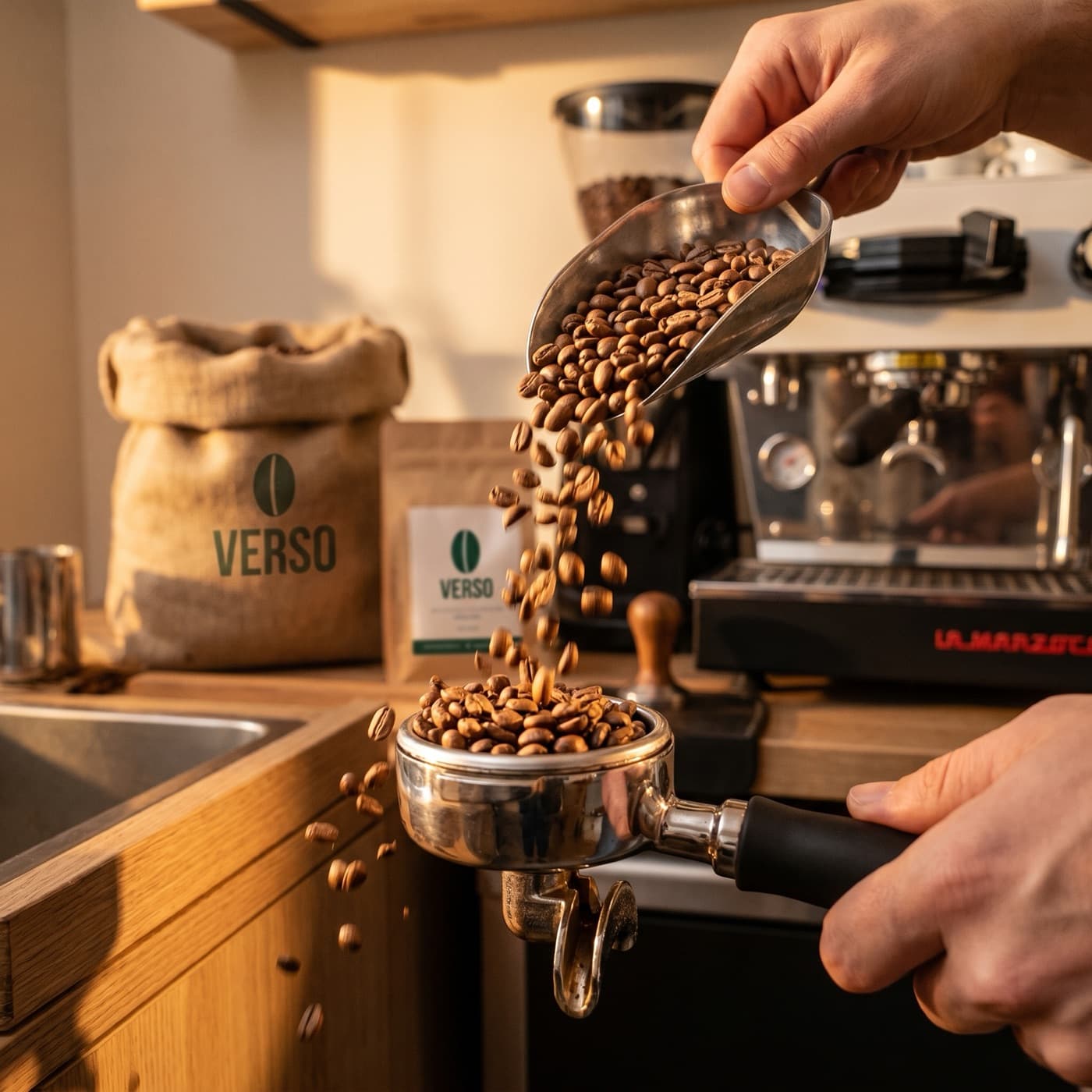
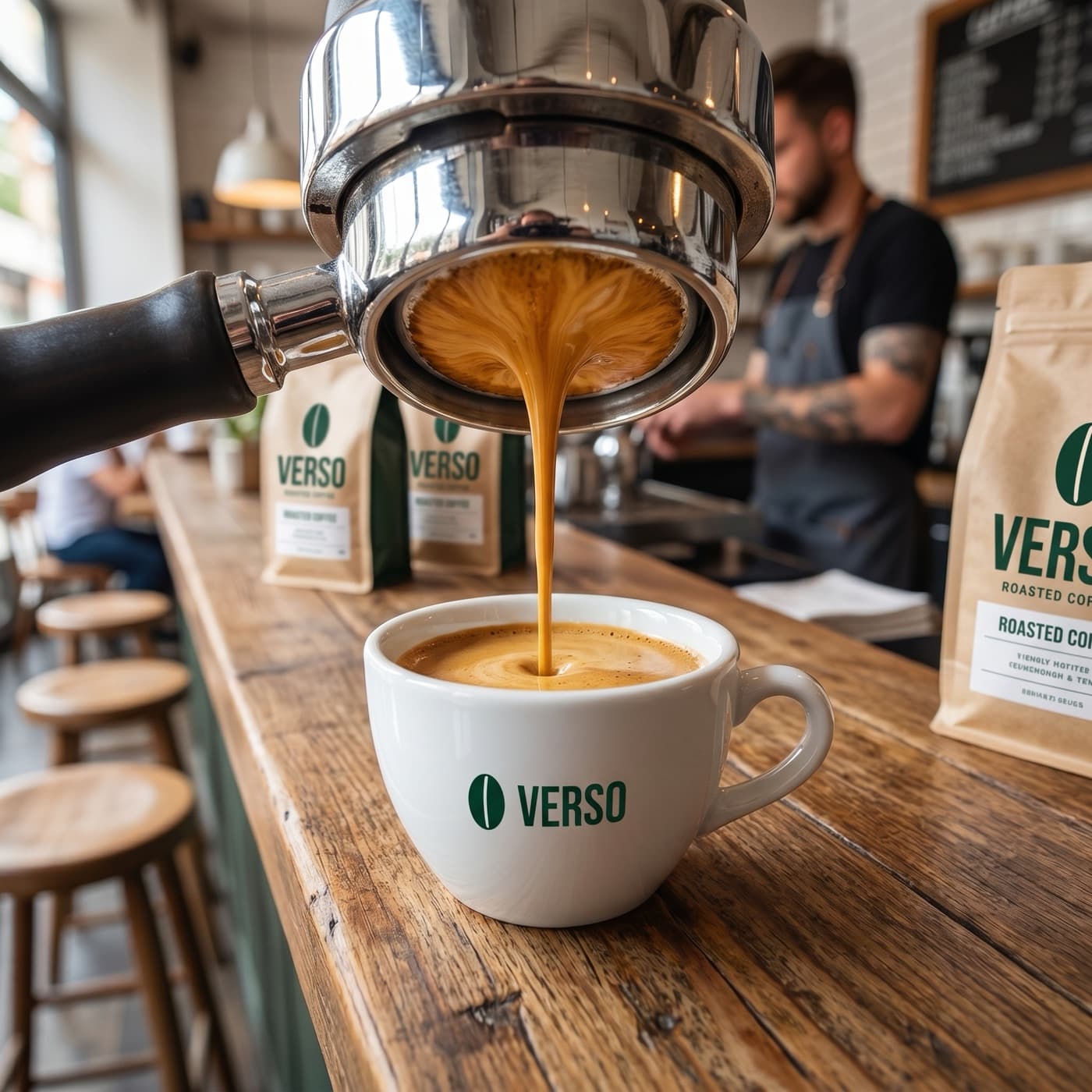
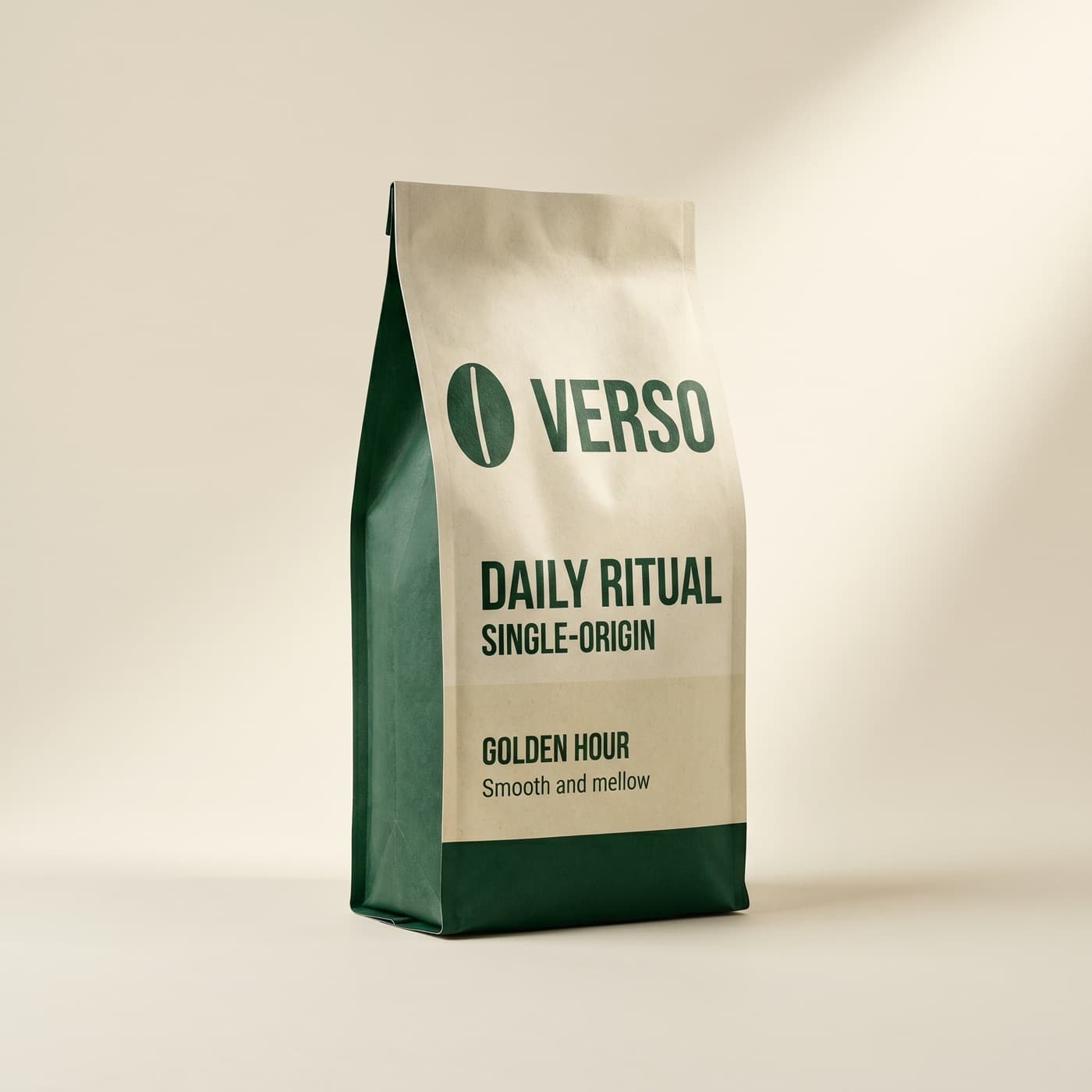
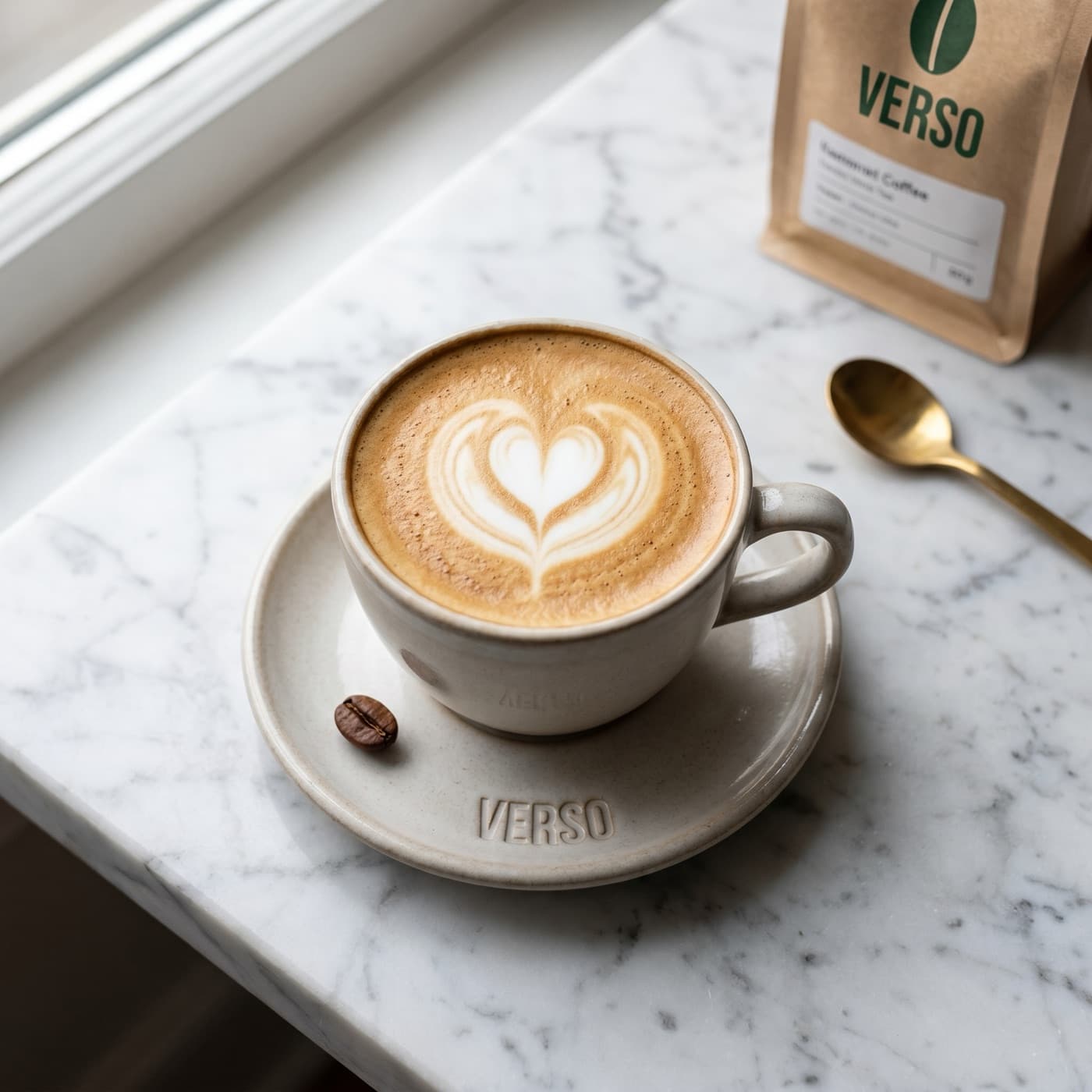

Frequently Asked Questions
Can't find your answer? Contact us.