The brand layer
for agents.
Bloom turns a brand's identity, guidance, and assets into shared context that agents and products can use.





How it works
From brand to system. In three steps.
- brand-guidelines.pdfhero.pnghomepage.figlaunch.mp4@trybloomdeck-q3.pptxtrybloom.ai/trybloomproduct.jpgvoice.mdpromo.movteam.jpgcolors.jsonfonts.ttfmoodboard.fig@trybloom/trybloombrand-guidelines.pdfhero.pnghomepage.figlaunch.mp4@trybloomdeck-q3.pptxtrybloom.ai/trybloomproduct.jpgvoice.mdpromo.movteam.jpgcolors.jsonfonts.ttfmoodboard.fig@trybloom/trybloommanifesto.mdlogo-mark.svgtagline.txtfounder.movbrand-bible.pdfads-q4.figlifestyle.jpg/trybloompitch.keypackaging.pngtone-guide.md@trybloom.cohero-2.pngtutorial.mp4blog.trybloom.aiicons.figvalues.mdoffice.jpgmanifesto.mdlogo-mark.svgtagline.txtfounder.movbrand-bible.pdfads-q4.figlifestyle.jpg/trybloompitch.keypackaging.pngtone-guide.md@trybloom.cohero-2.pngtutorial.mp4blog.trybloom.aiicons.figvalues.mdoffice.jpgpress-photo.jpgabout-us.mdcomponents.figthumbnail.png/trybloom-aiinvestor.pptxstory.mdicon-mark.svgad-30s.mp4palette.figmessaging.mdpress-photo.jpgabout-us.mdbillboard.png/blogtype-spec.pdfmerch.jpgdocs.trybloom.ailogo-anim.jsonpress-photo.jpgabout-us.mdcomponents.figthumbnail.png/trybloom-aiinvestor.pptxstory.mdicon-mark.svgad-30s.mp4palette.figmessaging.mdpress-photo.jpgabout-us.mdbillboard.png/blogtype-spec.pdfmerch.jpgdocs.trybloom.ailogo-anim.jsonStep 01.
Ingest from any source.
Start with a website, social media, or files. Use one source or combine several.
- Step 02.
Systemise your brand.
Bloom turns that material into shared brand context: aesthetics, voice, references, products, and more.
- ADREELHEADLINEBANNERCAMPAIGNLOGOCOVERLOTTIEREELOG IMAGET-SHIRTTAGLINEADREELHEADLINEBANNERCAMPAIGNLOGOCOVERLOTTIEREELOG IMAGET-SHIRTTAGLINESTORYICON SETCAROUSELADPROMOPOSTERCOPYANIMSTICKERADHEADERREELSTORYICON SETCAROUSELADPROMOPOSTERCOPYANIMSTICKERADHEADERREELBANNERCAMPAIGNREELCOVERCAPTIONSTORYTOTEBADGEOG IMAGEINTROLOOPCAPTIONBANNERCAMPAIGNREELCOVERCAPTIONSTORYTOTEBADGEOG IMAGEINTROLOOPCAPTIONStep 03.
Start creating.
Use that context across images, video, copy, campaigns, and more through connected agents and products.
Features
The power of your brand. All in one place.
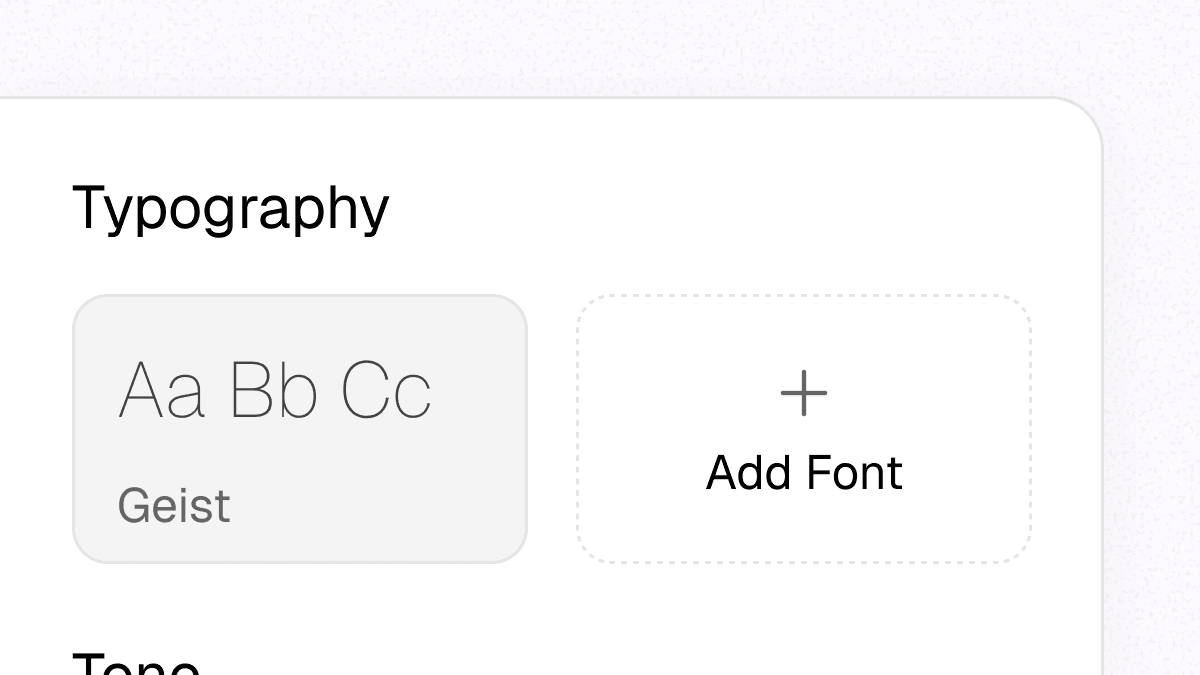
Versioned brand updates
Update a brand's logo, palette, voice, or guidance. Connected systems can retrieve the latest Brand Skill for their next task.
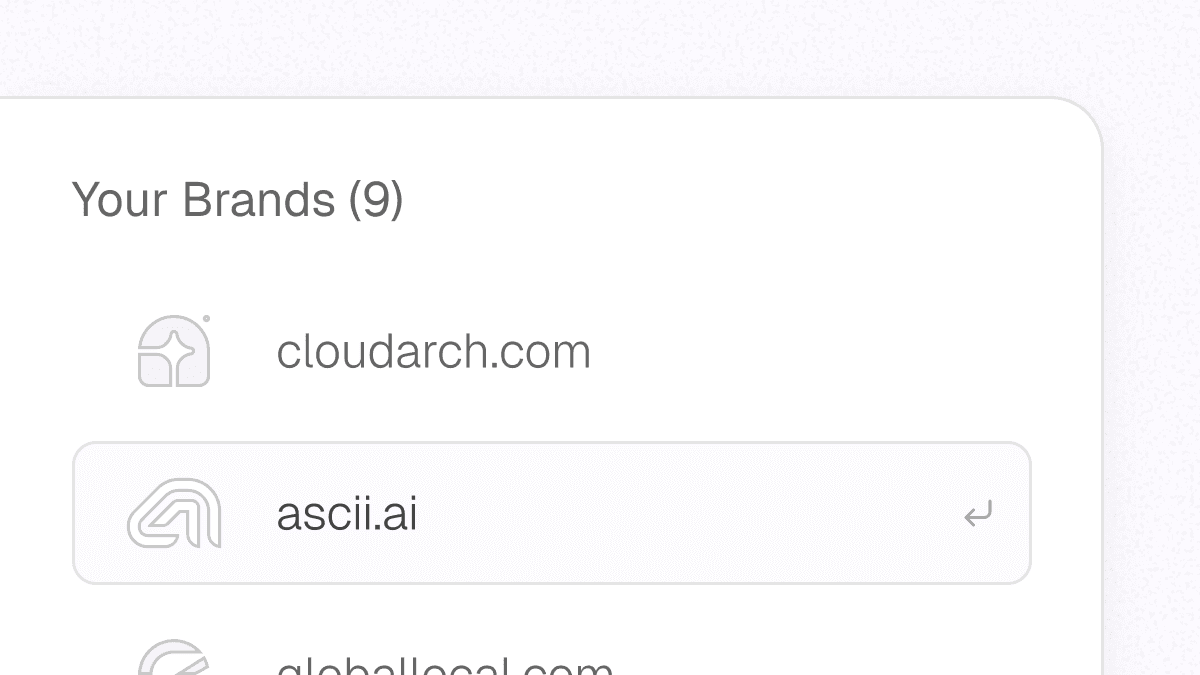
Unlimited brands
Add as many brands as you need, for yourself or your clients. They all share one workspace.
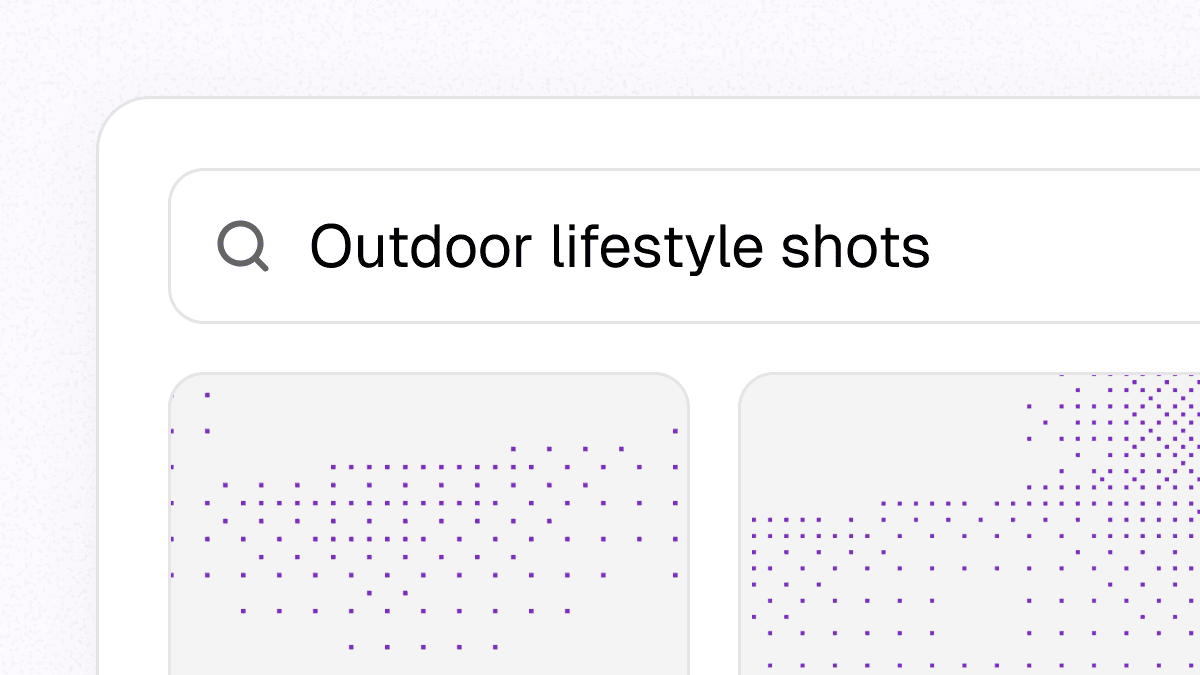
Search in plain English
Describe what you need. Bloom surfaces it from your library through your connected agent or the API.
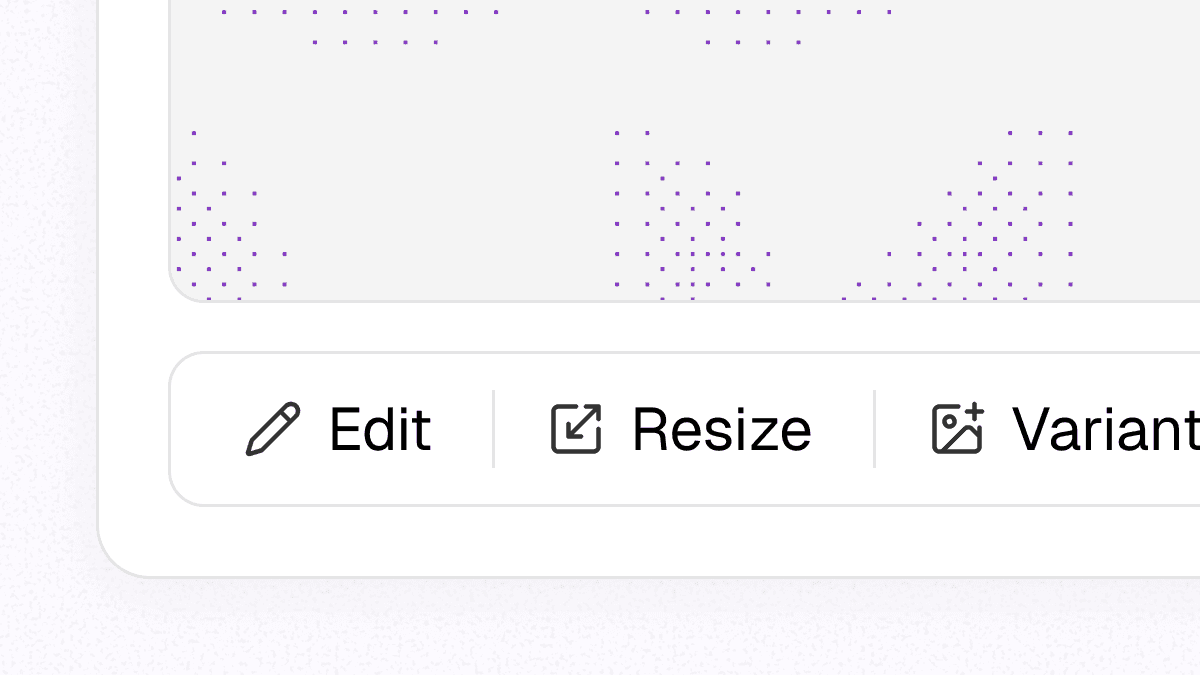
Edit, resize & more
Generate images, revise a composition, resize for another channel, or create variants.
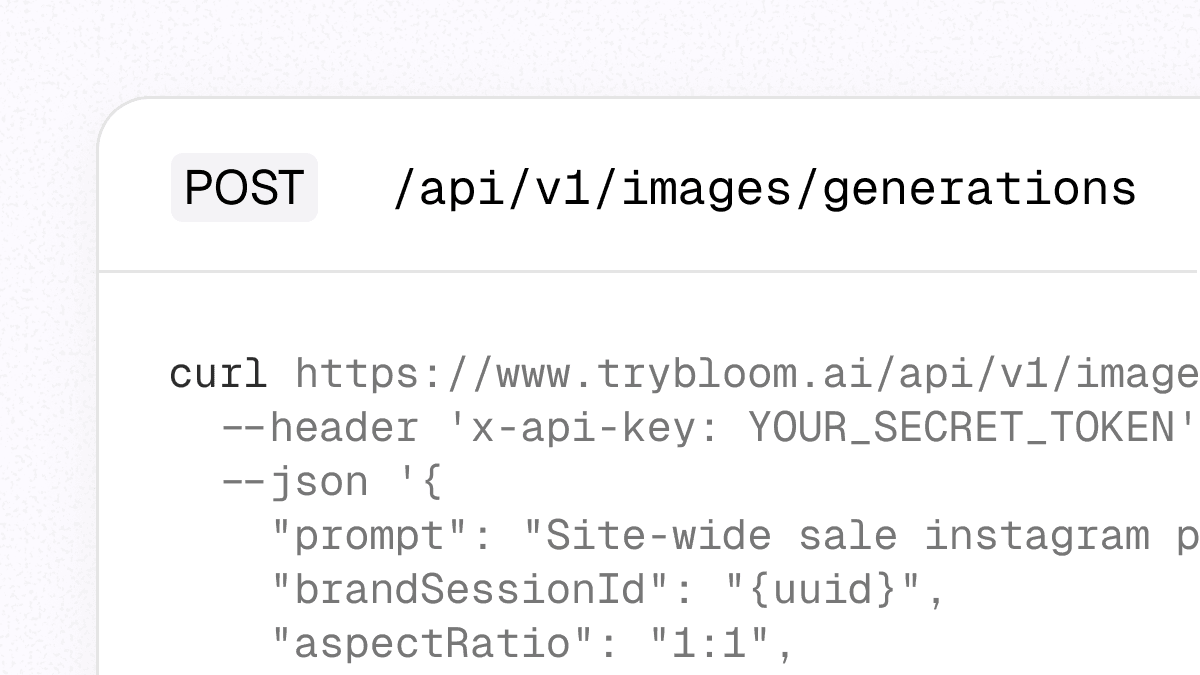
API & MCP access
Give agents, products, and workflows access to shared brand context. Retrieve it, apply it, and update it over time.
Reference Library
Choose from a curated library of references and recreate a composition with your brand context.
Bloom MCP
The brand layer for agents. Meet Bloom MCP.

Claude
Works with Claude Desktop and claude.ai.- 1Open Customize → Connectors, select +, and choose Add custom connector.
- 2Paste the URL below, choose Connect, and sign in with Bloom.
https://mcp.trybloom.ai/mcp


For teams
Invite your team. Create together.
Shared brands and assets
Give your team access to shared brand context, references, and assets.
Unlimited members
Add as many designers, marketers, or engineers as you need. At no extra cost.
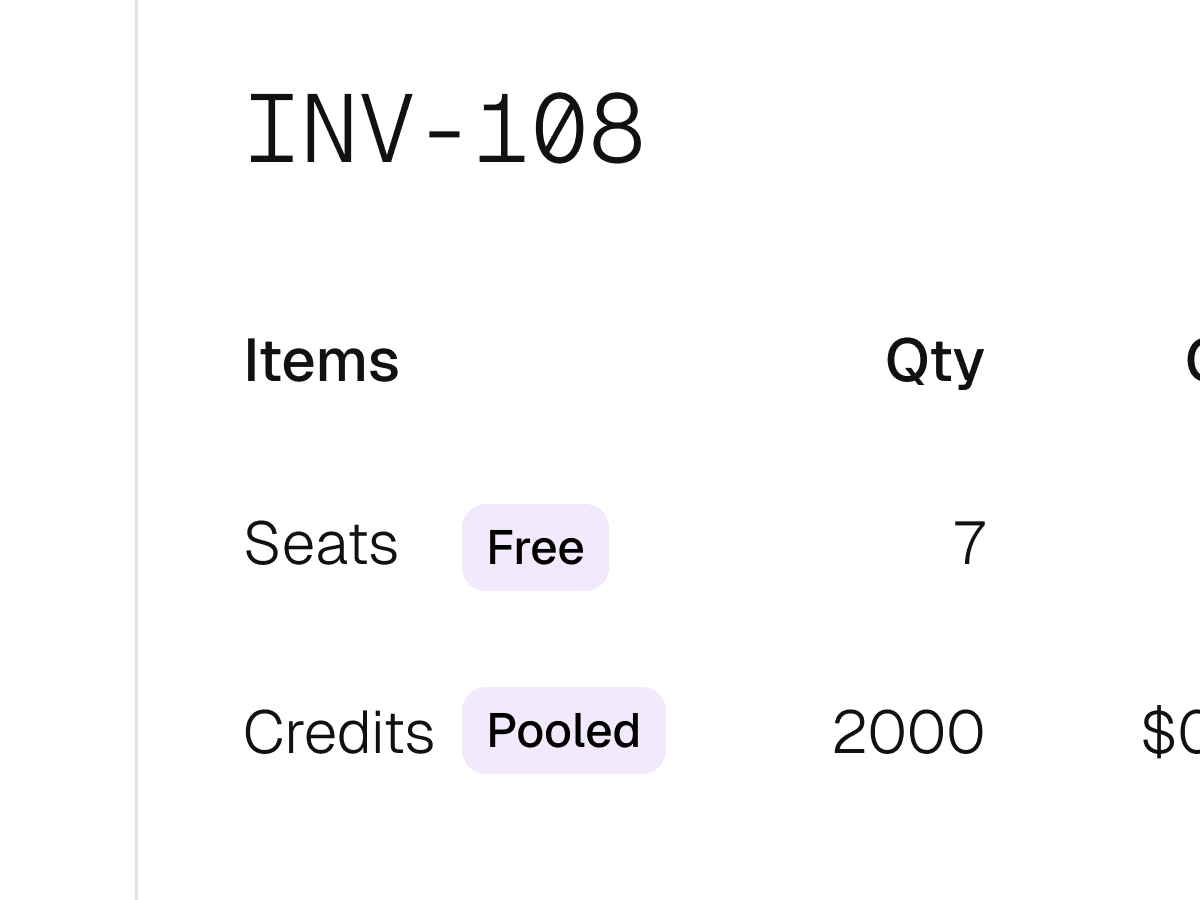
Unified billing & credits
One subscription, one invoice. Pooled credits for the whole team, no per-member caps.
Who it's for
Built for brand consistency. At every scale.
Marketers
Every team member, every channel. Always on-brand.
- Your platform
Software
Embed Bloom. Skip building brand infrastructure.
Founders
Plug Bloom into your stack via API or MCP.


Agents
Connected agents can use and update shared brand context.
Simple pricing.
API and MCP included in every plan.
Scale
Volume pricing for individuals, teams, and agencies that need more credits at lower per-credit rates.
- Shared workspaces & brand assets
- Pooled credits for your team
- Volume discounts on credits
- Single invoice billing
- Unlimited team seats included
Integrating at scale?
API, MCP, and custom volume.
Frequently Asked Questions
Can't find your answer? Contact us.
Put your brand to work.
Connect Bloom through MCP or the API, add your brand context, and create from the tools your team already uses.